
How do you lay out Supplement Facts panels and lot codes on custom boxes?
Short answer: Place your brand, formula name and net quantity on the front panel, dedicate the full back panel to the 21 CFR 101.36 Supplement Facts table, and reserve a 1.5 × 0.6 inch unvarnished knock-out window on the bottom flap for inkjet lot/expiry stamping. Start on custom supplement boxes with free prepress help.
On this page
- Which information belongs on each panel of a 4-sided supplement carton
- How do I keep small Supplement Facts text sharp on press
- Why do laminated supplement boxes need an unvarnished lot/expiry window
- How do multi-SKU supplement brands design a scalable carton family
- How can you use inside carton printing and AI artwork without cluttering the outside
- Common mistakes
- FAQs
Request a custom quoteFree dieline & 3D mockup
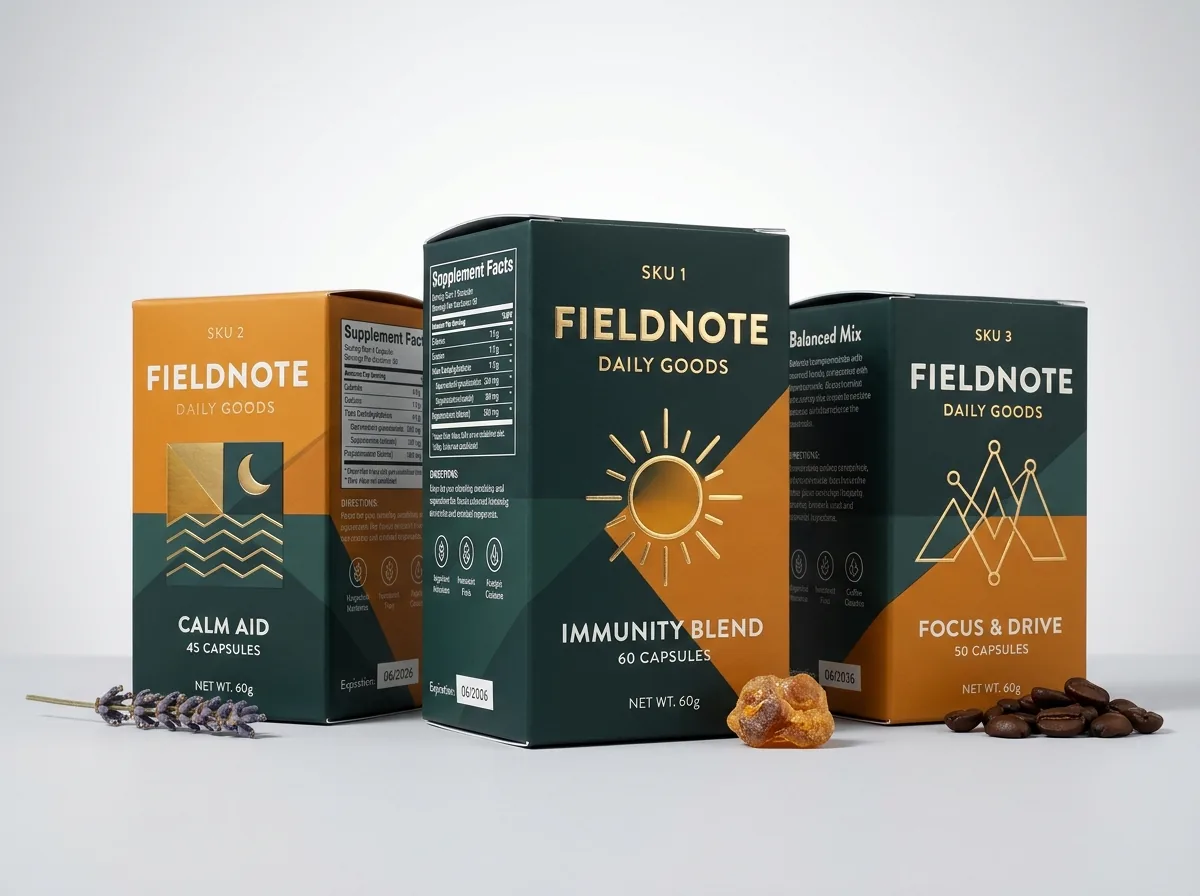
An outer folding carton gives a dietary supplement brand four flat rectangular panels plus top and bottom flaps, turning cramped bottle labels into a clear, readable hierarchy. Under standard US dietary supplement labeling conventions (21 CFR 101.36), the front Principal Display Panel (PDP) carries your brand identity, statement of identity, key structure/function callouts and net quantity of contents (such as 60 Vegetable Capsules), while the panel immediately to the right or the full rear panel carries the boxed Supplement Facts table, other ingredients list, allergen statement and manufacturer address. Just as critical for production is the bottom flap: leaving a 1.5 × 0.6 inch unvarnished, unlaminated white knock-out zone ensures your contract packager's high-speed thermal inkjet coder can stamp lot numbers and expiration dates without smearing. At CubitPack, our prepress team sets up your 4-panel dieline and knock-out windows for free from 1,000 boxes.
Which information belongs on each panel of a 4-sided supplement carton?
When a shopper picks up a supplement box in a retail aisle or views your gallery images online, they read the four vertical panels in a predictable sequence. Mapping each element to its own panel keeps the front face uncluttered while giving regulatory tables and usage instructions room to breathe without dropping below legible type sizes. Use the panel architecture table below when setting up artwork on our free dieline templates for custom printed supplement cartons. Always keep text, hairline boxes and barcodes at least 0.125 inch (3 mm) inside every vertical fold score so creasing dies never distort fine lettering.
| Carton panel or flap | Primary elements to place here | Prepress & layout rule |
|---|---|---|
| Front panel (Principal Display Panel) | Brand logo, formula name, key benefit, capsule count | Keep net quantity in the lower 30% of the front face |
| Back panel (Information Panel) | 21 CFR 101.36 Supplement Facts box & ingredient list | Set table in high-contrast black or dark ink on white/light ground |
| Right side panel | Suggested use directions, warnings, storage note, FDA disclaimer | Place boxed disclaimer and allergen callouts clearly |
| Left side panel | Brand story, dosage schedule icons, third-party test QR code, UPC | Leave 80% magnification UPC barcode with quiet zones |
| Top tuck flap | Brand monogram, potency badge or tamper-seal landing area | Keep critical text clear of any slit-lock cutouts |
| Bottom flap | Lot number & expiration date inkjet window (or UPC barcode) | Mask out lamination and UV varnish in a 1.5 × 0.6 in window |
How do I keep small Supplement Facts text sharp on press?
The Supplement Facts table is the hardest-working graphic on your carton, packing daily values, botanical Latin names, extract ratios and footnotes into a compact 2.0 to 2.5 inch wide column. The number-one prepress mistake we catch during file review is setting 6 pt ingredient text in four-color process black (rich CMYK black) or reversing tiny white 5.5 pt text out of a four-color dark background. If press registration shifts by even a tenth of a millimeter across four printing plates, tiny four-color text looks fuzzy and haloed. Instead, set all black body copy, hairline rules and barcode bars in 100% K (single-plate black ink) over a clean white or unprinted kraft background. If your brand palette uses deep navy or forest green for the Supplement Facts text, specify a single spot Pantone ink for the typography plate so every letter and 0.5 pt rule prints with razor-sharp edges.
- Set small dark text and rules in 100% K or a single spot Pantone color, never 4-color CMYK build.
- Keep a minimum 0.125 in (3 mm) safety margin between the outer Supplement Facts border and the left/right fold scores.
- Avoid glossy lamination over dense text panels; matte lamination cuts overhead retail glare so shoppers can read small type.
- Always convert fonts to vector outlines (or embed all fonts) in your print-ready PDF or Adobe Illustrator native file before preflight.
Why do laminated supplement boxes need an unvarnished lot/expiry window?
Almost every retail supplement carton uses matte, gloss or soft-touch lamination to protect the ink from scuffing during fulfillment. However, film lamination and UV varnish create a sealed, non-porous plastic barrier. When your contract packager runs filled cartons past a continuous inkjet (CIJ) or thermal inkjet (TIJ) date coder on the packaging line, solvent or water-based ink droplets cannot soak into the laminated film, so the lot number and expiration date smear off on the conveyor belt. To prevent line stoppages at your co-packer, our prepress team builds a dedicated "knock-out" window (typically 1.5 × 0.6 inches or 1.75 × 0.75 inches) on the bottom flap or lower back panel. Inside that rectangle, we hold back the printing ink, the flood varnish and the lamination window, leaving bare porous paperboard exposed so inkjet codes dry in a fraction of a second and laser coders etch cleanly.
Know your size? Compare pricing across up to 3 quantities.
Request a Quote →How do multi-SKU supplement brands design a scalable carton family?
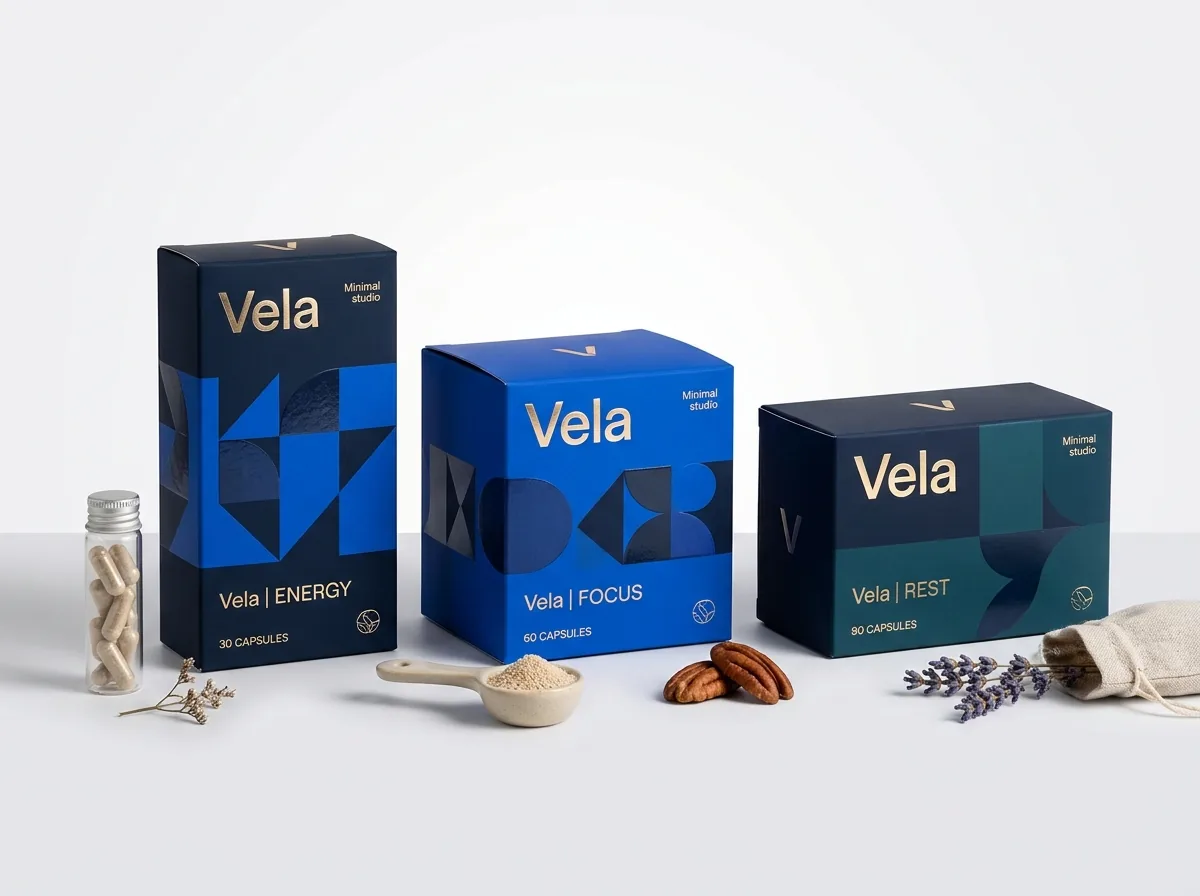
Most supplement brands launch or expand with three to eight formulas that sit side by side: for example, Magnesium, Vitamin D3+K2, Ashwagandha and Daily Probiotics. Designing each box from scratch with different dimensions and unrelated finishes drives up your costs and confuses repeat buyers. The smartest architecture uses one master carton dieline (such as 2.25 × 2.25 × 4.25 inches for 150 cc bottles) and a two-zone visual grid. The upper 65% of the carton stays consistent across every product (clean white matte background, embossed brand logo and uniform typography), while the lower 35% uses a bold Pantone color band (forest green for greens, warm amber for curcumin, deep violet for sleep) paired with a matching custom supplement label on the bottle inside. Because all SKUs share the exact same box size and board stock, you can quote multiple designs together at CubitPack to lower your per-unit price.
- Standardize on 1 or 2 bottle sizes so all formulas share the same folding carton dieline.
- Use a consistent upper brand header and swap only the lower Pantone color band and formula copy per SKU.
- Match the Pantone color number on your outer folding carton to your roll-fed bottle labels.
- Order all SKU designs in the same production run (select 2 designs or 3+ designs in our quote form) for volume pricing.
How can you use inside carton printing and AI artwork without cluttering the outside?
Because the exterior of a supplement carton has to carry your Supplement Facts table, directions, warnings, disclaimers and UPC barcode, adding a long brand story or a 30-day compliance chart to the outside quickly makes the box look crowded. Printing on the inside of the carton solves that problem cleanly. When the customer opens the top flap or tears open a custom dispenser box, the interior lid and walls can display a 30-day habit tracker grid, morning vs evening dosing tips, or a QR code linking to third-party lab certificates of analysis. If you have generated botanical illustrations, molecular patterns or a packaging concept using an AI design tool, you can upload the image directly with your quote. Our prepress team rebuilds all typography, Supplement Facts tables, hairlines and retail UPC barcodes in crisp vector format while preparing your illustration at 300 DPI with proper 1/8 inch bleed across every flap. Before you pay a cent, you review both a flat 2D dieline proof showing all unvarnished knock-out zones and a rotatable 3D mockup so your regulatory reviewer and contract packager can sign off with confidence.
What are the most common supplement box artwork mistakes?
Prepress errors on supplement cartons can cause barcode scan failures at retail or smeared lot numbers at the co-packer. Check these five items before approving your proof
- Forgetting to leave an unvarnished, unlaminated knock-out window on the bottom flap for the contract packager's inkjet lot and expiration stamp.
- Setting 6 pt Supplement Facts text and thin table hairlines in 4-color CMYK black instead of 100% K single-plate black.
- Placing the outer border of the Supplement Facts panel or the UPC barcode right over a vertical fold score where creasing distorts the lines.
- Printing a UPC-A barcode in low-contrast colors (such as red, light green or metallic gold ink) that infrared retail scanners cannot read.
- Crowding the front Principal Display Panel with long paragraphs instead of moving brand stories and dosage trackers to inside-box printing.
Find your size
Suggested inside size: 2.0 × 2.0 × 3.75 in
A starting point. Your account manager confirms the size with you before the proof.
Quote this size →Packaging for this
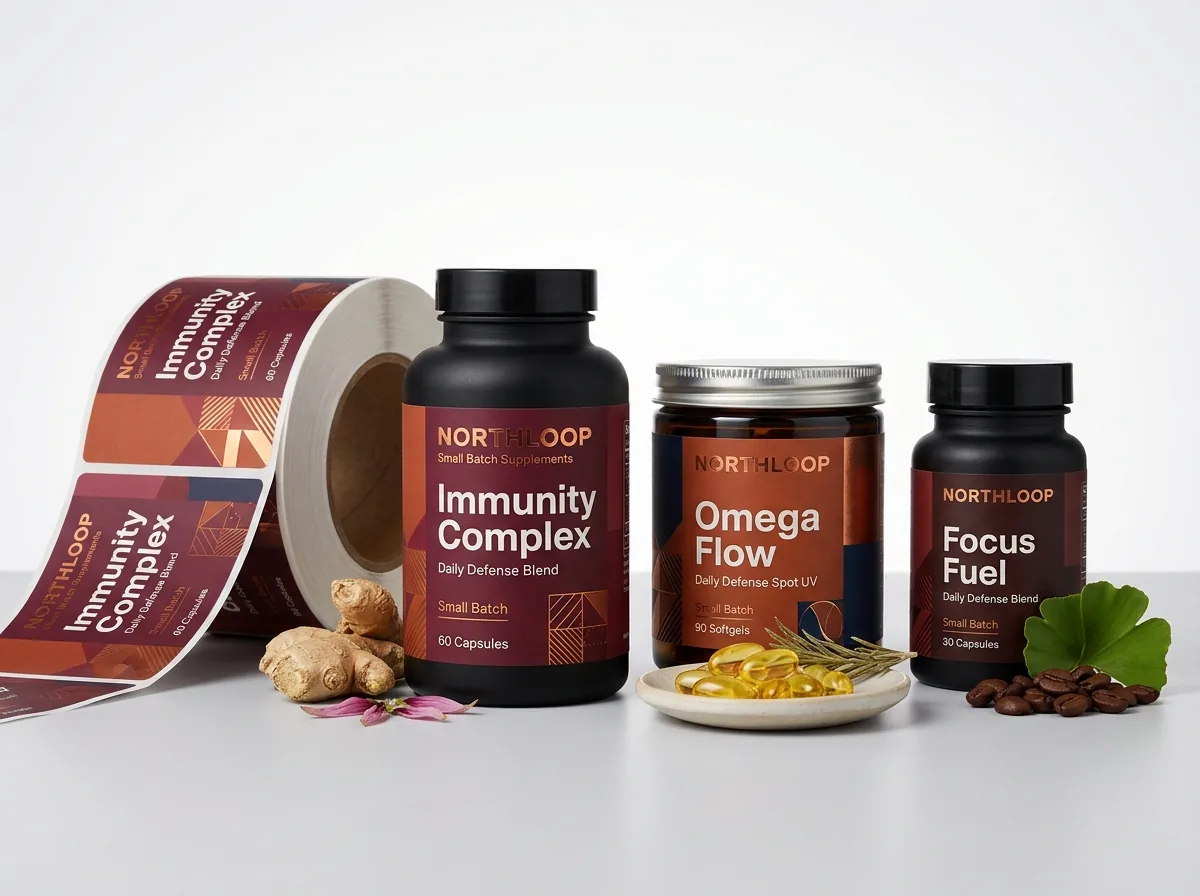
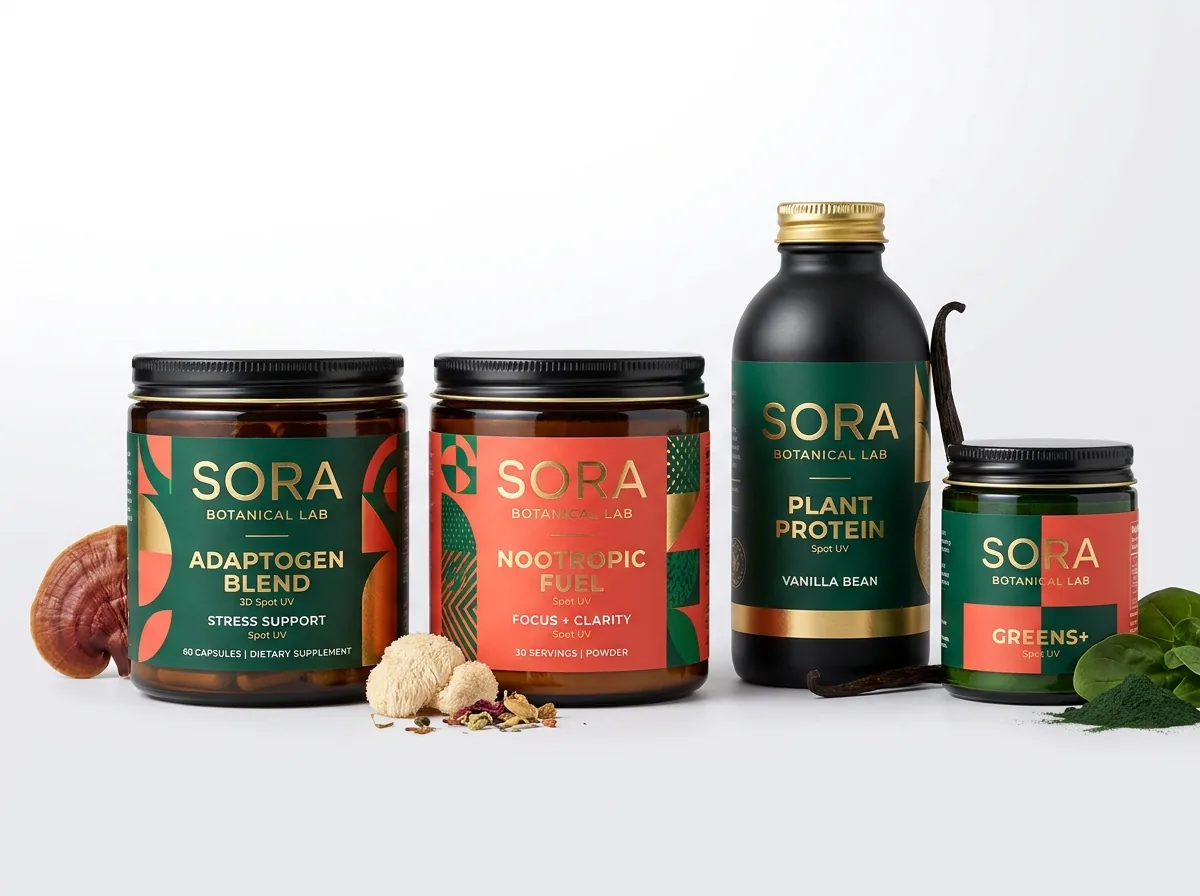
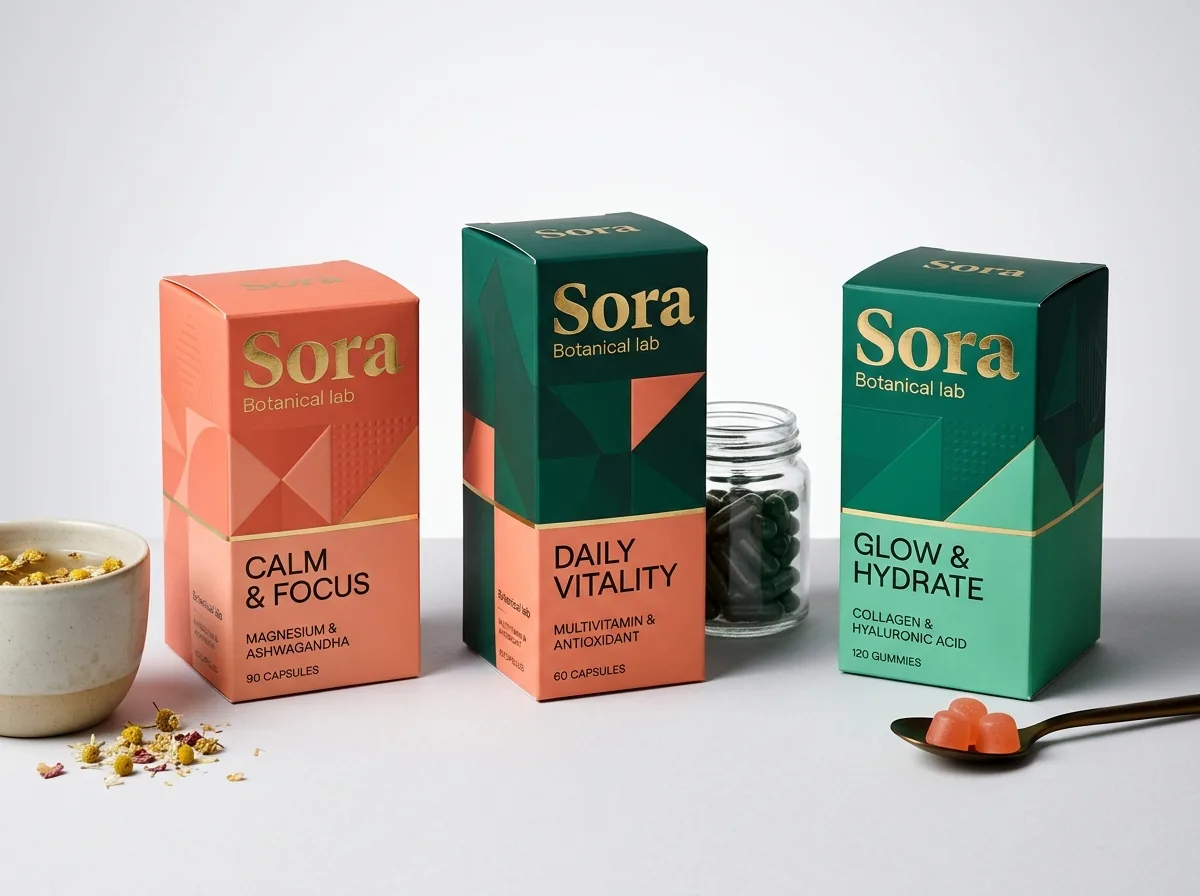
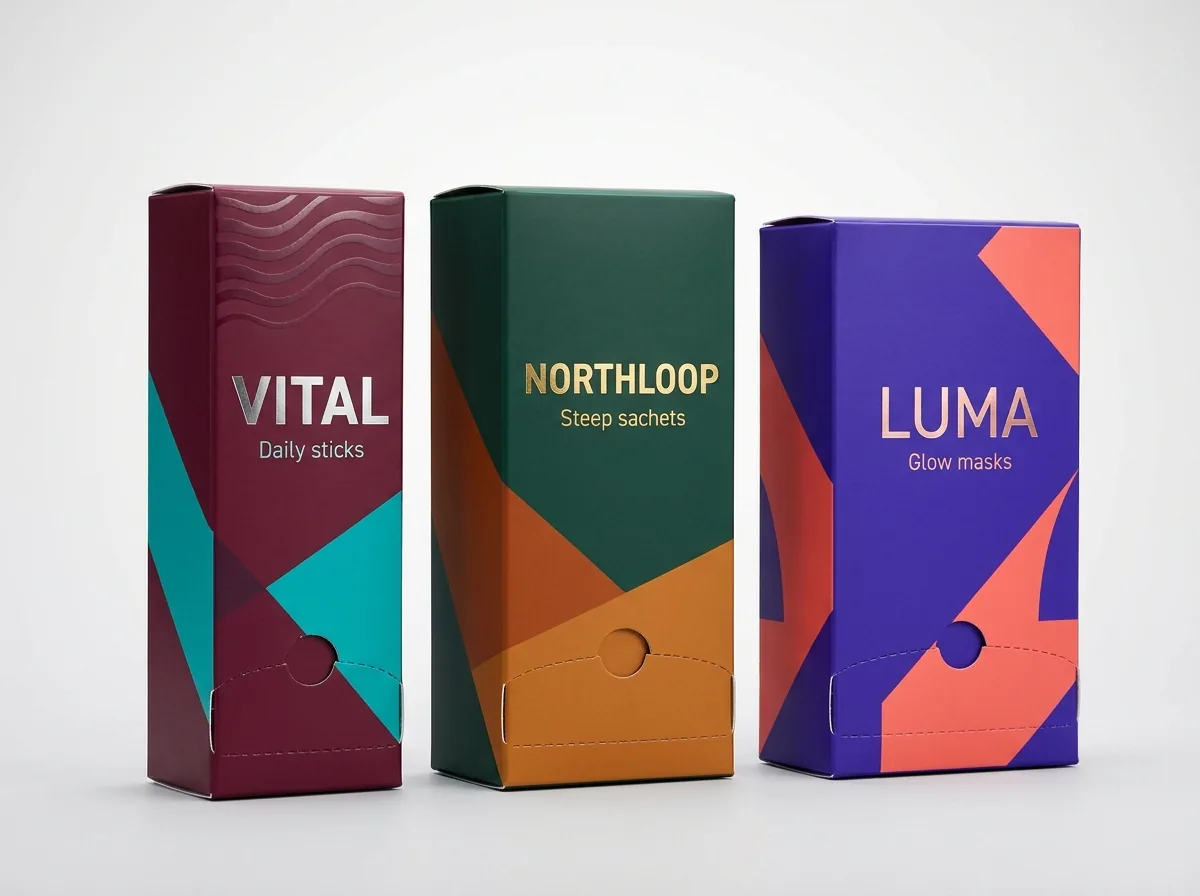
Ready to order supplement boxes? Compare up to 3 quantities with a free 3D mockup.
Request a Quote →Questions about supplement boxes
Where should the lot number and expiration date window go on a supplement box?
Most contract packagers stamp the lot number and expiration date on either the bottom dust/tuck flap or the lower section of the back panel. Ask your co-packer which panel faces their inkjet head, and we will place a 1.5 × 0.6 inch unvarnished knock-out window there.
Can CubitPack set up our dieline and check our Supplement Facts text resolution?
Yes. Design help and custom dielines are free on every order. While your regulatory specialist determines your exact label claims and daily values, our prepress team checks that all typography is vector-sharp, single-plate black where needed, and safely inside fold scores.
What barcode size and color should I use on a custom supplement box?
A standard retail UPC-A barcode at 80% to 100% magnification measures roughly 1.2 to 1.5 inches wide by 0.8 to 1.0 inch tall, including white quiet zones on the left and right. Always print the bars in 100% black or dark navy/green ink on a white background.
Can I combine multiple supplement SKUs in one order to get a lower price?
Yes. If you have two, three or more supplement formulas that share the same box dimensions and board stock, select 2 designs or 3+ designs in the quote form and list your quantities in the notes so your account manager quotes them together.
Does matte or gloss lamination make Supplement Facts easier to read?
Matte lamination is generally preferred for supplement cartons with dense 6 pt text because it eliminates specular glare under bright pharmacy and grocery store LED lights. You can add spot UV gloss just over your front logo or capsule graphic for contrast.
Do I see a proof of my supplement box before it goes to press?
Yes. Every CubitPack order includes a free flat 2D digital proof showing cut lines, fold scores and unvarnished zones, plus an interactive 3D mockup you can rotate to check panel alignment before you pay.
Still have a question? Ask a packaging specialist.
Request a Quote →Request your supplement boxes quote
Tell us your size and quantities, and one dedicated account manager prepares pricing for each tier.
- Free design & AI-to-print studio + 3D mockup
- No die or plate charges · 4–5 day rush available
- Free shipping to all 50 states
- 10% off your first order
The 4-panel layout architecture, 21 CFR 101.36 panel placement conventions, and inkjet knock-out window specs in this guide come from CubitPack prepress checklists for nutraceutical folding cartons. A packaging specialist reviewed every section. Spot an error? Let us know and we will fix it.
Sources
What changed
- October 22, 2026: First published.
- October 22, 2026: Updated specifications, terminology, and verified source links.
More guides
New packaging guides by email
Sizes, materials and design tips. Unsubscribe anytime.