
How do I print an AI design on a custom bakery box?
Short answer: Upload your AI-generated PNG or JPG alongside your box dimensions when requesting custom bakery boxes. To print sharply on press, AI artwork needs 300 DPI resolution at 100% box size, vector text outlines, CMYK or Pantone colors, and a 0.125 inch bleed outside the flat dieline cut lines.
On this page
- What changes between an AI screen image and a press-ready bakery box file
- Should I generate a 3D box picture or flat artwork in my AI tool
- How do I fix blurry AI resolution for 8-inch and 10-inch cake boxes
- How do I convert AI RGB colors to CMYK, Pantone or brown kraft
- How do I place AI artwork around fold lines, tuck flaps and pastry windows
- Common mistakes
- FAQs
Request a custom quoteFree dieline & 3D mockup
AI image tools like Midjourney, DALL-E, Adobe Firefly and Canva generate screen-resolution RGB files (usually 1024 × 1024 pixels at 72 DPI) and often render 3D perspective pictures of a box rather than a flat print template. If you stretch a 1024-pixel image across a 10 × 10 × 5 inch cake box lid, the edges turn fuzzy and pixelated on an offset press. To turn an AI concept into crisp packaging, separate the flat graphic elements from any 3D mockup background, redraw logos and typography as scalable vector paths, convert glowing RGB neon tones into printable CMYK or Pantone Matching System inks, and place the artwork onto a flat 2D dieline with 0.125 inch bleed and safe margins around windows and fold scores. At CubitPack, you do not need Adobe Illustrator to do this yourself: send your AI image with your 1,000-box quote and our designers rebuild it onto your dieline for free.
What changes between an AI screen image and a press-ready bakery box file?
When you prompt an AI generator for a bakery logo or pastry pattern, the software creates a flat grid of colored pixels optimized for a glowing phone or laptop monitor. Commercial offset and digital packaging presses read a very different set of instructions. Presses need a 2D structural dieline that shows every lid flap, dust flap, glue tab, crease score and pastry window cutout at 100% physical scale, with sharp vector curves for text and 300 dots per inch (DPI) for painted illustrations. The table below shows the five technical gaps between a raw download from an AI generator and the production file used to print branded bakery boxes. If you already have Adobe Illustrator or Affinity Designer, you can work through each row yourself; if not, attach your highest-resolution AI image to your quote and let our prepress team convert it at no charge.
| Prepress requirement | Raw AI image output | Press-ready bakery box file |
|---|---|---|
| View & geometry | Often a 3D angled photo of a box | Flat 2D dieline covering all 6 panels and flaps |
| Resolution at scale | 1024 × 1024 px (about 3.4 in wide at 300 DPI) | 300 DPI minimum at 100% physical box dimensions |
| Logo & small text | Pixelated raster letters, sometimes misspelled | Clean vector outlines (AI, EPS or PDF paths) |
| Color mode | RGB screen light (bright backlit primaries) | CMYK process ink or Pantone (PMS) spot ink |
| Bleed & safe zones | Stops right at the edge of the square canvas | 0.125 in bleed outside cut; 0.125 in safe inside scores |
| Window & foil layers | Baked into one flat pixel layer | Separate spot vector layers for die-cut windows and foil |
Should I generate a 3D box picture or flat artwork in my AI tool?
One of the most common hurdles happens right in the prompt. If you type "a pink bakery box with gold croissants on a marble counter," the AI tool generates a photograph of a folded 3D box sitting at an angle with shadows and perspective distortion. A printing press cannot wrap an angled photograph around a real cardboard blank. However, a 3D AI concept is still an excellent visual brief: you can send that picture to our design team as your mood board, and we will recreate the layout, pattern and colors cleanly on a flat template. If you want to generate artwork that goes directly onto the box panels, prompt your AI tool for a flat 2D repeating pattern, a standalone emblem or a botanical illustration on a solid white background. For example, prompt for "flat 2D repeating toile pattern of wheat stalks and croissants, vector line art style, isolated on white background" rather than asking for a picture of a box.
- Use 3D AI box renders as a visual reference to show our designers where you want your logo, ribbon or window.
- Prompt for "flat 2D vector emblem" or "repeating surface pattern" when generating art you plan to place on panels.
- Keep text out of the AI image prompt whenever possible, and type your bakery name and tagline in real vector fonts afterward.
- Generate illustrations on a clean white or solid single-color background so they are easy to isolate and vectorize.
- Save the uncompressed original PNG rather than a screenshot from your phone so you keep every available pixel.
How do I fix blurry AI resolution for 8-inch and 10-inch cake boxes?
A standard 1024 × 1024 pixel AI image divided by 300 DPI gives you a print area of just 3.41 × 3.41 inches. That is plenty of resolution for a small lid emblem on a 4 × 4 × 2.5 in cookie box, but if you stretch that same file across the top and four side walls of a 10 × 10 × 5 in custom cake box, the effective resolution drops below 50 DPI and looks soft or blocky in person. You have two ways to solve scale depending on the artwork style. For line drawings, crests, monograms, wheat icons and flat-color badges, vector tracing converts the pixel grid into mathematical curves (Adobe Illustrator paths) that scale to a 14 × 14 × 6 in box with razor-sharp edges at any size. For watercolor paintings, oil-pastel scenes or textured backgrounds, an AI upscaler (4× or 8× resolution enhancer) combined with a repeating tile layout brings the file up to 300 DPI at full print size.
Know your size? Compare pricing across up to 3 quantities.
Request a Quote →How do I convert AI RGB colors to CMYK, Pantone or brown kraft?
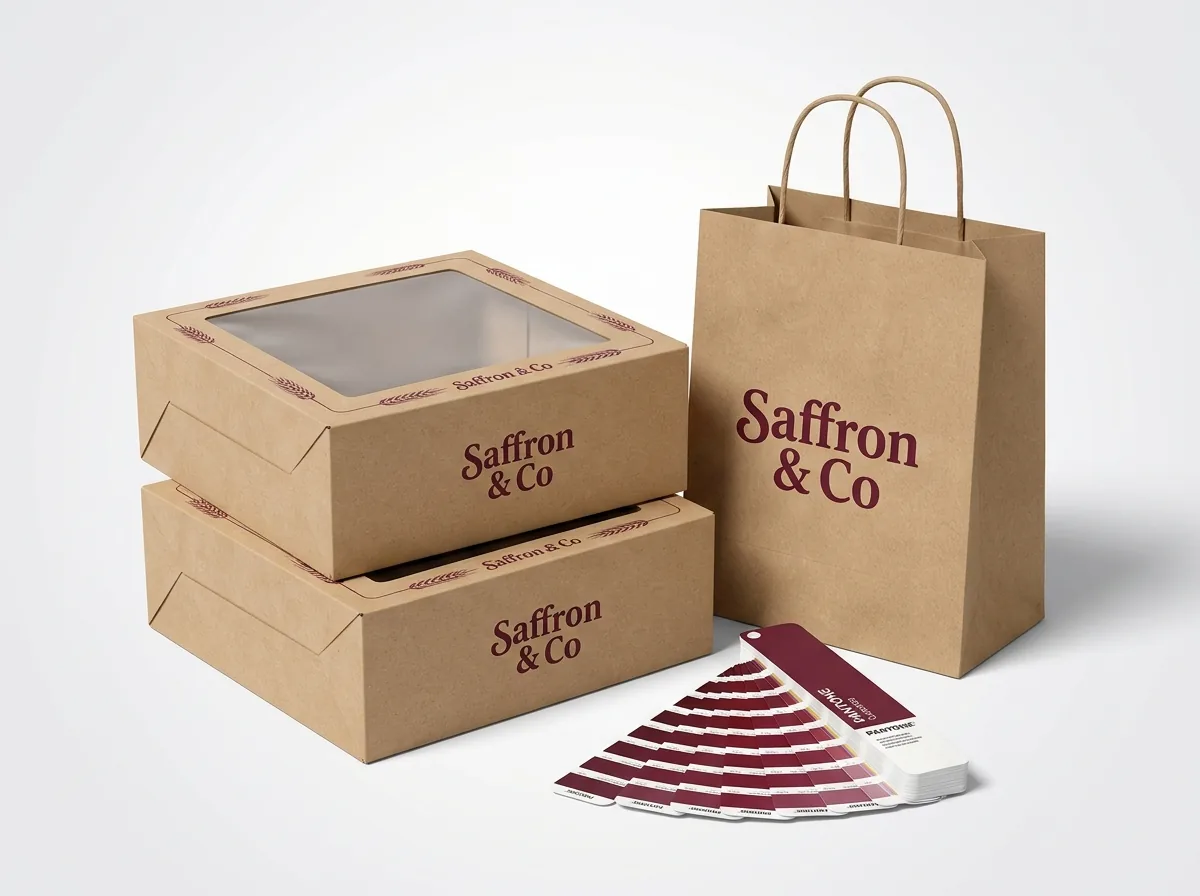
AI art generators work in the RGB color space, which mixes red, green and blue light on a backlit glass screen. Printing presses use CMYK (cyan, magenta, yellow and black ink) or pre-mixed Pantone Matching System spot inks on physical paperboard. Bright electric blues, glowing magentas and luminous pastel greens that shine on a phone screen will naturally look softer when printed with ink on paper unless they are mapped carefully during prepress. If your AI artwork has a full-color watercolor scene or detailed shading, we convert it to CMYK and adjust the curve profile for white paperboard so shadows stay open and highlights stay clean. If your AI concept is a simple 1-color or 2-color badge meant for kraft board on custom pastry boxes, we separate the artwork into solid Pantone spot channels (and add a white ink underbase if needed) so every run matches the exact same shade.
How do I place AI artwork around fold lines, tuck flaps and pastry windows?
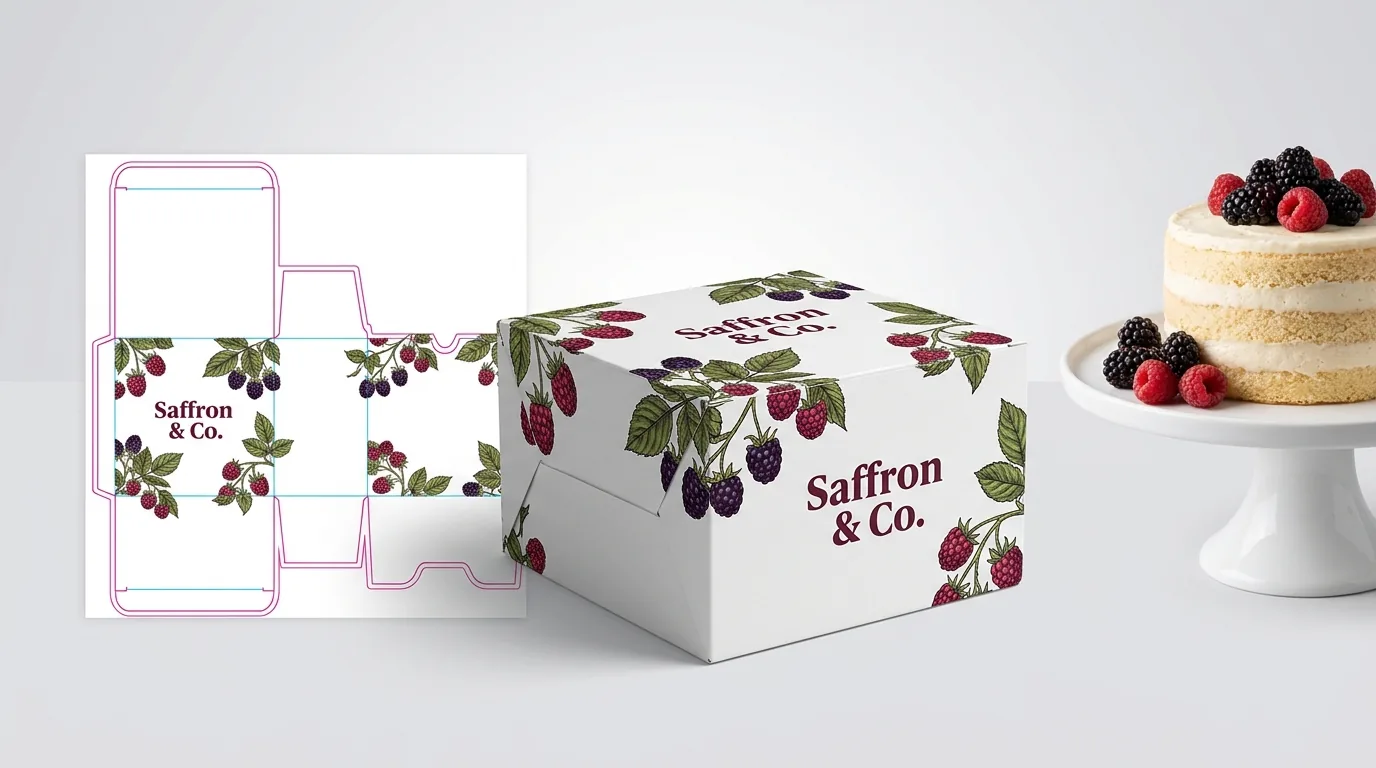
Every folding carton starts as a flat sheet scored with dashed fold lines and solid cut lines. When a flat sheet folds into a 3D box, the top lid meets the front wall, the side dust flaps tuck underneath, and any clear window patch is punched right out of the board. Placing a square AI image onto the lid without checking the dieline can cut your bakery name in half at a window edge or leave an unprinted white strip along the fold crease. Extend any background pattern or solid color 0.125 inches (⅛ inch) past the outer red cut lines on all sides so slight sheet movement during die-cutting never reveals a raw hairline edge. Keep logos, phone numbers and key illustrations at least 0.125 inches inside all fold scores and at least 0.25 inches away from a clear window opening so the glue patch holding the window film stays completely hidden inside the box. Before anything goes to press on your 1,000-box order, we send you both a flat 2D digital proof and an interactive 3D mockup so you can spin the box around and check every panel.
What are the most common mistakes when printing AI art on bakery boxes?
Most print delays with AI artwork come from treating a low-resolution screen preview as a finished press file. Avoid these five mistakes
- Sending a 72 DPI phone screenshot of an AI image instead of downloading the original PNG and vectorizing the logo and text.
- Leaving AI-generated text untouched, which often includes subtle spelling glitches, uneven letter heights or blurry edges on press.
- Placing a 3D angled picture of a box directly onto a flat 2D dieline instead of extracting the flat pattern and logo elements.
- Stopping background colors right at the cut line with zero 0.125 inch bleed, which leaves unprinted slivers along folded edges.
- Using yellow/gold pixels in an image when you want metallic gold foil stamping, which requires a separate solid vector foil mask.
Find your size
Suggested inside size: 4 × 4 × 2.5 in
A starting point. Your account manager confirms the size with you before the proof.
Quote this size →Packaging for this
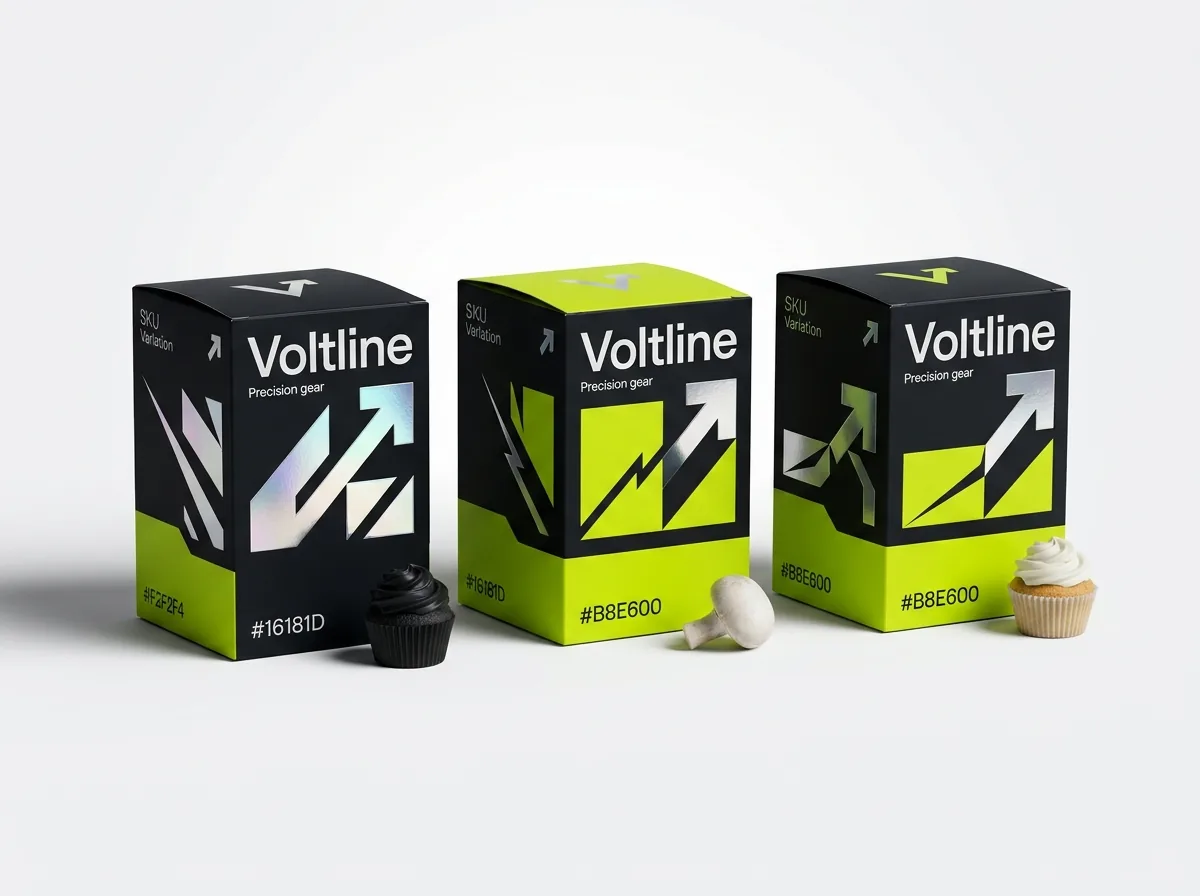
Ready to order bakery boxes? Compare up to 3 quantities with a free 3D mockup.
Request a Quote →Questions about bakery boxes
Can I send a Midjourney, ChatGPT or Canva image if I do not have a vector file?
Yes. Attach whatever PNG, JPG or PDF file you have when requesting a quote. Design help is free at CubitPack: our designers trace your logo into crisp vectors, retype any blurry text, and lay the artwork out on your exact box dieline.
Does CubitPack charge extra to clean up AI artwork or build the box dieline?
No. Dieline templates, vector logo cleanup, layout onto the box panels, digital proofs and 3D mockups are all free with your quote. If you want a full custom brand identity built from scratch, we also offer a $250 brand package ($50 on your first order).
What resolution do I need if I want a painted AI illustration across a cake box lid?
Aim for 300 DPI at 100% of the physical panel size, including 0.125 inches of bleed on every edge. For a 10 × 10 inch cake box lid, that means roughly 3075 × 3075 pixels. If your AI file is smaller, we can upscale or tile it during prepress.
Why does my AI design look slightly different in CMYK than on my phone screen?
Phones emit bright RGB light, while boxes reflect room light off CMYK or Pantone ink on paperboard. Extremely bright RGB neon blues, greens and pinks shift slightly softer in print. We show you the converted proof and can match key brand colors to Pantone spot inks.
Can I add a clear window or gold foil stamping to an AI-generated box design?
Yes. Tell us where you want a clear pastry window or metallic foil stamping when you upload your AI concept. Our prepress team creates the separate vector die-cut window line and foil stamping mask on your proof before you approve.
Will I see how my AI design wraps around the box before I pay?
Yes. Before you pay for your order, you receive both a flat 2D digital proof showing every cut and fold line and a 3D mockup of your box so you can verify panel alignment, upside-down flap orientation and window placement.
Still have a question? Ask a packaging specialist.
Request a Quote →Request your bakery boxes quote
Tell us your size and quantities, and one dedicated account manager prepares pricing for each tier.
- Free design & AI-to-print studio + 3D mockup
- No die or plate charges · 4–5 day rush available
- Free shipping to all 50 states
- 10% off your first order
This guide was compiled from standard offset and digital packaging prepress rules (300 DPI resolution, 0.125 inch bleed, vector line work and RGB-to-CMYK/Pantone conversion) and checked by a CubitPack packaging specialist. Spot something wrong? Tell us and we will fix it.
Sources
What changed
- October 22, 2026: First published.
- October 22, 2026: Updated specifications, terminology, and verified source links.
More guides
New packaging guides by email
Sizes, materials and design tips. Unsubscribe anytime.