
How do I print Canva AI and Midjourney designs on custom roll labels?
Short answer: Print Canva AI, Midjourney, or Gemini artwork on custom roll labels by sending your exported design or share link to CubitPack. Our designers convert glowing RGB colors to calibrated CMYK or guaranteed Pantone inks, add 0.125 inch bleed, vector cut lines, and white underbase layers, and send a 3D mockup before payment.
On this page
- What prepress gaps separate a Canva or Midjourney file from commercial roll printing
- Why do RGB colors shift on press, and how does Pantone matching solve it
- How do clear labels and metallic foil labels work with AI-generated artwork
- How do I size container wraps and pick unwind direction for hand or machine labeling
- What happens after I send my Canva link or Midjourney art to CubitPack
- Common mistakes
- FAQs
Request a custom quoteFree dieline & 3D mockup
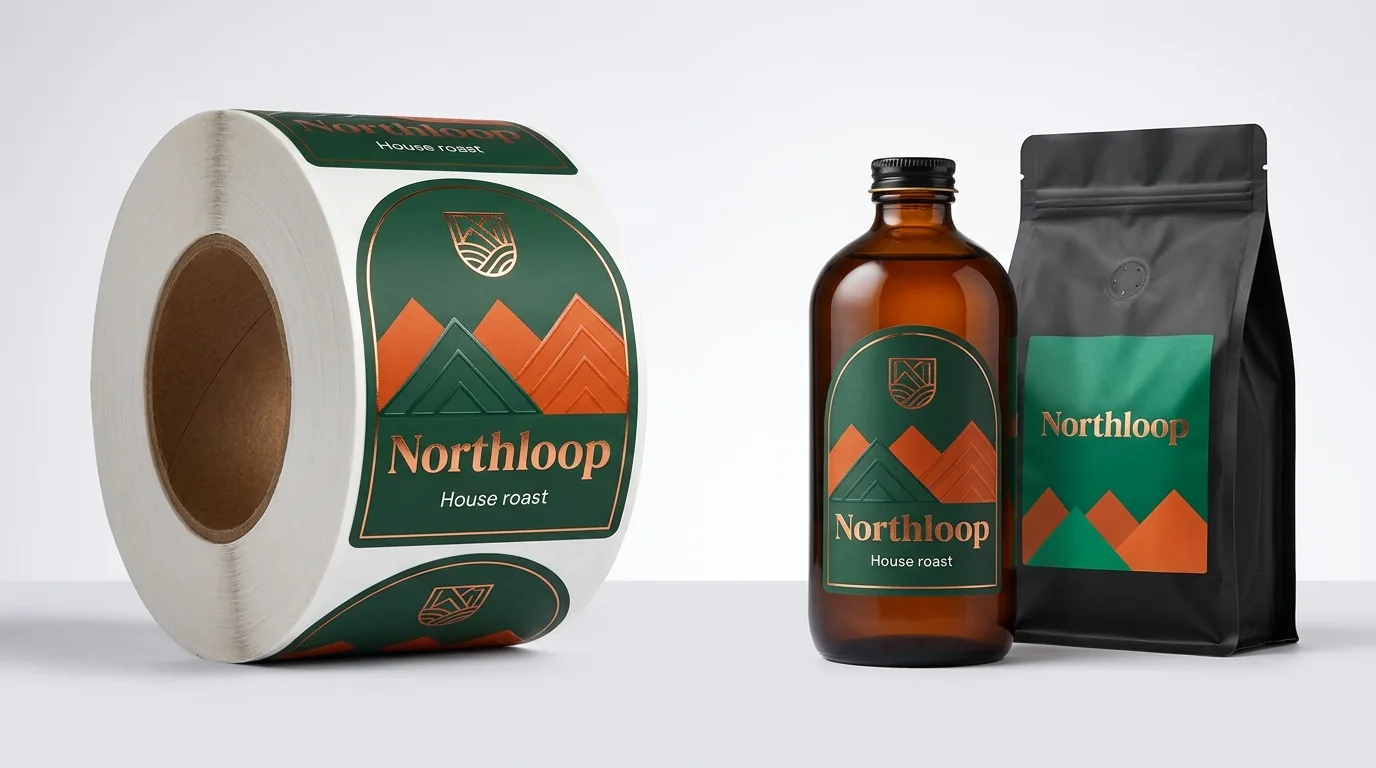
Thousands of food, beverage, coffee, candle, and skincare founders build product labels by pairing Midjourney, Google Gemini, or Ideogram illustrations with Canva typography. The bottleneck hits when it is time to order commercial rolls. Standard Canva exports and AI generators output flattened RGB graphics without vector kiss-cut paths, roll unwind orientation, white ink backup channels for clear or metallic BOPP film, or true spot Pantone swatches. Uploading those raw files to automated sticker printers often yields dark muddy colors, white sliver edges, transparent washed-out logos on clear jars, or unreadable 4-point ingredient text. Through CubitPack's free AI-generated packaging rebuild service, our studio preps your Canva or Midjourney label artwork from scratch. Send your share link or PNG alongside your container dimensions: we build the vector die-cut line, match CMYK or Pantone colors, set machine or hand unwind specs, and show a 3D proof before you pay.
What prepress gaps separate a Canva or Midjourney file from commercial roll printing?
Canva Magic Media, Midjourney, and Ideogram were built for backlit phone and desktop screens first. Even if you pay for Canva Pro and download a PDF Print file, imported AI illustrations inside that layout remain raster RGB bitmaps, custom die-cut shapes have no non-printing vector knife path, and white areas contain zero ink rather than an opaque white ink channel. Review how our studio prepares printed labels on rolls from your concept at zero extra charge.
| Label prepress spec | Raw Canva or Midjourney export | Risk on automated self-serve presses | How CubitPack rebuilds it (free) |
|---|---|---|---|
| Color gamut (RGB vs ink) | sRGB screen colors (bright neons, glowing blues) | Auto-CMYK shift turns blues purple and greens muddy | Hand-tuned CMYK curves or guaranteed Pantone spot match |
| Kiss-cut die path | Flat rectangular canvas or jagged PNG alpha edge | Unwanted white border or stair-stepped rough cuts | Smooth closed bezier vector cut line with zero die fees |
| Bleed & safe margin | Background art stops right at the trim edge | 1 mm web drift leaves unprinted white slivers on rolls | 0.125 in background bleed extended past every contour |
| Clear & metallic stocks | No Spot_White underbase channel in Canva or PNG | CMYK inks print translucent and vanish on dark bottles | Precision vector white ink backup layer under key graphics |
| Small text & barcodes | Rasterized text in PNG exports or fake AI barcode bars | Fuzzy 5 pt allergen text and failed retail checkout scans | Sharp vector typography plus scannable GS1 UPC barcode |
| Core & unwind orientation | Single upright page with no machine feed direction | Labels feed sideways or upside down on bottle applicators | Set to your exact Unwind Position (1 to 8) and core spec |
Why do RGB colors shift on press, and how does Pantone matching solve it?
Monitors mix red, green, and blue light toward pure white, reaching electric cyan, lime, and violet shades that standard cyan, magenta, yellow, and black (CMYK) process inks cannot physically reproduce on label stock. When an automated website blindly converts an RGB Midjourney botanical illustration into CMYK, deep forest greens often turn murky charcoal and bright oranges lose warmth.
- Cleaned CMYK separations: Our prepress specialists adjust ink curves manually so rich shadows stay open and skin tones, fruit illustrations, and botanicals keep crisp contrast on white BOPP or paper stock.
- Guaranteed Pantone spot inks: For brand-defining solid backgrounds, wordmarks, and flavor color bands, specify a Pantone Coated or Uncoated swatch. At CubitPack, our Pantone match is guaranteed: if a Pantone color is clearly off, we reprint.
- Export tip for Canva users: Share an editable view/copy link or export PDF Print (CMYK where available) without flattening text layers, plus attach the original uncropped Midjourney or Gemini illustration file.
- Lamination color impact: Matte lamination softens reflections for easy ingredient reading, whereas gloss lamination deepens dark blacks, burgundies, and forest greens.
How do clear labels and metallic foil labels work with AI-generated artwork?
Standard CMYK printing inks are naturally translucent because presses assume white paper sits underneath them to bounce light back to your eye. When you print a Canva or Midjourney design onto transparent film (custom clear labels) or silver/gold metallized film (custom foil labels), every area without a dedicated white ink layer lets the glass jar, dark cold-brew coffee, or mirror foil shine straight through the ink.
- Opaque white underbase on clear BOPP: We build a vector White_Ink spot layer directly behind your logo, flavor banner, and barcode box so they pop with solid opacity while the rest of the label disappears cleanly onto the glass.
- Selective metallic shimmer on foil stock: On silver or gold foil roll stock, masking white ink behind skin tones and text keeps copy legible, while leaving white ink off borders and crests lets raw metallic luster shine through CMYK tints.
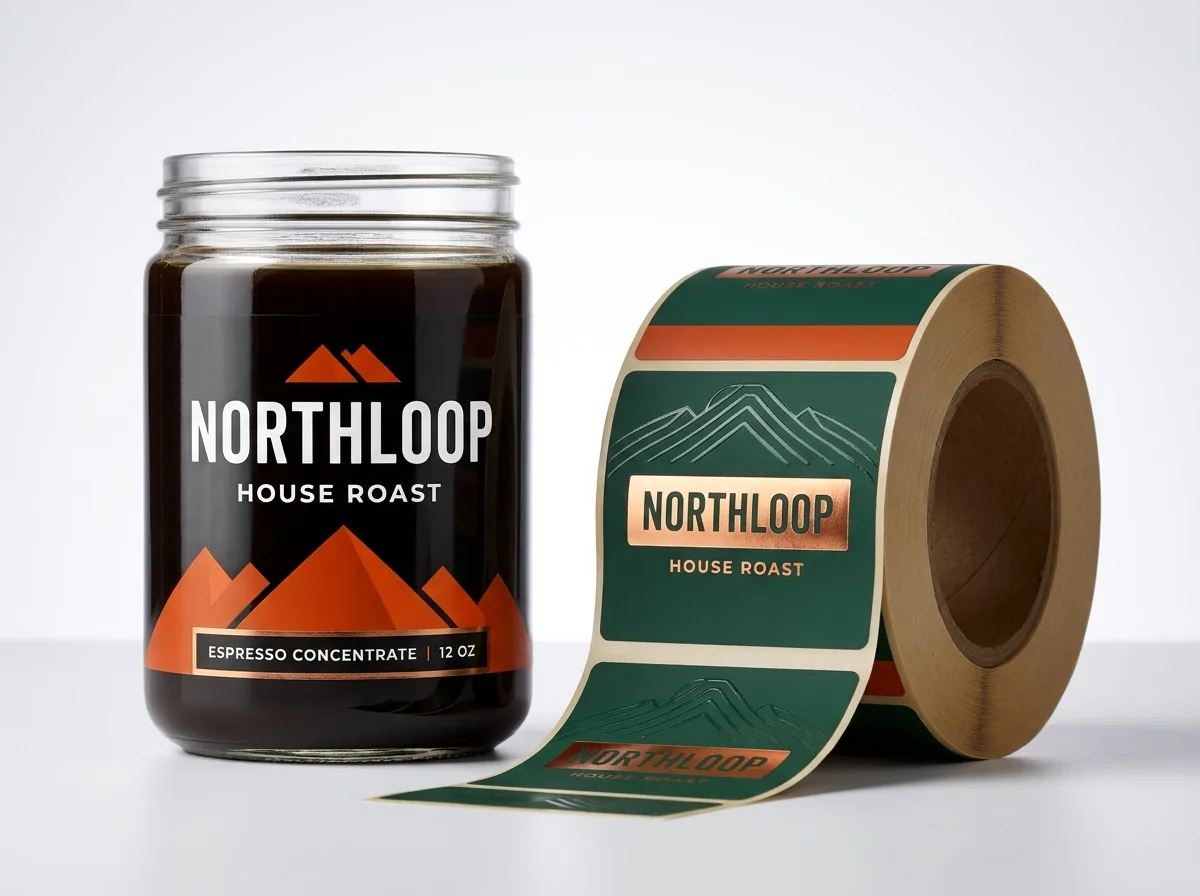
- Hot foil stamping (foil stamping): When your AI concept calls for mirror-bright copper or gold emblems over velvety matte stock, we isolate a 100% solid K100 stamping mask at zero plate cost.
- Moisture, oil, and ice resistance: For cosmetic droppers, essential oils, refrigerated cans, and honey jars, BOPP film roll stocks with protective lamination resist smudging and peeling.
Know your size? Compare pricing across up to 3 quantities.
Request a Quote →How do I size container wraps and pick unwind direction for hand or machine labeling?
Midjourney frequently wraps labels cleanly over curved bottle shoulders and tapered jar bases that would immediately wrinkle and crease a real pressure-sensitive label. Before setting up your roll dieline, measure only the straight, non-tapering cylindrical section of your bottle or jar.
- Round jar and bottle wrap formula: Multiply container diameter by 3.1416 (pi) and subtract a 0.25 inch overlap gap so the two ends of custom jar labels or custom bottle labels never buckle over a glass seam.
- Custom die-cut contours: Circles, ovals, arches, scalloped crests, and custom die-cut silhouettes all carry zero die charges at CubitPack; we add a 0.125 inch outer bleed and 0.125 inch inner safe zone automatically.
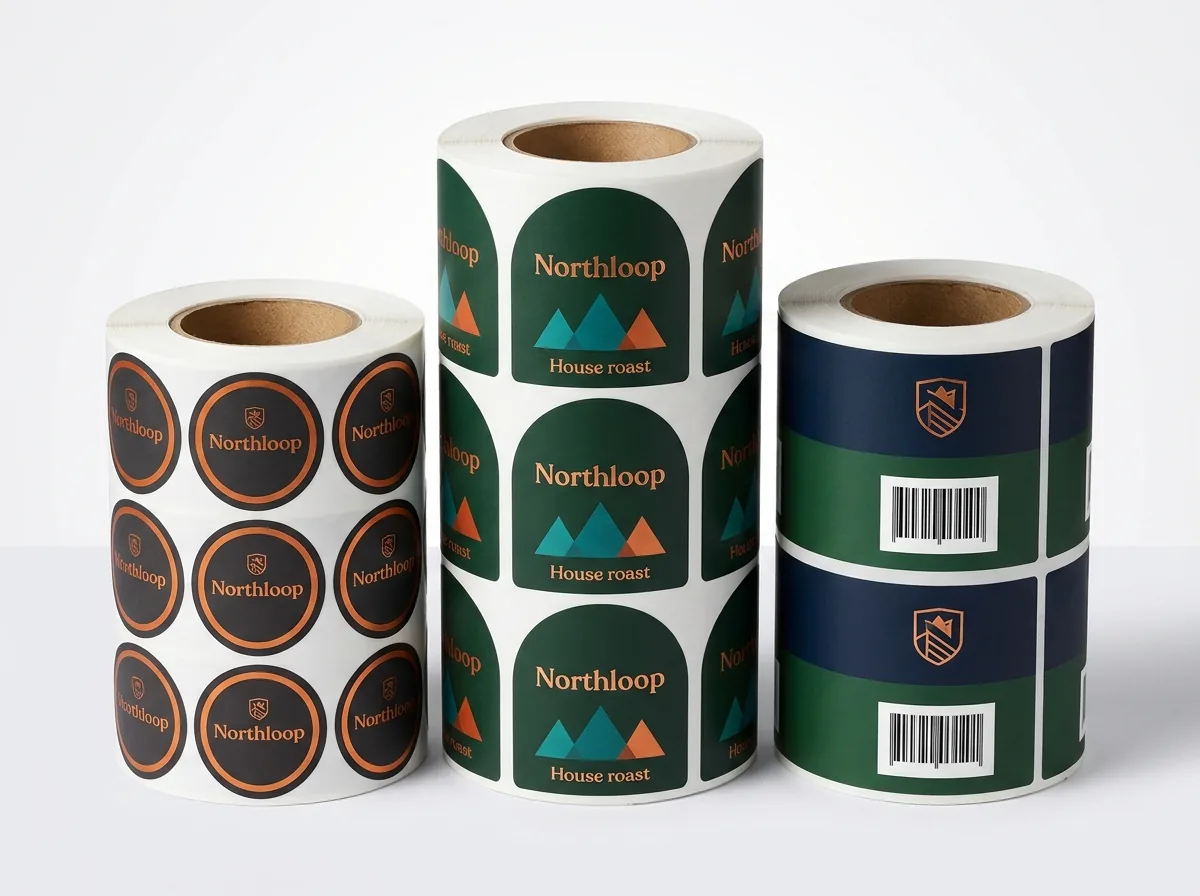
- Hand peeling vs machine applicators: Hand application and manual bench dispensers work with any roll orientation; semi-automatic rollers and inline rotary machines require your exact Unwind Position (1 through 8) and core spec.
- 500-label minimum & multi-SKU runs: Custom roll labels start at 500 pieces and ship in 10 to 14 business days (rush 4 to 5 business days). Have four candle scents or coffee roasts at the exact same dimensions? Ask us to quote all flavors together.
What happens after I send my Canva link or Midjourney art to CubitPack?
Once you submit your Canva link, PNG/WebP AI artwork, container dimensions, and quantity through our quote form, we send a written quote in 5 to 7 minutes backed by 24/7 live support and a dedicated account manager. Our packaging designers rebuild your vector kiss-cut contour, extend 0.125 inch background bleeds, re-typeset crisp ingredient panels and genuine GS1 UPC barcodes, configure white ink or foil masks, and lock in CMYK or Pantone colors at zero design fee and zero die or plate cost. Before you pay anything, you inspect both a flat technical proof (showing exact cut lines, safe zones, white ink channels, and unwind orientation) and a 3D mockup wrapped onto your container shape. Standard production runs 10 to 14 business days after proof approval with free shipping across all 50 US states, backed by our 14-day reprint-or-refund quality promise.
What mistakes ruin Canva and AI-generated roll labels on press?
Check your label project against these five common prepress errors before printing rolls
- Downloading a flattened 96 DPI PNG from Canva when small text is present. Rasterizing 5-point ingredient copy turns crisp letters into fuzzy halftone dots; keep text live or let us re-typeset it in vectors.
- Ordering clear or metallic labels without a white ink underbase layer. Without solid white backup ink behind logos and barcodes, dark liquids and amber glass make colors disappear and barcodes fail to scan.
- Extending rigid rectangular labels onto curved bottle shoulders. Any taper across the height of a jar forces flat film to dart and bubble; keep label height strictly inside the straight vertical wall.
- Wrapping a label 100 percent around a glass cylinder with zero gap. Glass molding tolerances vary slightly from jar to jar, so leaving a 0.25 inch gap prevents crooked overlapping ends.
- Guessing unwind direction for a labeling machine. Feeding Top-Edge-First rolls into a Right-Edge-First bottle applicator applies every label sideways; confirm Positions 1 through 8 on your proof.
Find your label size
Suggested label size: 9⅛ × 2¾ in (width × height)
A typical starting point. Your account manager confirms the size on the proof.
Quote this size →Packaging for this
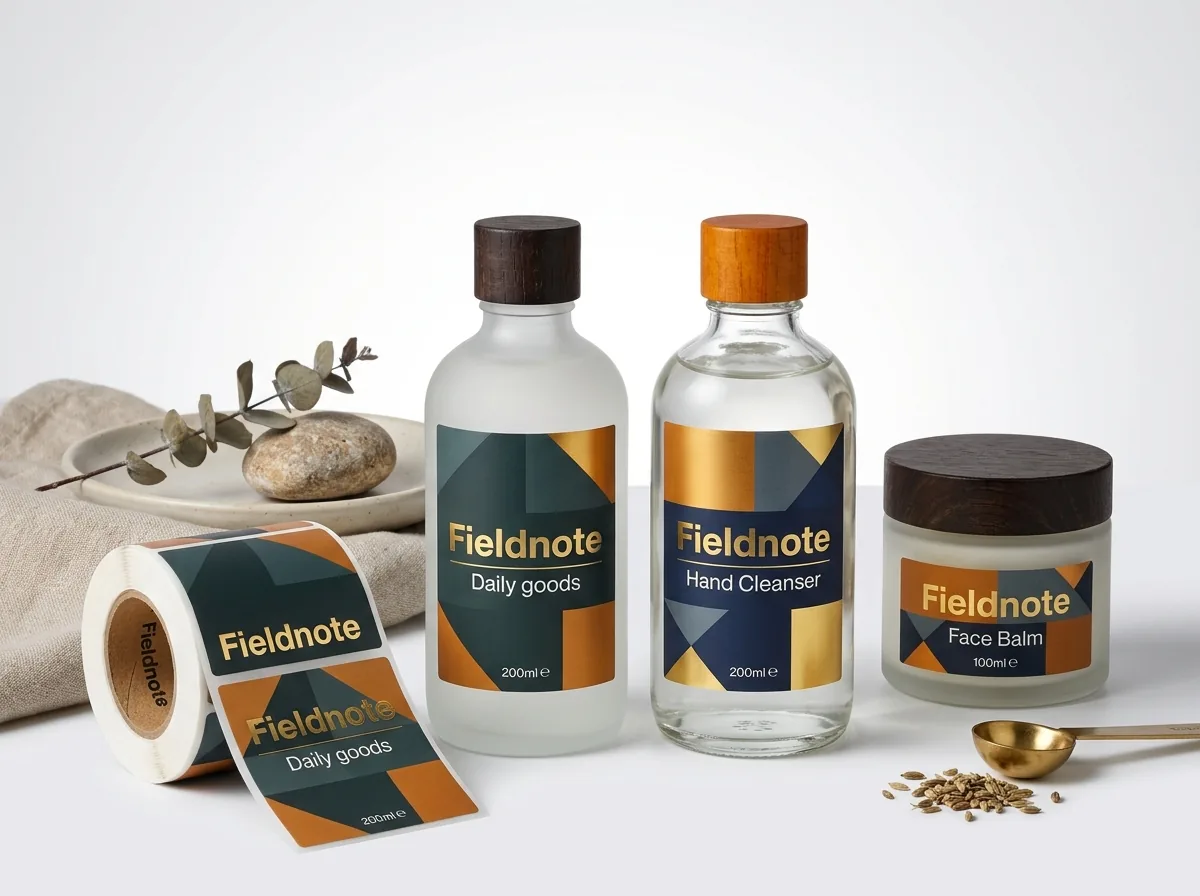
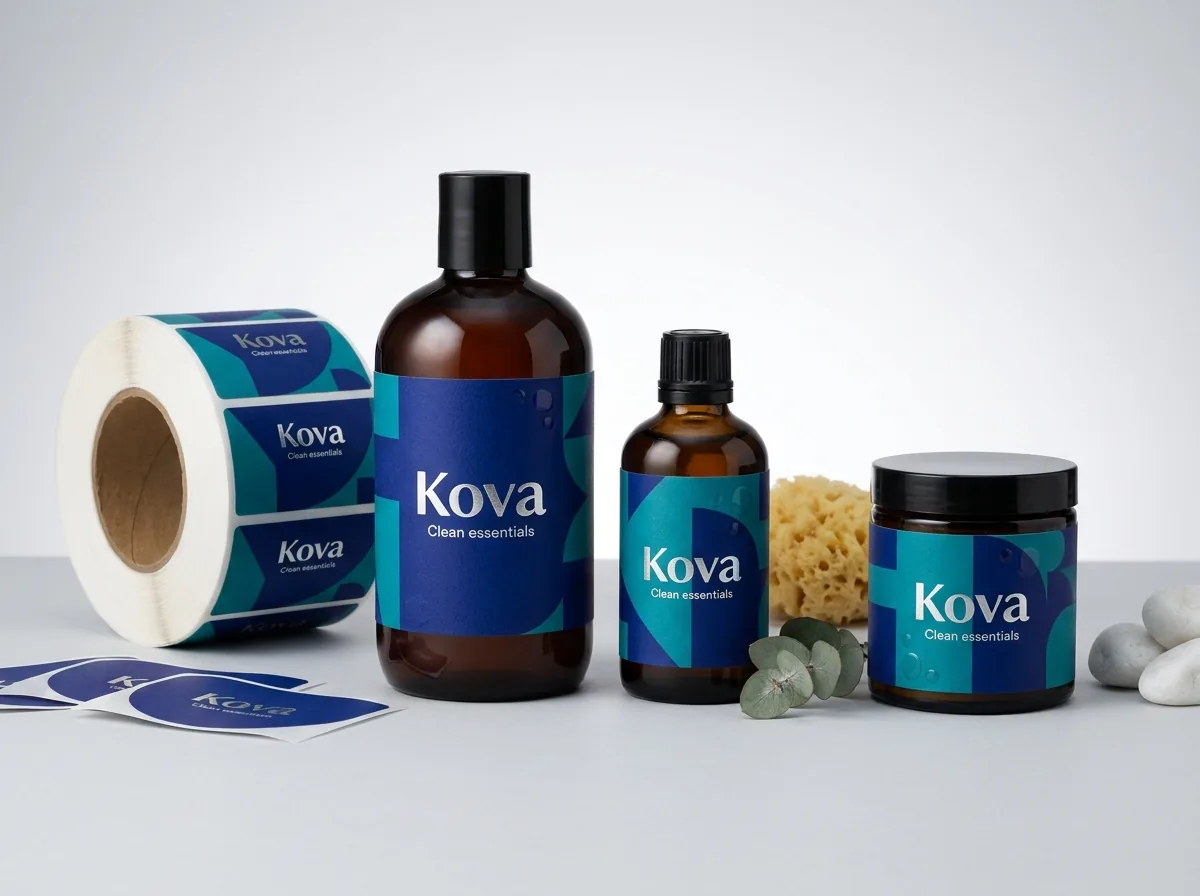
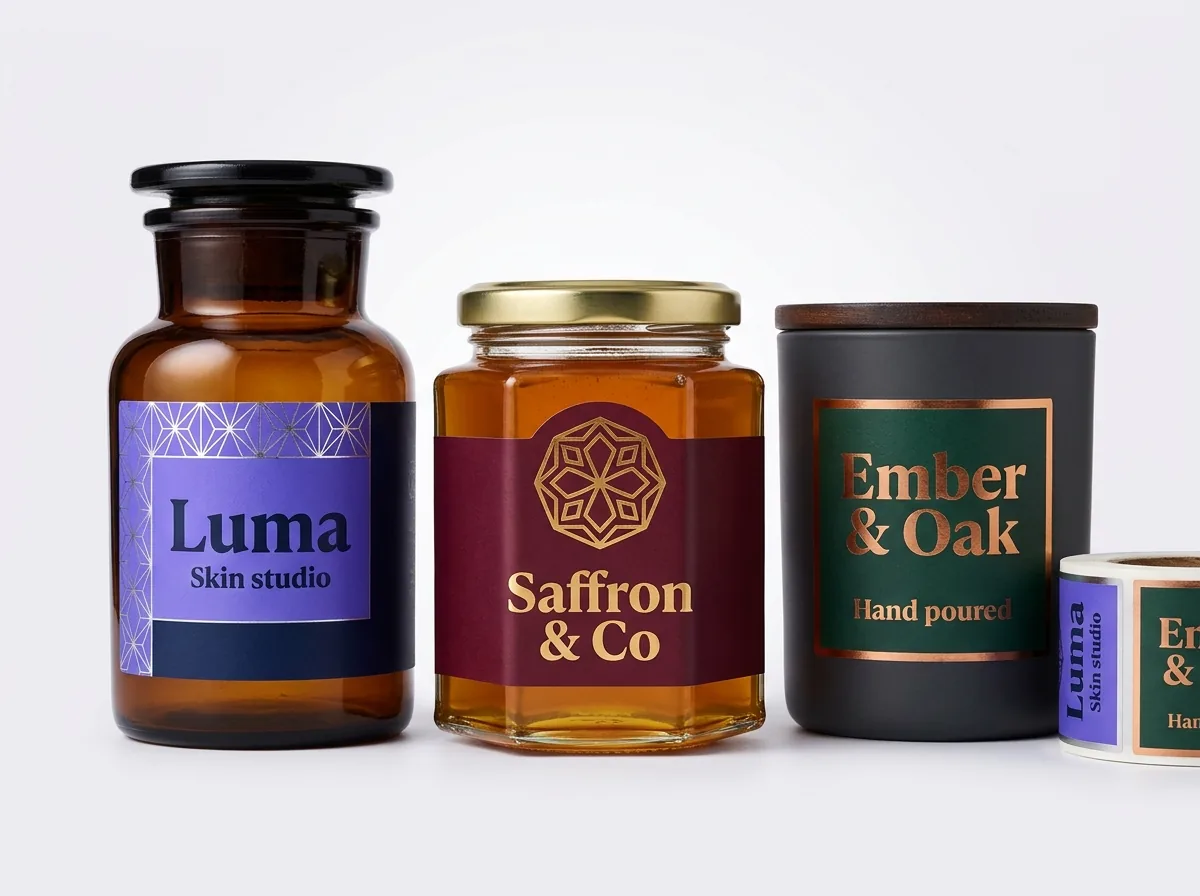
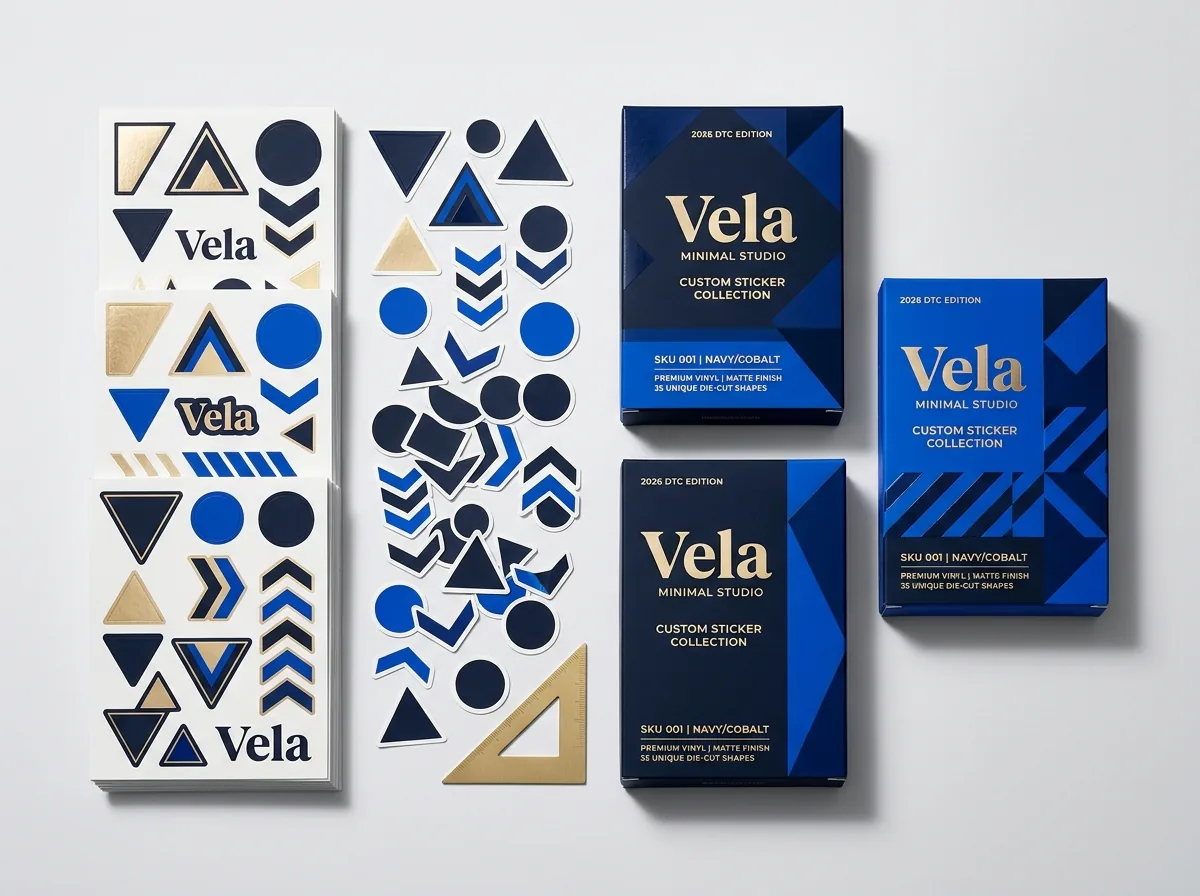
Ready to order roll labels? Compare up to 3 quantities with a free 3D mockup.
Request a Quote →Questions about roll labels
Can I send a Canva link and a Midjourney PNG without converting them in Illustrator?
Yes. Share your Canva design link (or PDF Print export) alongside the original Midjourney, Gemini, or Ideogram image file. Our packaging designers rebuild the vector kiss-cut line, 0.125 inch bleed, white ink mask, and typography free with your order.
Why did my bright Canva colors look dull when I printed stickers elsewhere?
Canva designs on glowing sRGB screens, which contain neon blues, greens, and oranges outside standard CMYK ink gamut. We hand-tune CMYK conversions to preserve richness, or print solid brand colors in guaranteed Pantone spot inks so colors stay true.
How do you make white text and barcodes show up on clear or foil roll labels?
Printers do not print white unless a dedicated Spot_White vector channel is built into the prepress file. Our studio creates an exact white ink underbase behind white lettering, colored logos, and barcode boxes while keeping the surrounding clear or foil film open.
What is the minimum order quantity and turnaround for custom roll labels?
Custom roll labels start at 500 labels, with standard production in 10 to 14 business days after proof approval and 4 to 5 business day rush available. Custom cutting dies, printing plates, design prep, and shipping across all 50 US states are all free.
Can you print custom die-cut arch, crest, or contour shapes from my AI artwork?
Yes. Whether your AI label concept features a botanical arch, scalloped vintage seal, oval, or custom mascot silhouette, we draw a smooth closed vector kiss-cut path around the contour with zero die charges and strip the waste matrix cleanly on the roll.
Do I get to approve the roll unwind direction and see a 3D mockup before paying?
Yes. Every quote reply takes 5 to 7 minutes, and before payment we send both a flat technical proof (marking cut lines, bleed, white ink, and Unwind Position 1 to 8) and a 3D mockup of your label on your container.
Still have a question? Ask a packaging specialist.
Request a Quote →Request your roll labels quote
Tell us your size and quantities, and one dedicated account manager prepares pricing for each tier.
- Free design & AI-to-print studio + 3D mockup
- No die or plate charges · 4–5 day rush available
- Free shipping to all 50 states
- 10% off your first order
We checked Canva export formats and Midjourney/Gemini sRGB bitmaps against flexographic and digital roll-label prepress standards for 0.125 inch bleed, Spot_White BOPP underbases, Unwind Positions 1 through 8, and GS1 barcode scan rules. A packaging specialist verified every specification. Spot something wrong? Tell us and we fix it.
Sources
- Tag and Label Manufacturers Institute (TLMI) roll label unwind chart Positions 1 through 8 and matrix stripping terminology
- RGB screen gamut differences versus four-color CMYK process builds and solid Pantone spot inks
- Opaque white background and dark bar contrast standards for barcodes on clear and metallic containers
What changed
- November 5, 2026: First published with Canva/Midjourney prepress table, RGB-to-CMYK/Pantone guide, and clear/foil white ink underbase diagram.
More guides
New packaging guides by email
Sizes, materials and design tips. Unsubscribe anytime.