
How do I print custom packaging designed in Google Gemini?
Short answer: You can print packaging designed in Google Gemini by sending your exported image or prompt to CubitPack rather than uploading raw pixels to a self-serve template. Our studio rebuilds your 3D render onto a flat vector dieline for custom mailer boxes, redraws crisp text, matches CMYK or Pantone colors, and sends a 3D mockup before payment.
On this page
- Why can't packaging presses print a raw Google Gemini image directly
- How does CubitPack rebuild your Google Gemini concept into a real box
- How should I prompt Google Gemini so my packaging design translates cleanly
- Which custom box or label format fits my Gemini concept and order volume
- How are RGB screen colors, barcodes, and food or retail rules handled
- Common mistakes
- FAQs
Request a custom quoteFree dieline & 3D mockup
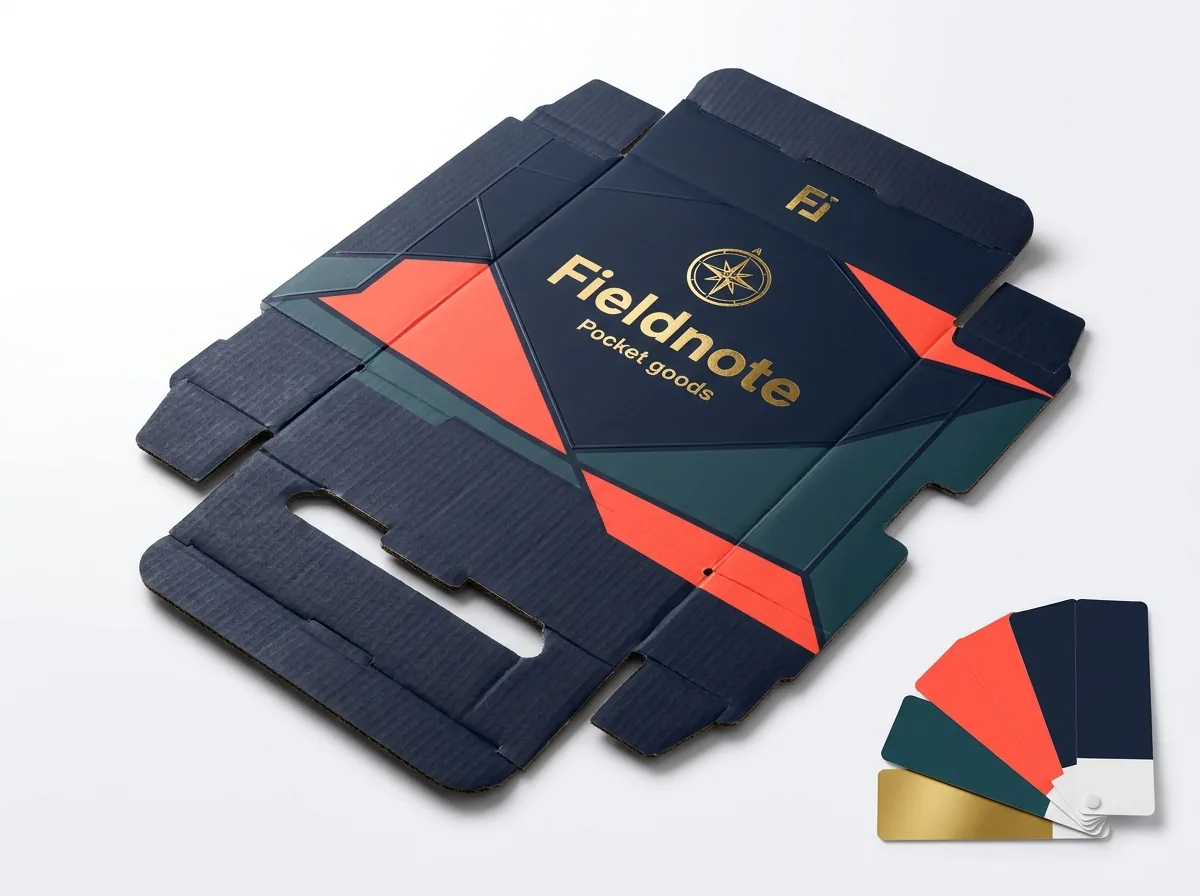
Google Gemini, including Imagen and Gemini image-editing workflows, excels at generating realistic 3D packaging concepts in seconds. However, Gemini outputs a single flattened RGB image with perspective shadows, simulated metallic highlights, and rasterized lettering. Commercial offset and digital packaging presses cannot print a 3D photograph directly onto corrugated board or paperboard. Instead, production requires a flat 2D technical dieline with exact inside dimensions, 0.25 inch bleed margins, vector typography, scannable barcodes, and separated spot layers for finishes like foil stamping or embossing. At CubitPack, our AI-generated packaging rebuild service bridges that gap for free. Send us your Gemini screenshot, reference sketch, or brand logo along with your product measurements. Our packaging designers engineer the structural dieline from scratch, recreate the artwork in clean print-ready vectors, match CMYK or guaranteed Pantone inks, and send both a flat digital proof and an interactive 3D mockup before you pay.
Why can't packaging presses print a raw Google Gemini image directly?
When you ask Google Gemini to generate a mailer box, candle carton, or pouch, the model renders how a finished box looks under studio lighting from one camera angle. Dropping that single raster image onto an online 3D box builder pastes baked-in shadows, warped perspective edges, and blurry micro-text straight onto the cardboard. Commercial presses need flat, unwarped artwork built to structural tolerances across every panel of printed corrugated mailer boxes. Compare what Gemini exports against what production requires below.
| Packaging element | Raw Google Gemini export | What production presses require | How CubitPack rebuilds it (free) |
|---|---|---|---|
| Box geometry | 3D perspective render showing 2 or 3 angled faces | Flat 2D structural dieline covering all 6 outer and inner panels | Custom FEFCO dieline engineered to your exact inside L x W x H |
| Resolution & paths | Flattened 1024 to 2048 px raster PNG or JPEG | 300+ DPI linked art plus infinite-resolution vector paths | Logos, borders, icons, and patterns redrawn or upscaled cleanly |
| Typography & barcodes | Pixelated or warped small ingredient copy and non-working bars | Outlined vector fonts and GS1-compliant scannable UPC or QR codes | Every headline, ingredient list, and barcode typeset in crisp vectors |
| Color space | Glowing sRGB screen pixels with studio glare baked in | Press-calibrated CMYK builds or solid Pantone spot inks | Lighting glare stripped out; matched to CMYK or guaranteed Pantone |
| Foil & embossing | Yellow or gray shading pixels pretending to shine | 100% solid K100 spot vector masks on separate tooling layers | Dedicated vector plates built for real metallic foil or embossing |
| Bleed & safe zones | Artwork cropped right at the visible 3D box corners | 0.25 in exterior bleed and 0.25 in interior crease clearance | Patterns extended cleanly across flaps, dust wings, and bleed edges |
How does CubitPack rebuild your Google Gemini concept into a real box?
You do not need Adobe Illustrator, CAD dieline software, or prepress training to manufacture an AI concept. Whether you created one hero render in Gemini or iterated through ten colorways using Gemini image editing, our studio handles the technical reconstruction before a single sheet goes to press.
- Step 1, Send your Gemini export and product dimensions: Upload your PNG, JPEG, or WebP concept alongside your real logo (if you have one), the copy you want on the panels, and your product size or weight. We reply with a written quote in 5 to 7 minutes.
- Step 2, Structural dieline engineering: Our packaging designers draft a custom structural dieline sized to your product, accounting for corrugated flute thickness, rolled side-wall offsets, and locking tabs.
- Step 3, Flat artwork reconstruction: We unwrap the 3D look of your Gemini concept across the lid, front tuck flap, side walls, back spine, and inside unboxing panels, replacing garbled AI text with clean vector typography.
- Step 4, Color and finish separation: Screen RGB tones are converted to CMYK or matched to Pantone swatches, and any simulated gold foil, spot UV, or embossing in your render is isolated onto real press tooling layers.
- Step 5, Proof and 3D mockup approval before payment: You inspect the flat production PDF proof and spin an interactive 3D mockup of the rebuilt box. Nothing is charged and production never starts until you approve.
How should I prompt Google Gemini so my packaging design translates cleanly?
Even though our studio redraws your layout from scratch, a clear Gemini prompt gives you a sharper visual target and helps your team align on structure, color palette, and finish before quoting. When founders ask Gemini for vague luxury boxes, the generator often invents impossible hinges or floating lids that cost extra to engineer. Prompting with real structural names keeps your concept grounded in practical manufacturing.
- Name the real box structure: Prompt for a roll end tuck front corrugated mailer box, a straight tuck end folding carton, a magnetic closure rigid box, or a pressure-sensitive jar roll label.
- Request an angled view plus a flat panel view: Ask Gemini for a clean studio three-quarter view first, then ask a follow-up prompt for the flat unfolded front lid motif without shadows or reflections.
- Keep small legal text out of the AI prompt: Let Gemini focus on color blocking, illustrations, botanical borders, and logo placement; paste your real ingredient list, net weight, and website copy into your quote notes.
- Call out tactile finishes explicitly: Specify matte lamination with hot gold foil stamping or blind debossing in your prompt, then tell us which elements should actually be stamped versus printed in ink.
Know your size? Compare pricing across up to 3 quantities.
Request a Quote →Which custom box or label format fits my Gemini concept and order volume?
Google Gemini renders corrugated mailers, thin paperboard cartons, thick rigid setup boxes, and adhesive labels with almost identical smooth surfaces on screen. Choosing the right physical substrate depends on how your product ships, how heavy it is, and your starting run size.
- E-commerce and subscription kits (from 250 units): Choose custom e-commerce boxes or RETF corrugated mailers in E-flute or B-flute board with optional inside-lid printing and custom inserts.
- Retail shelf cartons (from 250 units): Choose folding cartons in 16pt to 24pt card stock when lightweight cosmetics, supplements, or food items sit on store shelves.
- Heavy parcels and outer transit cartons (from 250 units): Choose custom shipping boxes in sturdy 32 ECT or 44 ECT corrugated board.
- Jars, bottles, cans, and pouches (from 500 pieces): Pair unprinted jars or stock pouches with custom roll labels rebuilt from your Gemini artwork.
How are RGB screen colors, barcodes, and food or retail rules handled?
Backlit phone and laptop monitors display neon blues, electric greens, and bright oranges using transmitted RGB light, whereas printed packaging reflects room light off CMYK or Pantone ink absorbed into paper fibers. During our free prepress rebuild, we pull out the artificial studio highlights Gemini painted across your box lid and establish uniform solid ink values across every panel. If an exact brand hue is mission-critical, specify a Pantone code: our Pantone match is guaranteed, meaning if a printed Pantone color is clearly off, we reprint. For retail products, we also place genuine vector GS1 UPC barcodes inside high-contrast scan windows at least 0.25 inches clear of score creases, and we verify readable font sizes for net weight and ingredient panels. When your mailer ships directly through parcel carriers without an outer bag, we reserve a flat 4 by 6 inch uncreased zone on the bottom panel so thermal shipping labels never cover your front brand artwork. Need FSC paper, food-safe materials, or ISO 9001 production? Tell us when quoting so we route your order through certified partner facilities with documentation on request.
What mistakes ruin AI-generated packaging when brands try to print it?
Avoid these five common traps before sending a Google Gemini packaging concept into production
- Pasting a 3D perspective screenshot onto a flat dieline. Doing so prints fake drop shadows, warped edges, and background table pixels straight onto your physical box.
- Leaving AI-generated micro-text and fake barcodes in the art. Press plates reproduce every garbled letter and unscannable barcode bar unless a designer typesets real vector copy and a valid GS1 code.
- Assuming yellow RGB pixels will print like shiny metallic gold. Without a separate vector foil mask, simulated AI gold prints as flat mustard or tan CMYK ink.
- Expecting neon RGB screen glow on uncoated kraft board. Brown kraft fibers mute light inks, so vibrant Gemini palettes need white clay-coated board or a white ink underbase.
- Approving artwork without checking hidden and crossover panels. On corrugated mailers, side dust flaps and rolled inner walls show plain board unless your rebuilt design extends across them.
Packaging for this
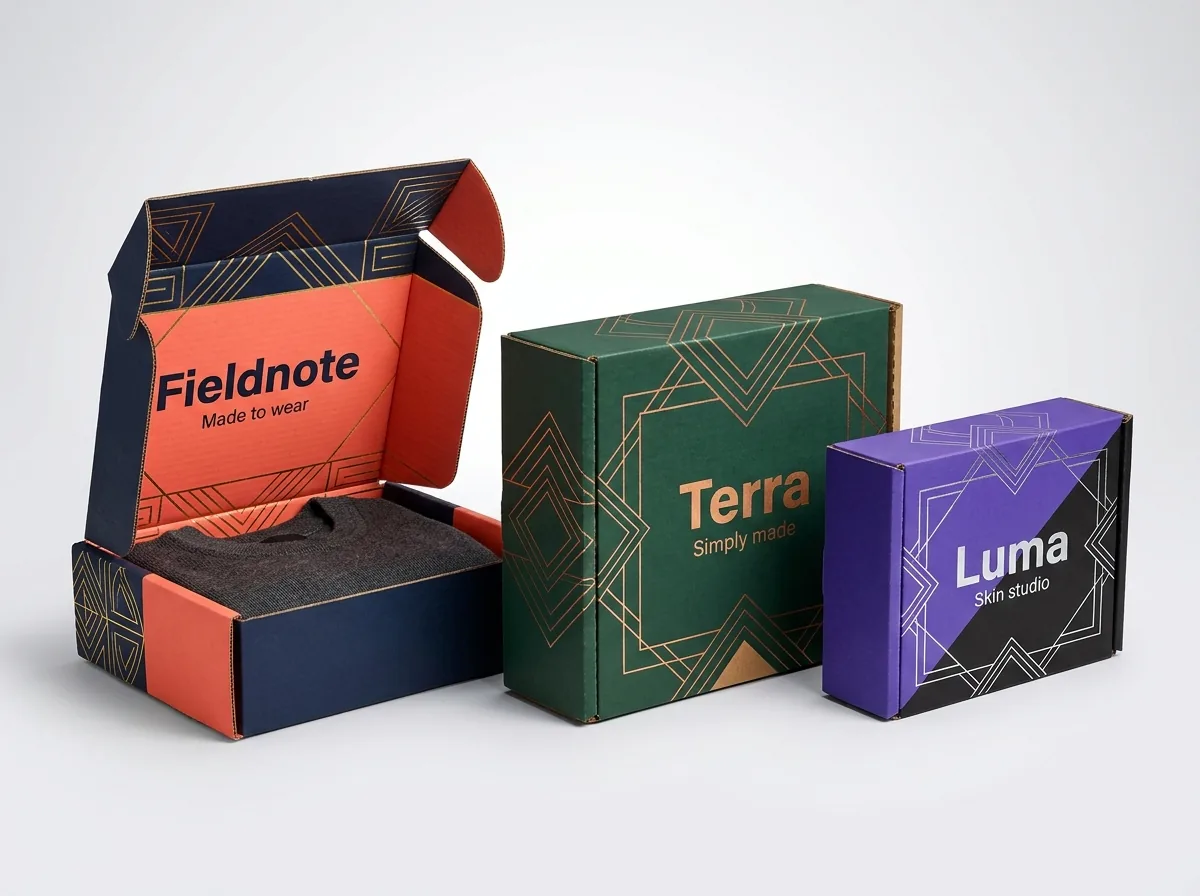
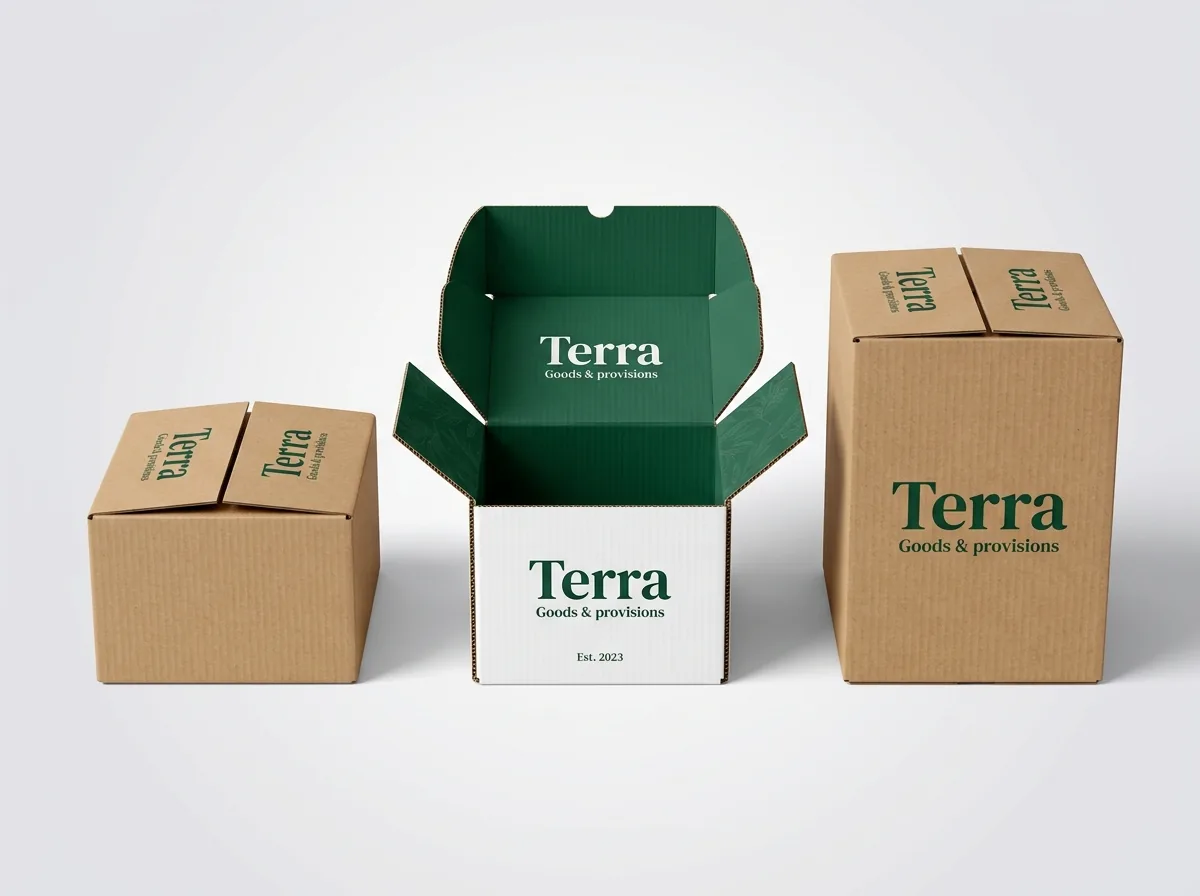
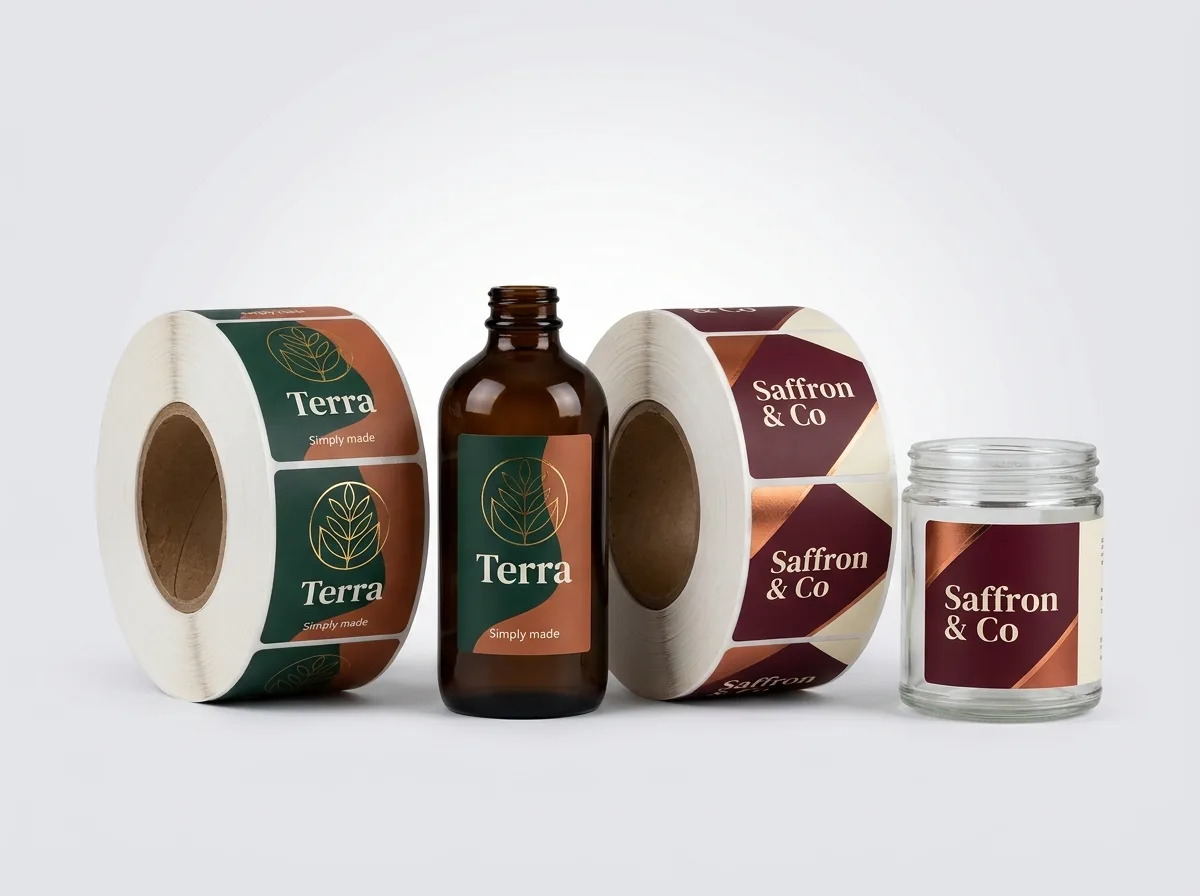
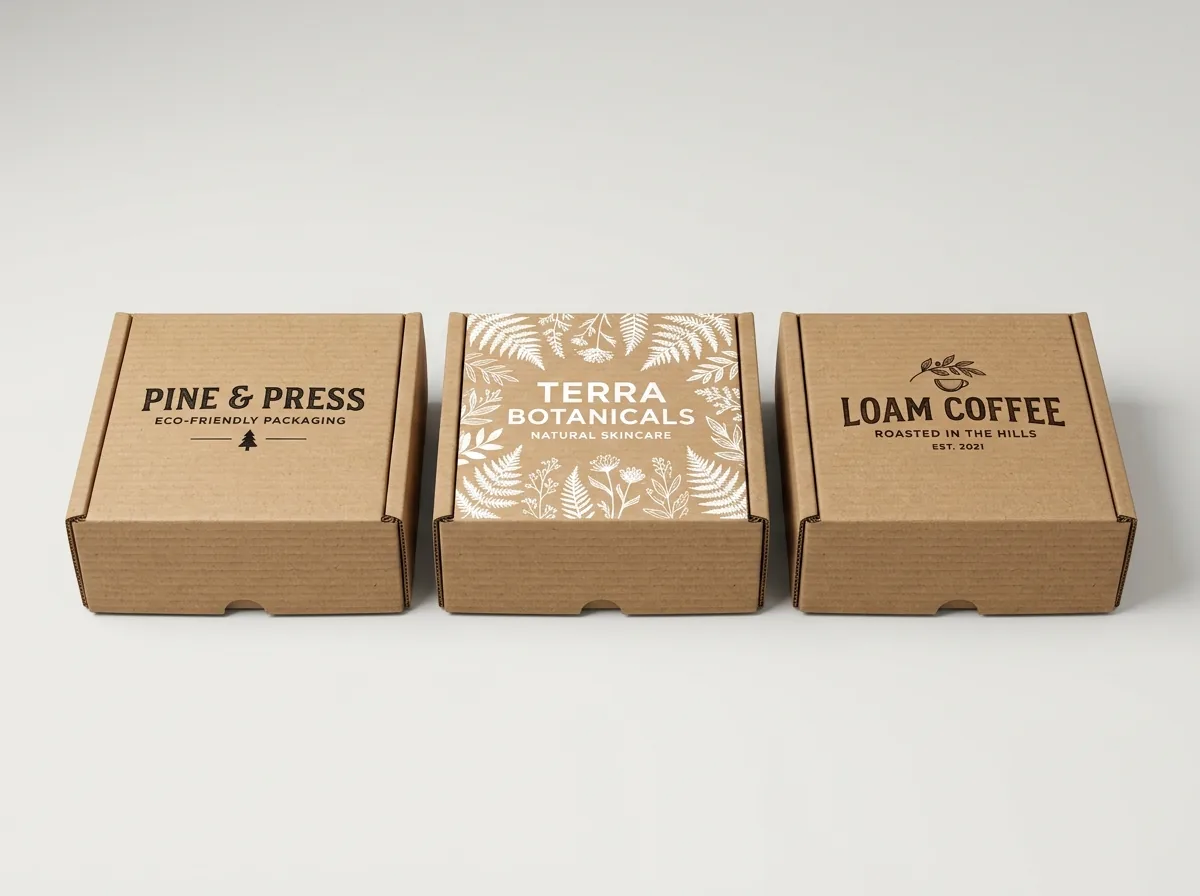
Ready to order mailer boxes? Compare up to 3 quantities with a free 3D mockup.
Request a Quote →Questions about mailer boxes
Can CubitPack print a box design I generated in Google Gemini if I only have a PNG screenshot?
Yes. Send us the PNG, JPEG, or WebP image exported from Google Gemini along with your box dimensions, quantity, and real brand text. Our packaging designers rebuild the flat vector dieline, typography, colors, and finish layers from scratch at no extra charge.
How much does it cost to turn a Google Gemini mockup into print-ready dieline files?
Rebuilding your AI packaging concept onto a custom dieline, cleaning up vector text, and creating your digital proof and 3D mockup are included free with custom packaging orders. If you also want a complete brand identity built from zero (logo and brand look), that service is $250 plus $50 per item.
Will my printed box match the colors and metallic shine in my Gemini render?
We remove fake lighting glare from the AI image and convert colors to calibrated CMYK or guaranteed Pantone spot inks. Where Gemini simulated metallic gold, raised logos, or glossy highlights, we set up real foil stamping, embossing, or spot UV plates so the physical box shines.
What is the minimum order quantity and turnaround time for AI-designed boxes?
Minimum orders follow our standard packaging minimums: 250 units for custom mailer boxes and folding cartons, 50 units for rigid boxes, and 500 pieces for labels and stickers. Standard production takes 10 to 14 business days after proof approval, with 4 to 5 business day rush available.
Do I see how my rebuilt Gemini design looks on the actual box before paying?
Yes. Every quote reply arrives in 5 to 7 minutes, and once we rebuild your artwork onto your custom dieline, we send both a flat print proof and an interactive 3D mockup before payment. There are no die or plate fees, and US shipping across all 50 states is free.
Can I combine elements from two different Google Gemini renders into one final box?
Absolutely. Many founders like the exterior color blocking from one Gemini generation, the botanical border from a second render, and an inside-lid greeting from a third. Attach all of them with brief notes and our designers merge them cleanly onto one dieline.
Still have a question? Ask a packaging specialist.
Request a Quote →Request your mailer boxes quote
Tell us your size and quantities, and one dedicated account manager prepares pricing for each tier.
- Free design & AI-to-print studio + 3D mockup
- No die or plate charges · 4–5 day rush available
- Free shipping to all 50 states
- 10% off your first order
We checked Google Gemini and Imagen raster export specs against commercial offset and digital packaging prepress requirements for FEFCO 0427 mailers, GS1 barcode scan rules, CMYK and Pantone conversion, and vector foil tooling. A packaging specialist verified every step. Spot something wrong? Tell us and we fix it.
Sources
What changed
- November 5, 2026: First published with Gemini-to-dieline prepress comparison table, 5-step studio rebuild workflow, and prompting checklist.
More guides
New packaging guides by email
Sizes, materials and design tips. Unsubscribe anytime.