
How do I lay out QR codes and text grids on custom square labels?
Short answer: Divide your custom square labels into a balanced grid with at least ⅛ inch inner safe margin and ⅛ inch outer bleed on all four sides. For QR code squares, keep the matrix at least 0.6 × 0.6 inches with a four-module white quiet zone so phone cameras scan instantly.
On this page
- Why does a 1:1 square grid work so well for apothecary and candle labels
- How much quiet zone and contrast does a QR code need on a square sticker
- How do I set up bleed, safe margins and 4-sided borders on a square label
- How do I orient artwork on a square L-wrap corner seal
- How do I prepare multi-SKU square label files for a whole product line
- Common mistakes
- FAQs
Request a custom quoteFree dieline & 3D mockup
A 1:1 square canvas is the most structured shape in packaging design because its equal width and height naturally support two classic layouts: the four-corner apothecary typography grid and the scannable QR code badge. Unlike a circle or oval where curved top and bottom edges pinch horizontal lines of copy, a square gives you four full-width horizontal zones plus four distinct corner anchors for net weight, batch numbers, scent family and icons. To make a square layout print cleanly on press, extend background color ⅛ inch outside all four cut edges, inset all type and border rules at least ⅛ inch inside the cut path, and keep a high-contrast white quiet zone around any QR code. When you order printed square labels from CubitPack, our prepress team checks your grid alignment and barcode contrast on a free digital proof and 3D mockup before payment.
Why does a 1:1 square grid work so well for apothecary and candle labels?
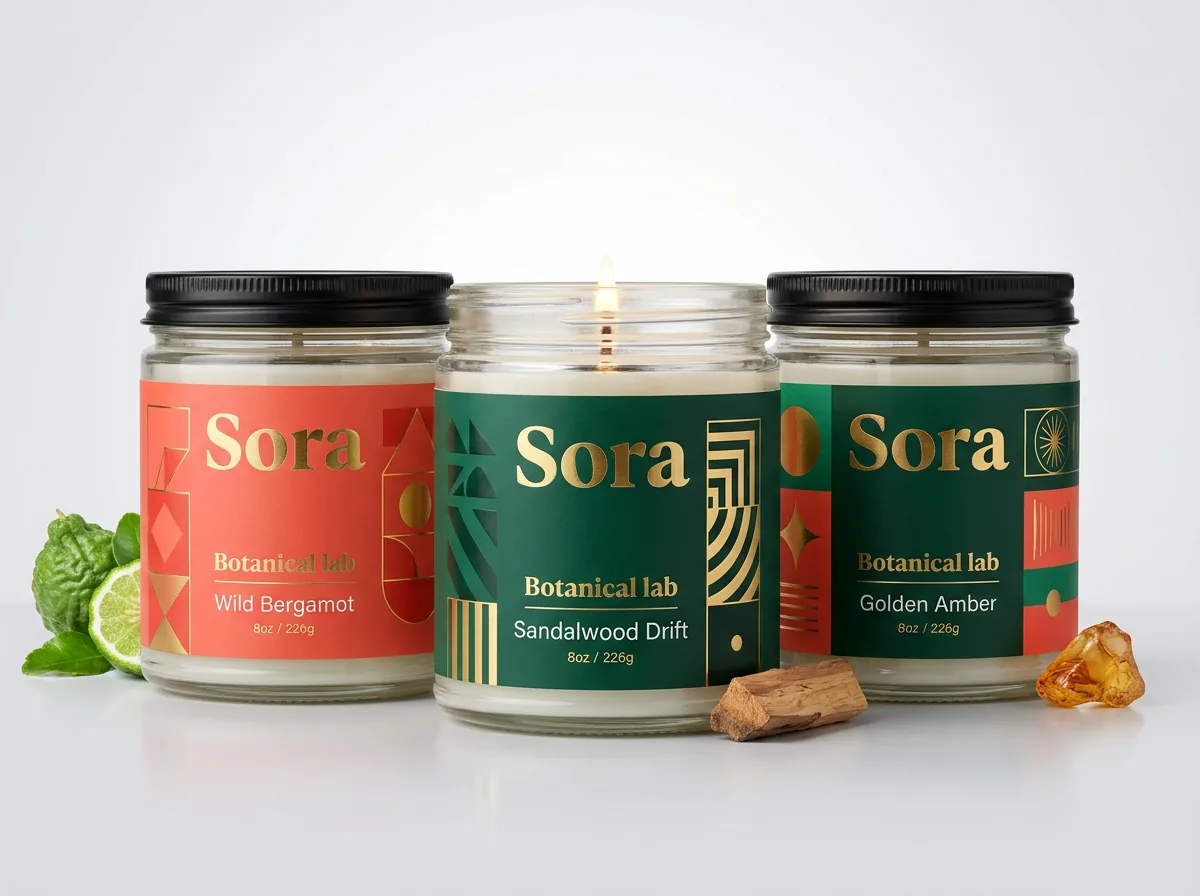
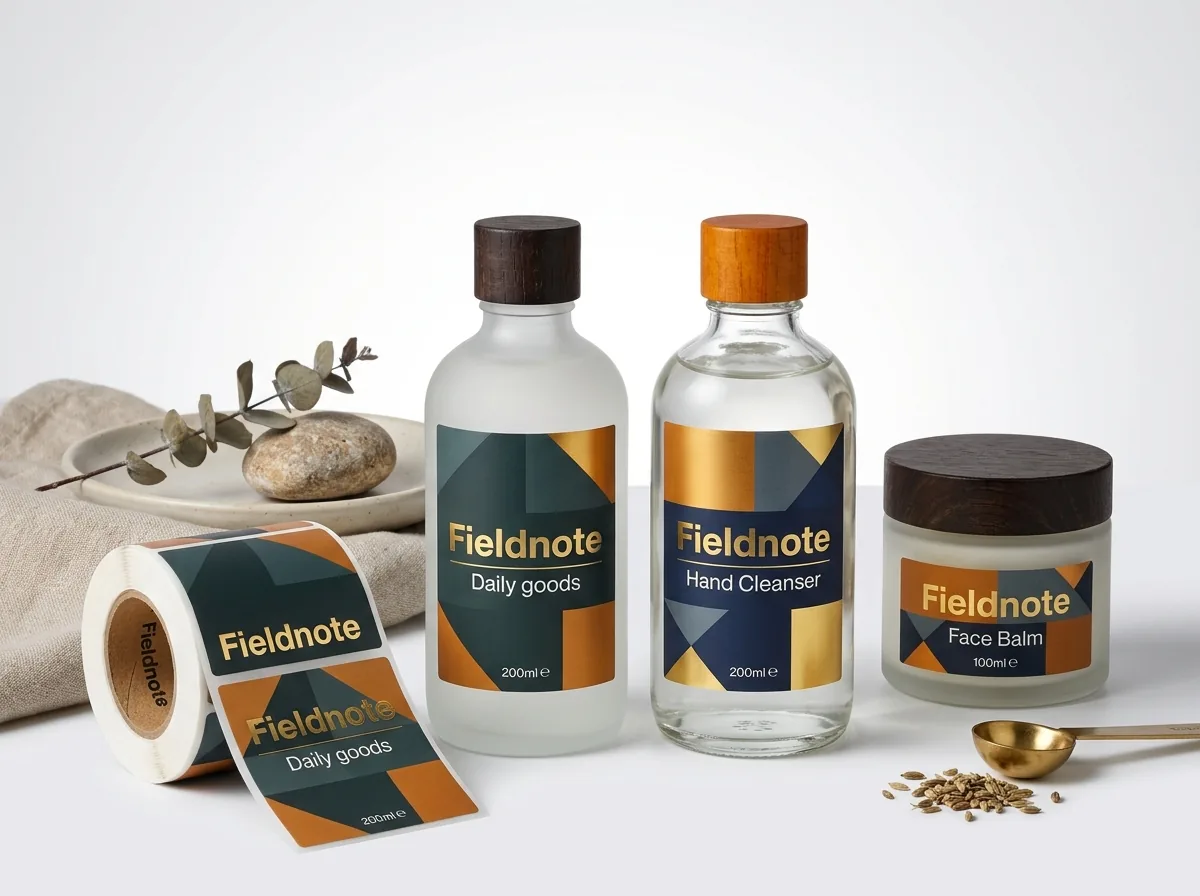
Walk down a specialty candle, skincare or coffee aisle and you will see the same architectural layout repeated across luxury brands: a matte 2.5 × 2.5 inch or 3 × 3 inch square divided by thin horizontal Hairline rules into a three-tier or four-corner swiss grid. Because the width and height of the sticker are identical, placing a centered logo or product number in the middle and anchoring secondary details in the four corners creates instant visual equilibrium. Instead of stacking seven centered lines of text down a narrow column where everything competes for attention, a square lets you separate information by role: brand name across the top band, scent or roast name in bold middle type, net weight in the bottom-left corner, and batch number or origin in the bottom-right corner. That clean corner separation also leaves open negative space in the center of the card, making a 2.5 × 2.5 inch label feel larger and calmer than a crowded wrap.
- Top band: brand wordmark or collection number inset at least ⅛ inch (0.125 in) below the top cut edge.
- Center zone: primary product name, scent notes or 2–3 line flavor description with generous line spacing.
- Bottom-left corner: net weight in ounces and grams (for example, '9 OZ / 255 G') aligned flush left.
- Bottom-right corner: batch lot box, burn time or small origin badge aligned flush right.
How much quiet zone and contrast does a QR code need on a square sticker?
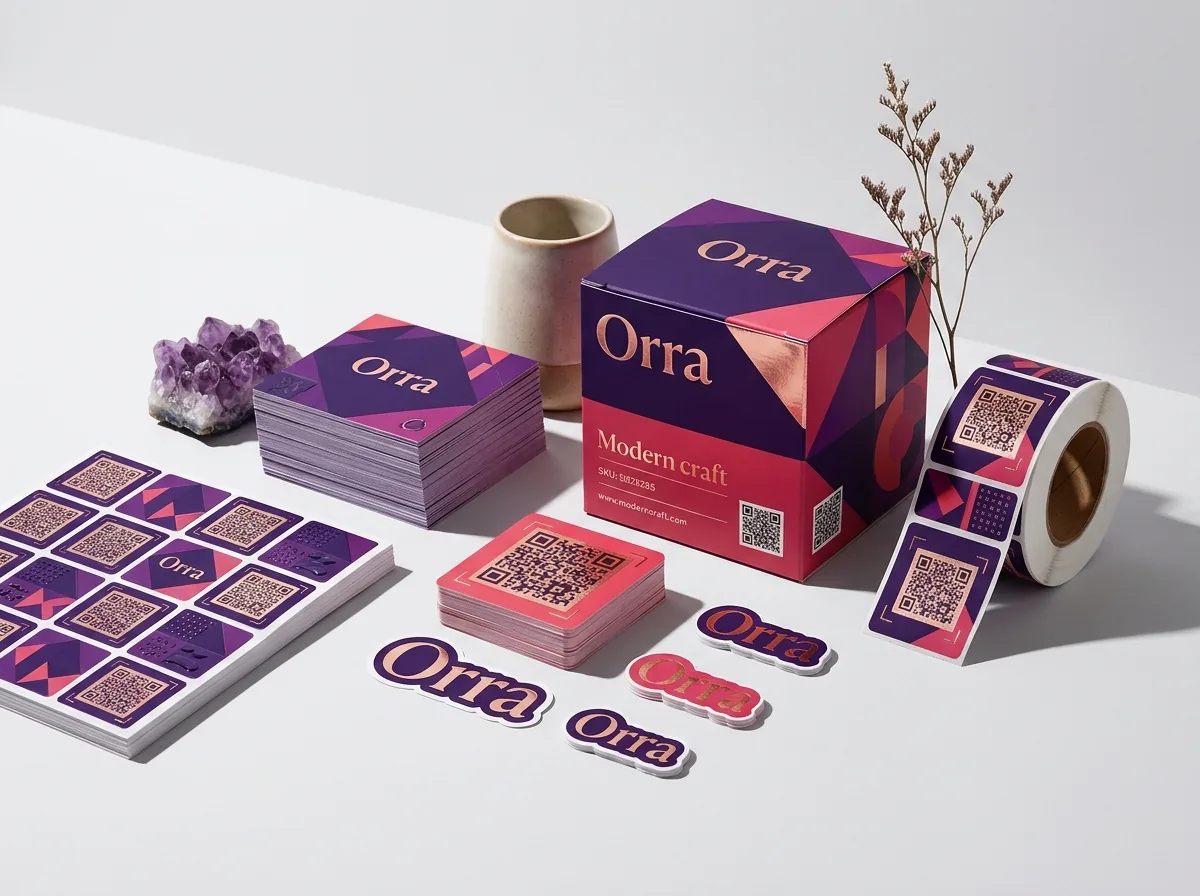
Every QR code is constructed on an equal-sided square grid of dark and light modules with three large position-detection squares in the top-left, top-right and bottom-left corners. That 1:1 geometry makes custom qr code stickers and square product labels a natural match, whether you print a standalone 1 × 1 inch reorder sticker for a box lid or embed a QR code in the corner of a 3 × 3 inch pouch label. For a smartphone camera to lock onto those three corner finder patterns quickly, the ISO/IEC 18004 standard requires a clear, unprinted 'quiet zone' border at least four modules wide (typically ⅛ inch or 0.125 in) around all four sides of the QR matrix. Never bleed a QR code right to the edge of a sticker or print dark bars directly over transparent custom clear labels or shiny custom foil labels without a solid white square behind the entire code and its quiet zone.
| Square label size | Recommended QR matrix size | Quiet zone & call-to-action layout |
|---|---|---|
| 1.0 × 1.0 in | 0.65 × 0.65 in matrix | 0.175 in white margin all around (code only, no text) |
| 1.25 × 1.25 in | 0.75 × 0.75 in matrix | 0.15 in margin + 1 short 6 pt line ('SCAN FOR LAB TEST') |
| 1.5 × 1.5 in | 0.85 × 0.85 in matrix | 0.20 in margin + top brand logo and bottom scan prompt |
| 2.0 × 2.0 in | 0.85 × 0.85 in matrix | QR code + product title, batch code and support URL |
| 3.0 × 3.0 in | 0.75 × 0.75 in corner matrix | Full front or back product label with corner QR block |
How do I set up bleed, safe margins and 4-sided borders on a square label?
Just like circular and rectangular labels, a print-ready square label file uses three nested squares: the outer bleed box (+⅛ inch on all four sides, adding ¼ inch to both width and height), the exact finished cut line, and the inner safe margin (−⅛ inch inside all four sides). For a 2.5 × 2.5 inch candle label, your full bleed canvas is 2.75 × 2.75 inches and your inner safe zone is 2.25 × 2.25 inches. If your design includes a four-sided inset border rule that frames the perimeter of the square, keep that rule at least ⅛ inch (0.125 in) away from the cut line on all four sides. Because the human eye compares the left margin directly against the right margin and the top margin against the bottom margin, a border placed only 1/32 inch from the blade will look off-center if the web shifts by even half a millimeter during cutting. Also remember to curve the corners of your inner border rule slightly to match our standard 1/16 inch outer corner radius.
Know your size? Compare pricing across up to 3 quantities.
Request a Quote →How do I orient artwork on a square L-wrap corner seal?
One clever way brands use a square sticker is as a two-panel L-wrap across a 90-degree edge, sticking half of the square onto the flat top of a jar lid or carton flap and folding the lower half straight down onto the vertical front wall. When you set up artwork for a folded square seal, divide your square canvas in half with a horizontal non-printing guide line right across the middle. Treat the top half and bottom half as two separate 2:1 rectangular mini-panels, keeping logos and text at least ⅛ inch away from the center fold crease as well as the outer cut edges. On the top lid half, center your monogram or brand mark; on the vertical front half, place the scent name, flavor badge or 'Sealed for freshness' line so both panels read upright when the box or jar sits on a shelf.
How do I prepare multi-SKU square label files for a whole product line?
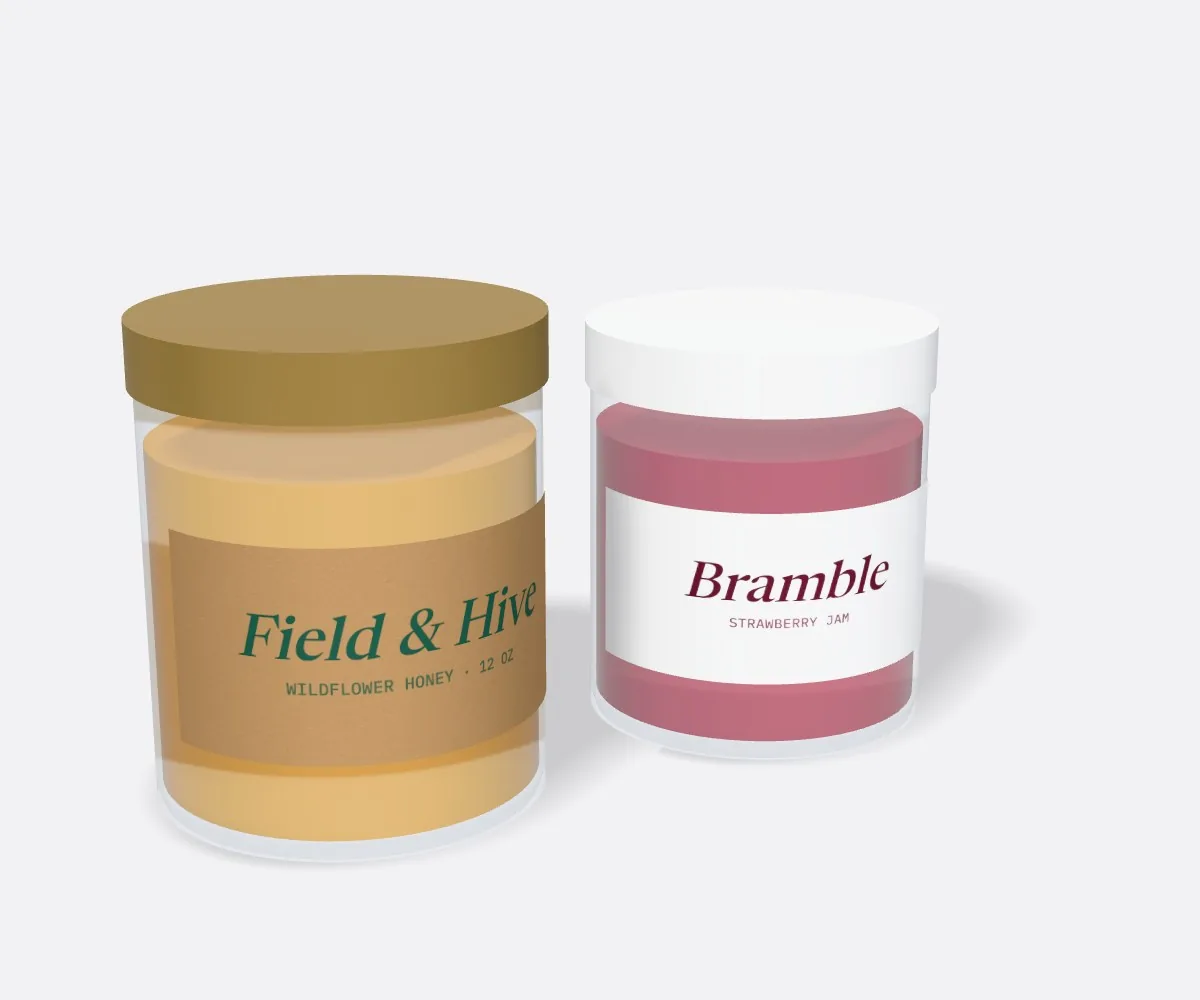
Because a 1:1 square grid keeps every text box in a fixed coordinate slot, scaling one master layout across eight spice jars, six coffee roasts or twelve candle scents takes minutes. Lock your outer bleed, inner border rule, brand logo and bottom net-weight line on a master layer, then create a separate artboard or PDF page for each SKU where only the center title, tasting notes and background Pantone swatch change. When you request a quote on our custom square labels page, select 2 designs or 3+ designs in Step 2 and attach your multi-page vector PDF (or send your rough layout and let our team build the production files for free). Every SKU receives a digital proof and 3D mockup before payment so you can verify the entire shelf line side by side.
- Keep the exact same W × H square dimension across all scents or flavors to share one dieline setup.
- Assign one distinct Pantone accent band or background swatch per SKU for fast warehouse picking.
- Test every unique QR code URL on your digital proof before approving the multi-SKU run.
What are the most common custom square label layout mistakes?
Most printing errors on square decals involve tight four-sided border boxes, un-contrasted QR codes or missing bleed. Check these five details before sending your file
- Running a QR code matrix right out to the cut edge without a ⅛ inch white quiet zone around all four sides, which stops phone cameras from recognizing the corner squares.
- Drawing a thin four-sided border box less than 1/16 inch from the cut line, where normal cutting tolerance makes opposite sides look uneven.
- Using a shorter dynamic URL vs encoding a 150-character tracking URL directly into a tiny 1 × 1 inch QR sticker, which makes the tiny modules too dense to scan easily.
- Forgetting to extend background color ⅛ inch outside all four sides of the square cut path (+¼ inch total width and height).
- Placing small corner text right inside the 1/16 inch or ⅛ inch rounded corner arc where the curved blade path trims the corner tip.
Find your label size
Suggested label size: 9⅛ × 2¾ in (width × height)
A typical starting point. Your account manager confirms the size on the proof.
Quote this size →Packaging for this
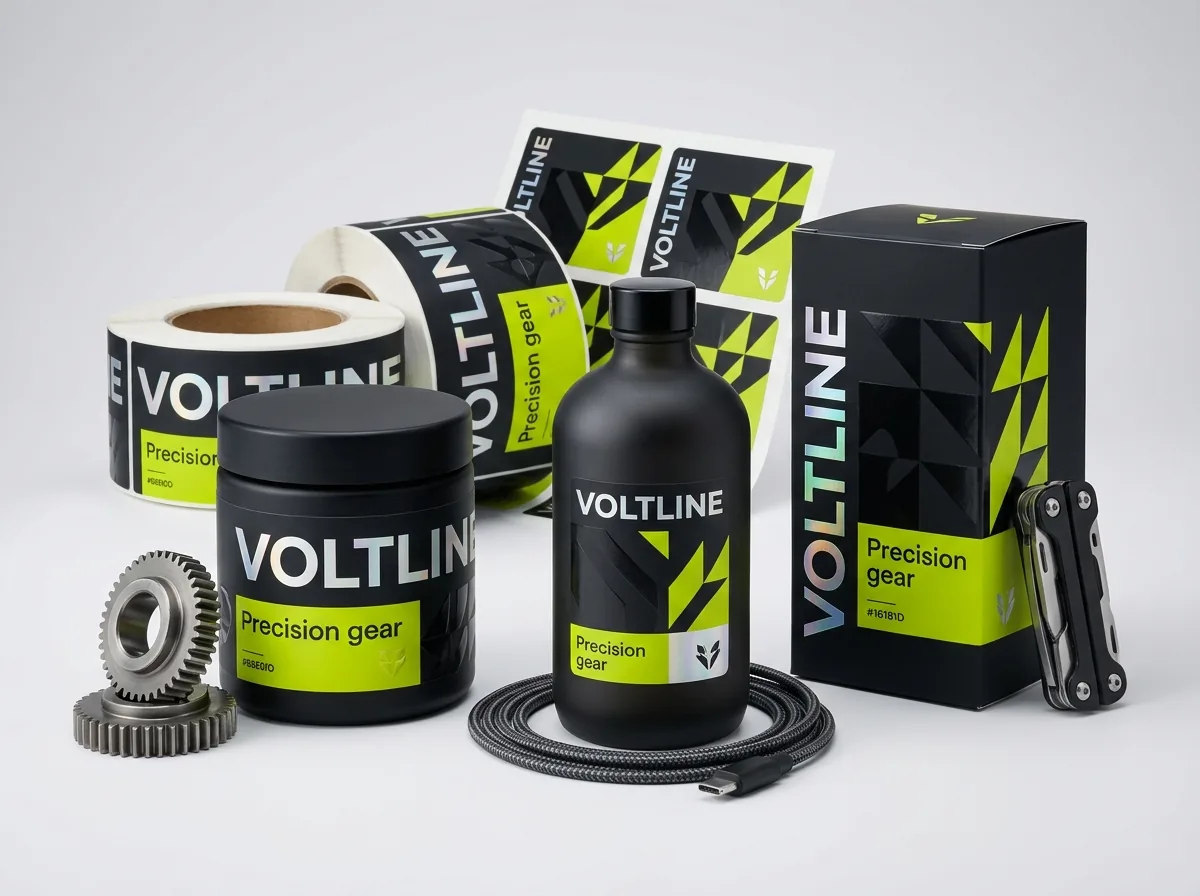
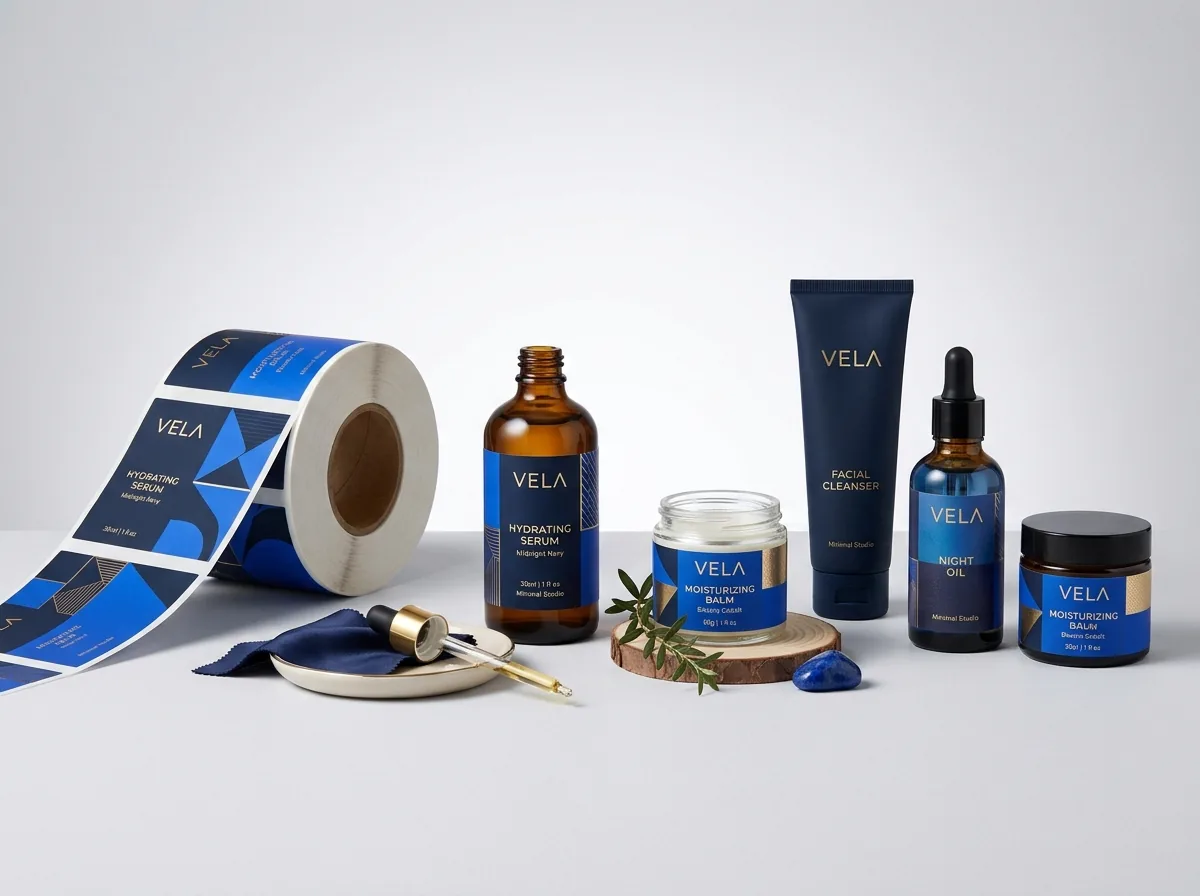
Ready to order square labels? Compare up to 3 quantities with a free 3D mockup.
Request a Quote →Questions about square labels
What should the total canvas size with bleed be for a 2.5 × 2.5 inch square label?
Add ⅛ inch (0.125 in) of bleed to all four sides, which increases both width and height by ¼ inch. A 2.5 × 2.5 inch square label needs a 2.75 × 2.75 inch bleed canvas and a 2.25 × 2.25 inch inner safe zone.
What is the minimum scannable size for a QR code on a custom square label?
Keep the printed QR matrix itself at least 0.6 × 0.6 inches (15 × 15 mm) surrounded by a 0.125 inch white quiet zone on all four sides, which fits comfortably inside a 1 × 1 inch square sticker.
Can I print a white QR code on a dark background (inverted QR code)?
While some newer smartphone cameras can read light-on-dark codes, many barcode scanners and older camera apps fail on inverted contrast. Always print dark modules on a light background for reliable scanning.
Which finish is better for scannable QR code square labels: matte or gloss?
Matte finish is better when QR codes will be scanned under bright overhead store or warehouse lighting, because a low-glare matte surface prevents specular light reflection from blinding the camera sensor.
Can CubitPack generate or check my QR code and set up the apothecary grid for free?
Yes. Design help is free on every order. Send us your destination URL, logo and copy, and our designers will build the vector grid, test the QR code scan and send a digital proof and 3D mockup before payment.
Can I print different QR codes or scent names on the same square size in one order?
Yes. Select 2 designs or 3+ designs on the quote form and note how many unique QR codes or scent variations you have. Keeping the same square size and stock across all variations keeps the run efficient.
Still have a question? Ask a packaging specialist.
Request a Quote →Request your square labels quote
Tell us your size and quantities, and one dedicated account manager prepares pricing for each tier.
- Free design & AI-to-print studio + 3D mockup
- No die or plate charges · 4–5 day rush available
- Free shipping to all 50 states
- 10% off your first order
The QR code sizing and quiet-zone rules in this guide follow ISO/IEC 18004 four-module margin standards, paired with commercial ±1/32 inch rotary die-cutting tolerances for four-sided border rules. Checked by a CubitPack packaging specialist. Spot something wrong? Tell us and we will fix it.
Sources
What changed
- October 22, 2026: First published.
- October 22, 2026: Updated specifications, terminology, and verified source links.
More guides
New packaging guides by email
Sizes, materials and design tips. Unsubscribe anytime.