
How do I design universal multi-model inserts and SKU layouts for phone case boxes?
Short answer: Build one universal 4.25 × 0.75 × 7.50 inch outer carton and pair it with a folded paperboard tray featuring a raised center island and pre-scored top/bottom spacer flaps. That lets one order of custom phone case boxes hold 6.1-inch through 6.9-inch models while consolidating your print run.
On this page
- How does a plastic-free paperboard insert lock a phone case in place
- What are the three best ways to handle 20+ phone models and case colors
- Where should the phone model badge, MagSafe icon and drop rating sit
- How do you make clear cases and dark matte cases pop inside the window
- How should I set up UPC barcode windows and tamper-evident retail seals
- Common mistakes
- FAQs
Request a custom quoteFree dieline & 3D mockup
Every smartphone launch cycle creates an inventory puzzle for accessory brands: four new phone sizes multiplied by six or eight colorway finishes equals 24 to 32 distinct SKUs before you even count previous-generation phones. If you print a separate outer box size and artwork plate for every single model and color, your quantities stay fragmented and you get stuck with leftover boxes for slow-moving sizes. By engineering a universal outer carton with a front window or back barcode window and pairing it with a plastic-free stepped paperboard frame insert, you can pool your entire 1,000-unit, 2,500-unit or 5,000-unit order into one shared structural dieline. Inside the box, a raised paperboard island locks into the interior cavity of the phone case and a small fold-through tab catches the camera cutout so the case never shifts. CubitPack engineers both your printed phone case boxes and stepped insert dielines for free.
How does a plastic-free paperboard insert lock a phone case in place?
Years ago, most mobile cases hung in thermoformed clear PVC blister trays that cracked at the corners and could not be recycled with paperboard. Today, a one-piece folded paperboard insert holds a smartphone case cleaner, flatter and more securely than plastic, using the phone case's own internal cavity and camera cutout as anchor points. Instead of cradling the outside edges of the case (which vary from slim silicone to chunky rugged bumpers), our design team pop a raised rectangular paperboard island up from the center of the tray floor. That raised island is sized to slip inside the back cavity of the phone case where the phone normally sits. A secondary hinged paperboard tongue folds upward through the rear camera opening, locking the case vertically and horizontally behind the front window.
- Outer perimeter flange: sits flush against the four inside walls of the 4.25 × 0.75 × 7.50 in carton so the tray cannot slide.
- Raised center island (core): pops up 0.35 to 0.45 inch to fit inside the interior cavity of a 6.1-inch phone case.
- Fold-up spacer flaps: pre-scored 0.30-inch top and bottom ledges stay upright for 6.1-in cases or fold flat to accommodate 6.7-in and 6.9-in Pro Max / Ultra cases.
- Camera-cutout anchor tab: a die-cut flap on the upper island folds into the case's rear camera hole so rough shipping drops cannot dislodge the case.
- Thumb-pull release notch: a 0.6-inch half-moon cutout at the bottom of the island lets the buyer pop the case off the tray in one second.
What are the three best ways to handle 20+ phone models and case colors?
Once your outer carton size and stepped inner paperboard frame are standardized, you can choose how to differentiate phone models (such as 6.1-in Base, 6.3-in Pro, 6.7-in Plus and 6.9-in Ultra) and case colorways across your production run. Use the table below to pick the SKU strategy that matches your sales channel and run size. Notice how Strategy 1 (Universal Window Box + Wrap Sticker) lets you order a single high-volume run of identical outer cartons, while Strategy 2 (Printed Inner Insert Card) uses the inner tray itself to display the phone model name through a small die-cut header slot on the outer box.
| SKU packaging strategy | How model & color are shown | Best for |
|---|---|---|
| 1. Universal front-window carton + L-wrap SKU sticker | Front window shows real case color; corner L-sticker prints model name & UPC | 20–50+ SKUs, rapid seasonal color drops, lowest unit cost |
| 2. Shared outer sleeve + model-printed inner card tray | Top die-cut peephole in outer sleeve reveals '6.9" PRO MAX' printed on inner tray | DTC & boutique brands wanting zero exterior stickers |
| 3. Multi-version gang run on one shared dieline | Each phone model gets its own printed outer box artwork & color-coded header band | Hero retail SKUs (1,000+ total boxes split across top models) |
| 4. Back-panel barcode window + closed Spot UV front | 1:1 front render; die-cut back window exposes barcode sticker on inner case bag | Print-on-demand (POD) artist cases & fulfillment centers |
Where should the phone model badge, MagSafe icon and drop rating sit?
When a customer walks up to a retail accessory wall or opens a fulfillment bin, they scan the top two inches of the package first. If the compatible phone model name is buried in 7 pt gray text on the back panel, shoppers accidentally buy the Pro size instead of the Pro Max size, driving up preventable e-commerce returns and opened retail boxes. Place the compatible phone model in a high-contrast pill badge in the upper-right front corner (and repeat it on the top tuck flap for drawer bins), using distinct background accent colors per screen size, such as electric blue for 6.1-in, emerald for 6.3-in Pro, amber for 6.7-in Plus and violet for 6.9-in Ultra. Reserve the bottom bar below the window for three scannable icons: your drop-test height rating (such as 10 ft or 12 ft), a MagSafe / Qi2 magnetic ring symbol, and raised bezel protection callouts.
Know your size? Compare pricing across up to 3 quantities.
Request a Quote →How do you make clear cases and dark matte cases pop inside the window?
Transparent polycarbonate cases and matte black silicone cases present opposite visual challenges behind a retail window. A crystal-clear case disappears against a plain white inner tray, while a matte black case looks like a dark shadow inside a charcoal box. To make clear cases stand out, print the raised center island of your custom cardboard inserts in a contrasting brand color (such as sage, cobalt or terracotta) with a crisp white vector outline of the MagSafe ring and coil. When the clear case snaps onto the island, the colored background makes the transparent bumpers and magnetic ring glow in the window. Conversely, when packaging dark matte or aramid fiber cases, keep the inner tray crisp uncoated white so the case silhouette reads sharply, and use registered gloss Spot UV on the outer matte carton to highlight the camera bezel and magnetic ring.

How should I set up UPC barcode windows and tamper-evident retail seals?
Every retail-ready order of custom phone case boxes needs two functional prepress zones on the back and end panels: a scannable GS1 UPC-A barcode rectangle and a tamper-evident closure that still allows store staff to re-close the box cleanly if a customer inspects the case. Leave a 1.50 × 1.00 inch unvarnished white rectangle on the lower back panel (knocking out matte or soft-touch lamination in that box) so thermal-transfer SKU/UPC stickers bond permanently and scan on the first pass. For the top and bottom closures, specify a straight tuck or slit-lock tuck flap paired with a 0.75-inch clear perforated custom QR code sticker or wafer seal. Inside the lid or on the back of the stepped paperboard insert, you also have a free canvas for onboarding instructions: print a QR code linking to your screen-protector installation video, MagSafe wallet pairing guide or lifetime warranty registration page so you never have to pay for a separate folded paper leaflet.
- Unvarnished barcode box: reserve a 1.50 × 1.00 in knockout zone on the lower back panel for crisp GS1 UPC-A and FNSKU scanning.
- Corner L-wrap SKU labels: wrap a color-coded model sticker across the side spine and back panel when using one universal outer box.
- Slit-lock + wafer seal: combine friction-lock tuck flaps with a clear 0.75-inch wafer seal to prevent casual opening on retail hooks.
- Inner-island onboarding print: put your warranty QR code and care tips directly on the raised paperboard island behind the case.
What are the most common phone case insert and artwork mistakes?
A great phone case box keeps 30 SKUs organized without plastic waste or wrong-model returns. Check these five design mistakes before approving your dieline
- Designing the inner tray to hold the outside perimeter of the case instead of popping a raised island into the inside cavity and camera hole.
- Using a dark black inner paperboard tray behind a matte black phone case, which makes the product invisible behind the front window.
- Printing the compatible phone model name in small low-contrast text on the back panel instead of a color-coded badge on the front top corner.
- Applying soft-touch lamination over the back-panel SKU sticker zone so thermal model and barcode labels peel off in warehouse bins.
- Placing a clear window over a clear transparent phone case with a plain white insert underneath, leaving nothing for the shopper's eye to focus on.
Find your size
Suggested inside size: 3.75 × 0.50 × 6.75 in
A starting point. Your account manager confirms the size with you before the proof.
Quote this size →Packaging for this
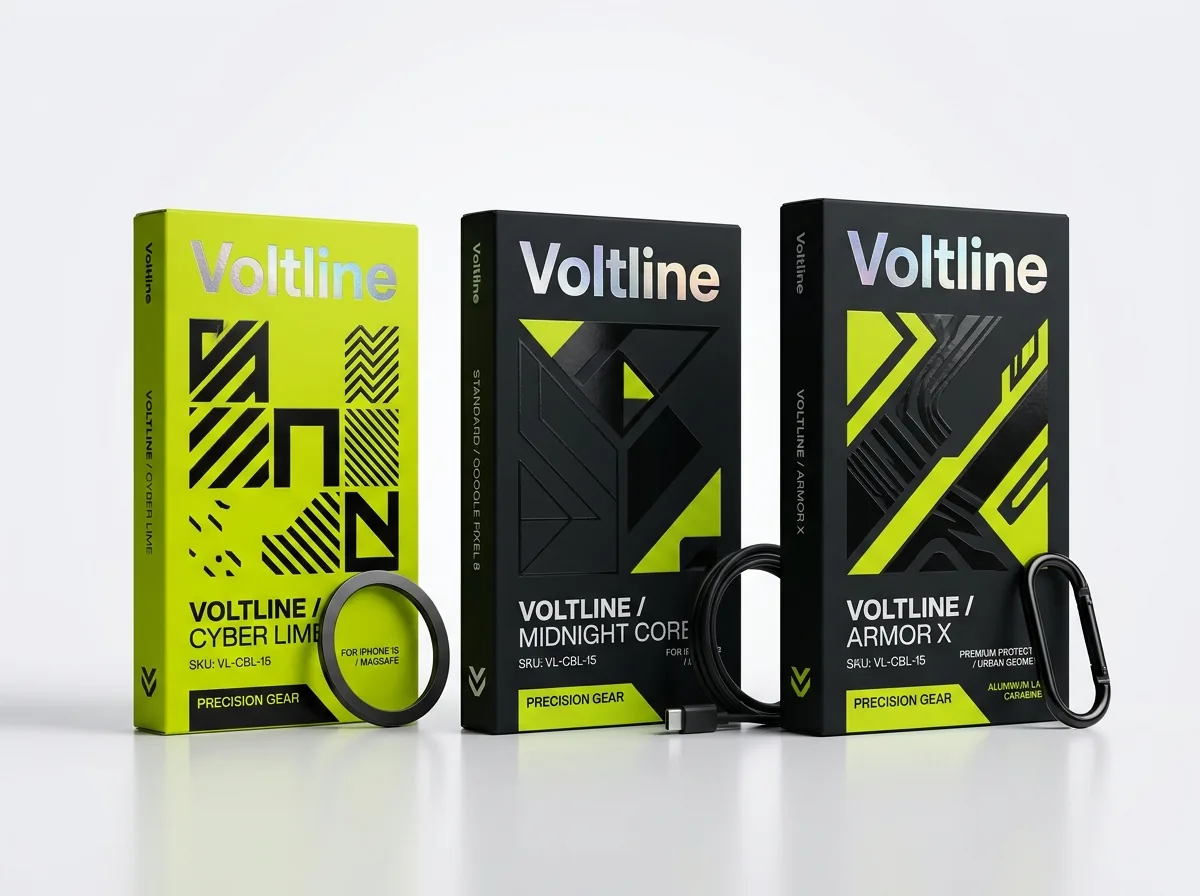
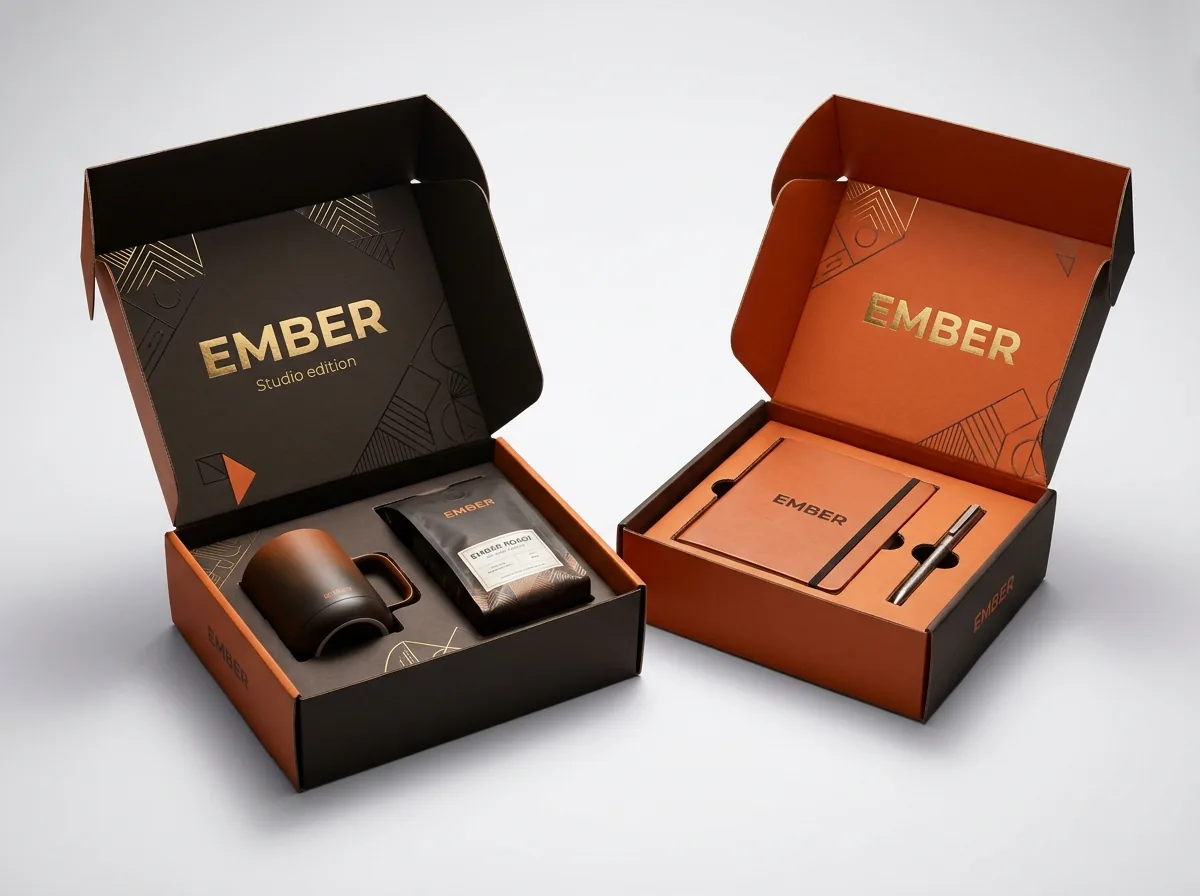
Ready to order phone case boxes? Compare up to 3 quantities with a free 3D mockup.
Request a Quote →Questions about phone case boxes
Do you charge extra to engineer a stepped multi-model paperboard insert?
No. CubitPack provides free structural engineering and free vector dielines for both the outer phone case carton and the internal stepped paperboard frame, with zero die or plate charges on your order.
Can one paperboard insert really hold both a 6.1-inch case and a 6.9-inch Pro Max case?
Yes. The center island is sized to the 6.1-inch interior cavity, and pre-scored top and bottom spacer wings either stand upright to lock a 6.1-inch case in place or fold flat into the tray floor to accept a 6.7-inch or 6.9-inch case.
Can I split a 1,000-box minimum order across multiple phone models or case colors?
Yes. Because all models share the same 4.25 × 0.75 × 7.50 inch dieline, we can split your 1,000-box folding carton run across multiple printed model versions, or print one universal box with a window and model stickers.
How do print-on-demand (POD) phone case brands package thousands of custom artist designs?
Print-on-demand brands use a single universal window carton on the front (so the custom-printed case artwork is the hero) plus a small 1.75 × 1.00 inch die-cut window on the back panel that exposes the fulfillment barcode sticker on the inner sleeve.
What board weight works best for the inner stepped phone case insert?
A sturdy 16 pt to 18 pt uncoated white, black-dyed or natural kraft paperboard folds crisply along the center island scores and holds the weight of a silicone or rugged polycarbonate case without sagging.
Will my design team get a 3D mockup showing the case inside the window before we pay?
Yes. Before you pay for production, we send a full digital proof and an interactive 3D mockup of your outer carton and inner insert so you can check window framing, MagSafe icons and model badge placement.
Still have a question? Ask a packaging specialist.
Request a Quote →Request your phone case boxes quote
Tell us your size and quantities, and one dedicated account manager prepares pricing for each tier.
- Free design & AI-to-print studio + 3D mockup
- No die or plate charges · 4–5 day rush available
- Free shipping to all 50 states
- 10% off your first order
The stepped-island insert geometry and SKU consolidation methods in this guide come from structural dielines built for multi-model 6.1-inch to 6.9-inch smartphone case lines and GS1 retail barcode guidelines. A CubitPack packaging specialist verified every section. Spot an error? Tell us and we will fix it.
Sources
What changed
- October 22, 2026: First published.
- October 22, 2026: Updated specifications, terminology, and verified source links.
More guides
New packaging guides by email
Sizes, materials and design tips. Unsubscribe anytime.