
How do I design coffee bag labels for multiple origins and blends?
Short answer: Build one master grid and cut line (such as 3 × 4 inches for 12 oz bags) where your logo, net weight and roast-date box stay in fixed positions, then swap only the Pantone color band and origin text per coffee. Order custom coffee bag labels with free prepress help.
On this page
- What information belongs on the front vs back of a coffee bag label
- How do roasters use Pantone color coding across origins and roast levels
- How do I design a roast-date stamp box that will not smudge
- How do I set up bleed, safe margins and AI artwork for coffee labels
- What affects the cost of multi-origin coffee bag labels
- Common mistakes
- FAQs
Request a custom quoteFree dieline & 3D mockup
Designing coffee bag labels for a rotating specialty menu works best when you treat the label as a modular grid rather than starting from a blank canvas for every farm lot. Lock three things across your entire 12 oz lineup: the exact outer width × height (typically 3 × 4 inches), the top header or crest holding your roastery logo, and the bottom band holding net weight and a white knock-out box for your roast date. Inside the middle zone, assign each coffee category or region its own Pantone accent color and swap the country or blend title, processing method, elevation, varietal and three tasting notes. Shoppers recognize your brand block from six feet away on a grocery or cafe shelf, while your roast crew only has to change text and one color bar when a new harvest lands. At CubitPack, dielines, design help and 3D mockups are free.
What information belongs on the front vs back of a coffee bag label?
Trying to cram farm stories, water-temperature recipes, barcode blocks and distributor addresses onto a single 3 × 4 inch front label forces the type size down until shoppers cannot read what the coffee tastes like. Splitting your hierarchy cleanly between the front panel and the back panel keeps the front bold and scannable from a cafe shelf. Use the layout blueprint below to assign every hierarchy element to the right panel and check minimum readable font sizes before exporting your print PDF.
| Label zone | What to include | Design & readability rule |
|---|---|---|
| Front header | Roastery logo or wordmark | Fixed position across every SKU; optional foil or spot UV |
| Front center band | Origin country, farm/washing station or blend name | Largest type on the label (18 pt to 28 pt bold) |
| Front tasting & spec bar | 3 tasting notes, process (Washed, Natural), roast level | Color-coded Pantone band so shoppers spot flavor profiles fast |
| Front bottom margin | Net weight (e.g., 12 OZ / 340 G) + roast-date box | High-contrast text; keep ¼ in inside the bottom cut line |
| Back top & middle | Producer story, elevation, varietal, brew ratio guide | At least 7 pt to 8 pt type on matte low-glare finish |
| Back lower corner | Roaster name, city/state/ZIP, UPC barcode (dark on white) | 1.25 × 0.75 in white box for crisp retail scanner reads |
How do roasters use Pantone color coding across origins and roast levels?
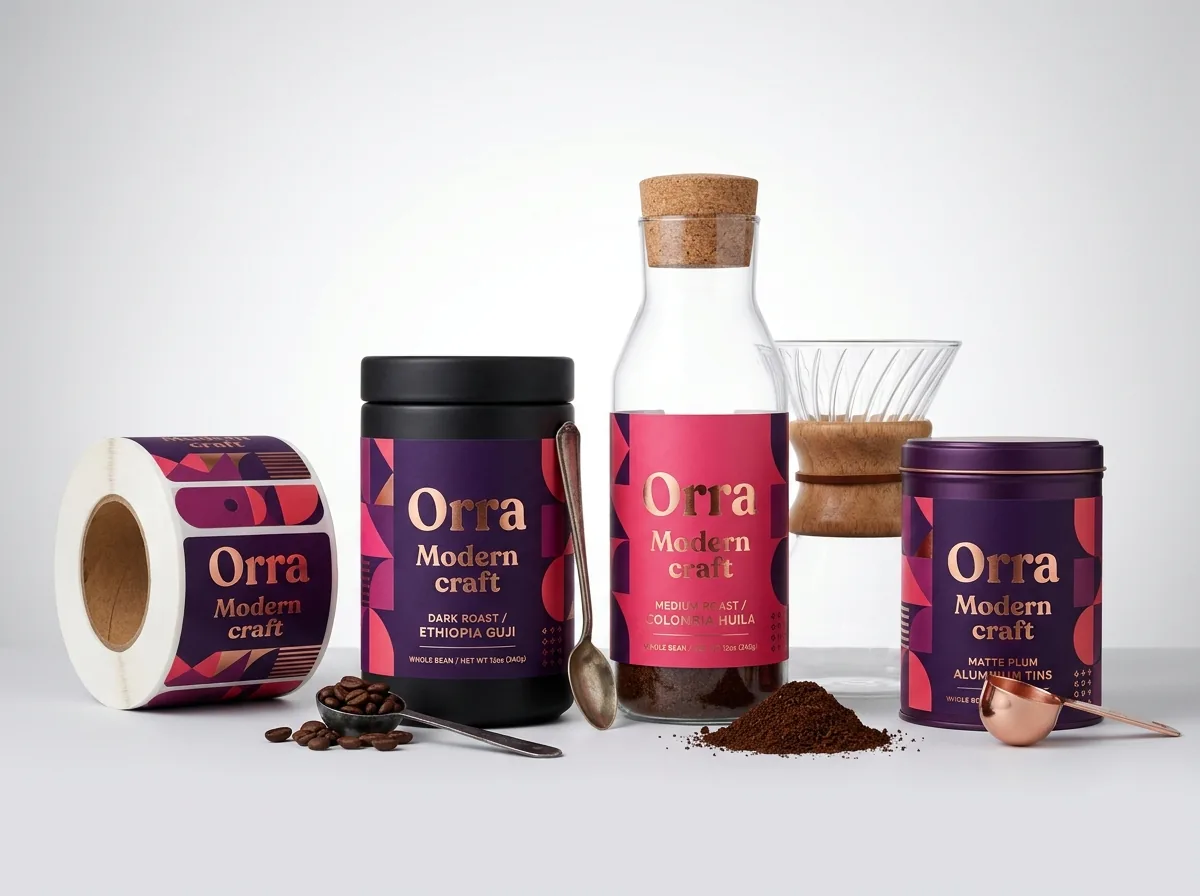
When a customer walks up to a retail coffee shelf holding eight matte black pouches from the same roaster, color coding is what turns browsing into a fast purchase. There are two proven ways to structure your palette across custom printed coffee bag labels. The first method color-codes by flavor profile or region: warm terracotta and berry tones for fruit-forward African naturals, golden ochre and caramel for washed Central and South American coffees, deep forest green for earthy Sumatra or decaf, and rich espresso bronze or gold foil for house blends. The second method keeps all main front labels in a clean two-color house look (such as black ink on cream or white ink on kraft) and adds a second 1.5 inch or 2 inch custom circle label on the upper corner or over the top tin-tie fold. That small badge carries the bright color code for Light, Medium, Dark, Espresso or Decaf. Because CubitPack guarantees Pantone color matching, your regional color bars stay identical from batch to batch.
- Region or flavor-wheel coding: assign one Pantone swatch to fruity/floral, one to citrus/floral, one to chocolate/nutty, and one to decaf.
- Roast-level badge system: pair a single universal front label with small colored circle stickers on sheets for Light, Medium, Dark and Espresso.
- Reserve vs core tiering: use matte finish on everyday house blends and add hot gold or copper foil stamping on limited micro-lots.
- Bag-to-label contrast: pair cream or bright color labels with matte black bags, and deep dark-ink labels with natural brown kraft pouches.
How do I design a roast-date stamp box that will not smudge?
Freshness is the number-one buying signal in specialty coffee, which means nearly every roaster stamps, writes or thermal-prints a 'Roasted On' date and lot number on each bag. A frequent design mistake is running a dark background color and a slick high-gloss coat across the entire label, leaving the roast crew nowhere to stamp with black ink without smearing. Build a dedicated 1.25 × 0.5 inch white knock-out rectangle into the bottom corner or side margin of your artwork labeled 'ROASTED ON:'. Always use a bright white or light cream background inside that box so black stamp pad ink, permanent markers or thermal ribbons have high contrast. When you request your quote, tell your account manager how your crew marks dates so we pair the right surface finish or leave an unvarnished date zone. If you also bag 5 lb wholesale orders for cafes, make the wholesale roast-date and batch-number box at least 2 × 0.75 inches and add checkboxes for Whole Bean vs Ground (Espresso, Drip, Cold Brew). Baristas working in dim back-bar storage rooms can check the roast age and grind setting at a glance without pulling every bag off the rack.
Know your size? Compare pricing across up to 3 quantities.
Request a Quote →How do I set up bleed, safe margins and AI artwork for coffee labels?
Every custom label file needs three boundary lines so mechanical trimming never leaves an unprinted white sliver along the edge of a dark coffee pouch. First is the cut line (dieline), which marks the exact finished size, such as 3 × 4 inches with rounded ⅛ inch corners. Second is the bleed line, which extends background colors, patterns and illustrations ⅛ inch (0.125 in) outward past the cut line on all four sides. Third is the safe margin, which sits ⅛ inch inside the cut line; keep all origin text, net weight lines, borders and roast-date boxes inside this safe zone. If you generated an origin illustration or mascot with an AI tool, or if you only have a rough sketch and a logo file, you do not need to hire an outside prepress freelancer. Through our print your AI design and free design help services, our designers convert your artwork into a print-ready vector layout, add the ⅛ inch bleed and cut line, and send a digital proof and 3D mockup on your coffee bag before you pay.
What affects the cost of multi-origin coffee bag labels?
Four main factors shape your quote when ordering labels for several coffees: label dimensions (square inches of material), total combined quantity across the run, material stock (standard stock vs metallic custom foil labels or custom clear labels), and specialty finishes like hot foil stamping or spot UV. Because setup spreads across the press run, unit cost drops noticeably at 1,000, 2,500 and 5,000+ labels. The easiest way to keep unit cost low across six or ten different single-origin coffees is to lock the exact same width, height, corner radius and material stock for all of them. In Step 2 of the quote form, choose 2 designs or 3+ designs and enter three total quantity tiers so your account manager can show you the multi-SKU volume break. You never pay die or plate charges, your first order is 10% off, and we beat any written US competitor quote for the same specs. If you release tiny experimental micro-lots of 50 to 100 bags where even a multi-design print run feels too large, combine a blank-center master roll label with small desktop-printed or hand-stamped origin stickers, or order kiss-cut sticker sheets for those limited seasonal drops.
What are the most common coffee bag label design mistakes?
Most coffee label reprints happen when small text, date boxes or cut lines are not tested against the real pouch before printing. Avoid these five mistakes
- Forgetting to include a light, high-contrast knock-out box for the roast date, forcing staff to stamp dark ink over a dark background.
- Using sharp 90-degree corners on flexible pouches instead of a ⅛ inch corner radius that prevents corners from catching and peeling.
- Stopping background colors right at the cut line without ⅛ inch of bleed, which leaves hairline white edges on matte black bags.
- Changing label dimensions slightly from one coffee origin to the next instead of sharing one master 3 × 4 inch dieline.
- Printing barcodes in low-contrast metallic gold or red ink that cafe and grocery laser scanners cannot read.
Find your label size
Suggested label size: 9⅛ × 2¾ in (width × height)
A typical starting point. Your account manager confirms the size on the proof.
Quote this size →Packaging for this
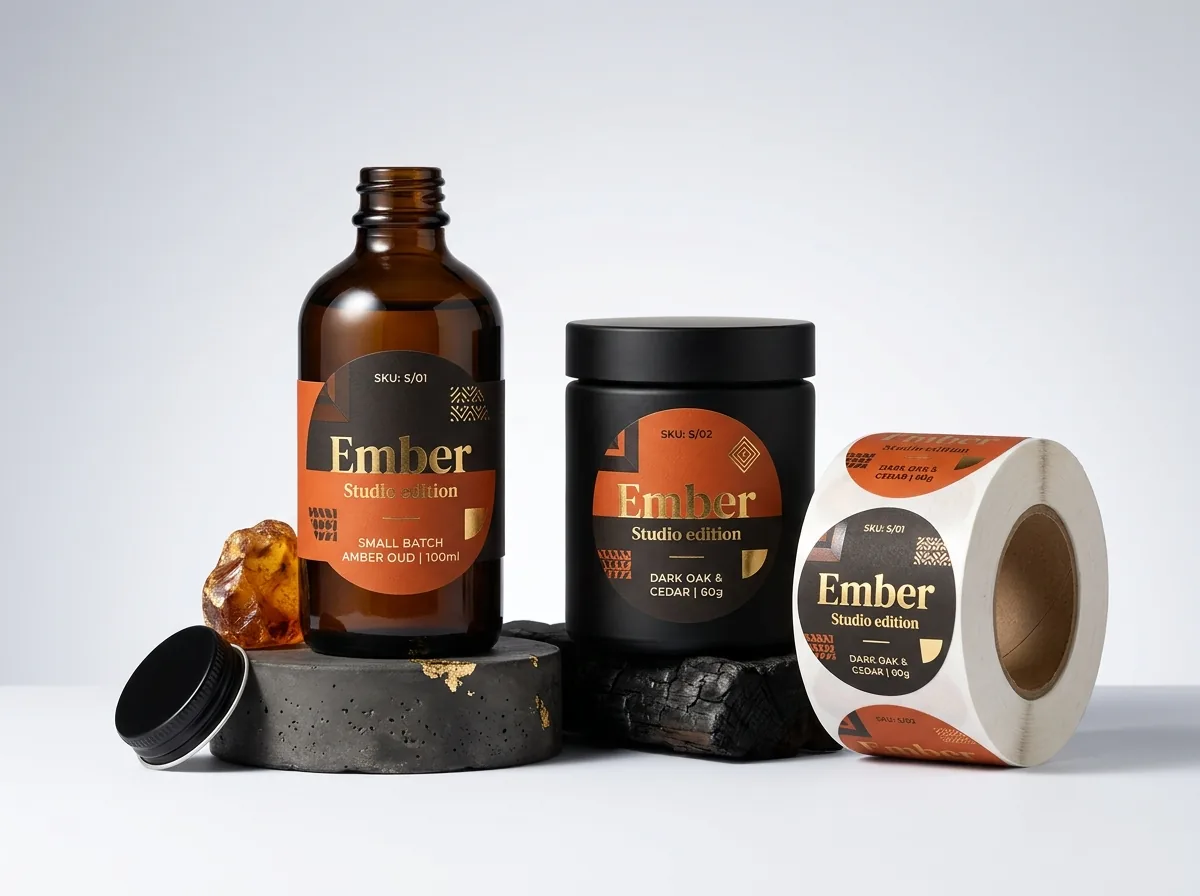
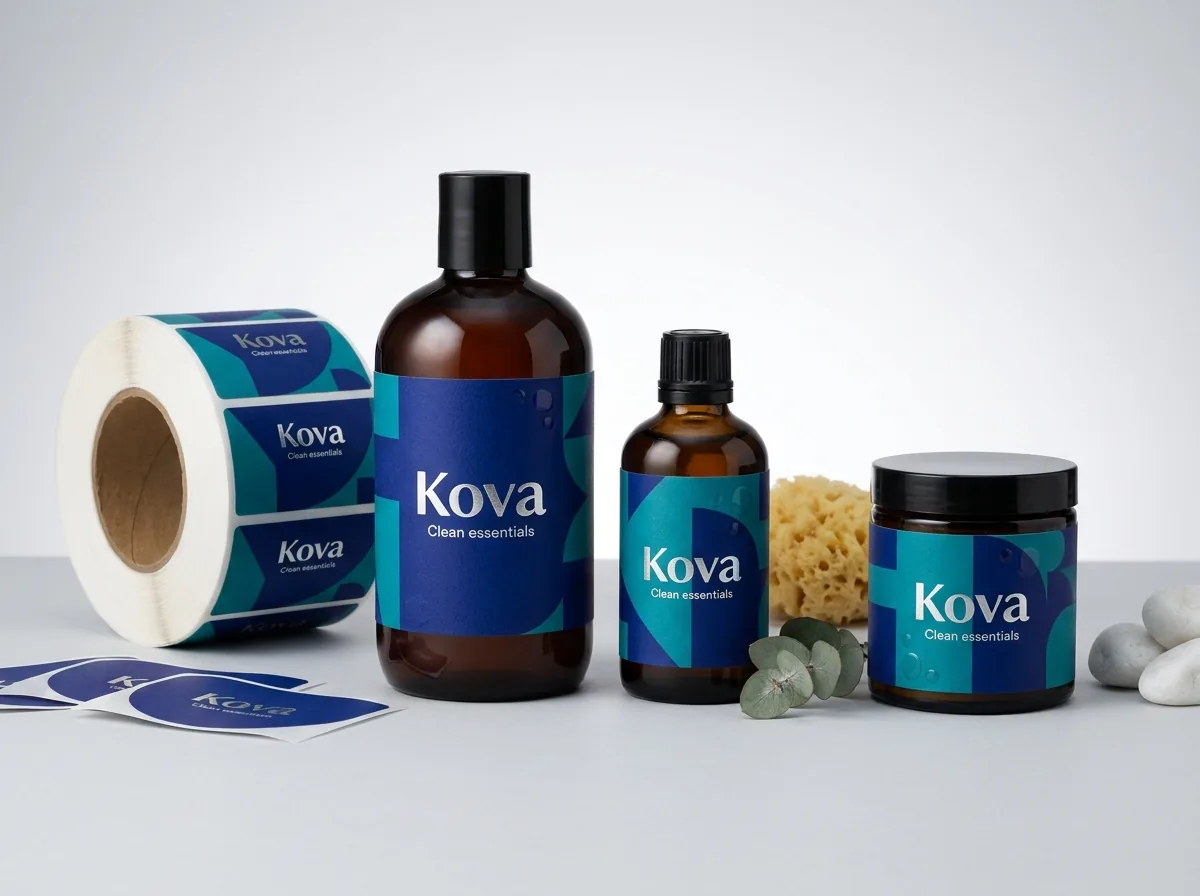
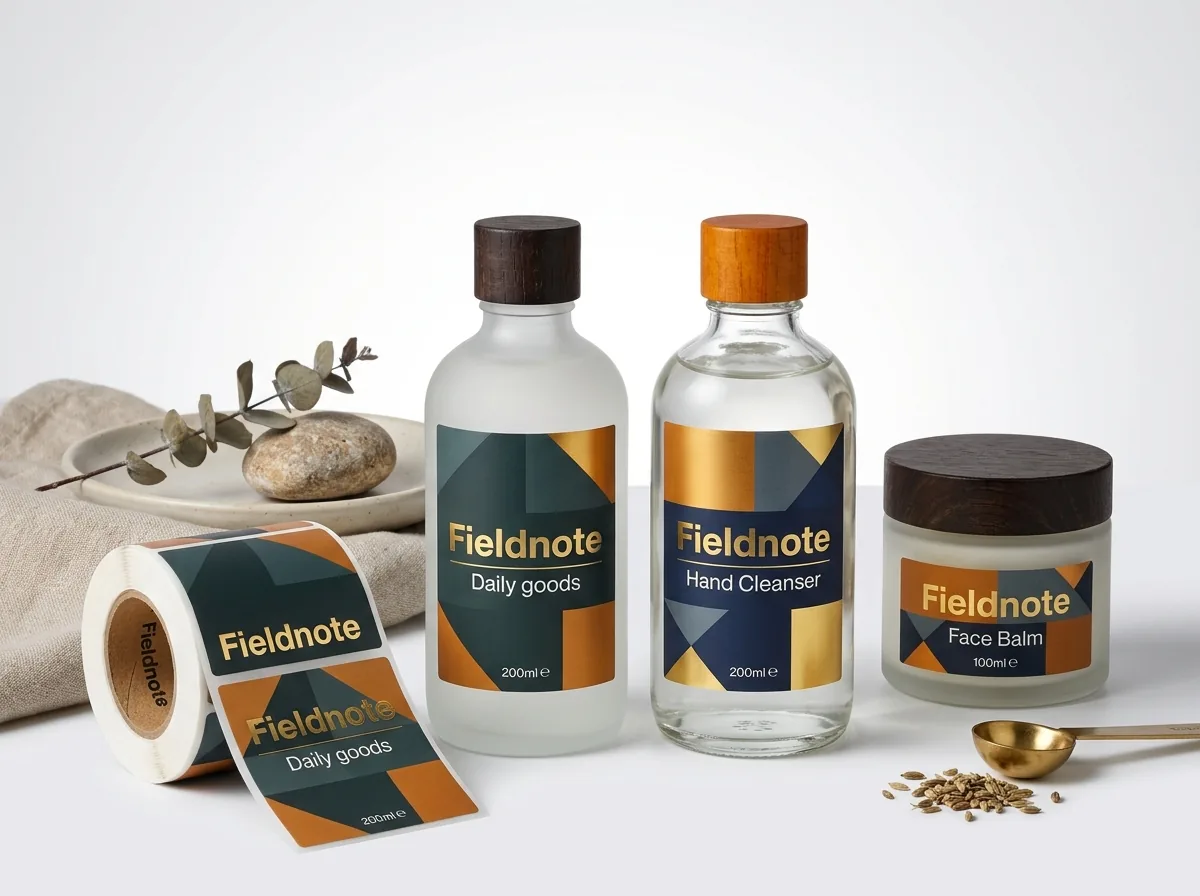
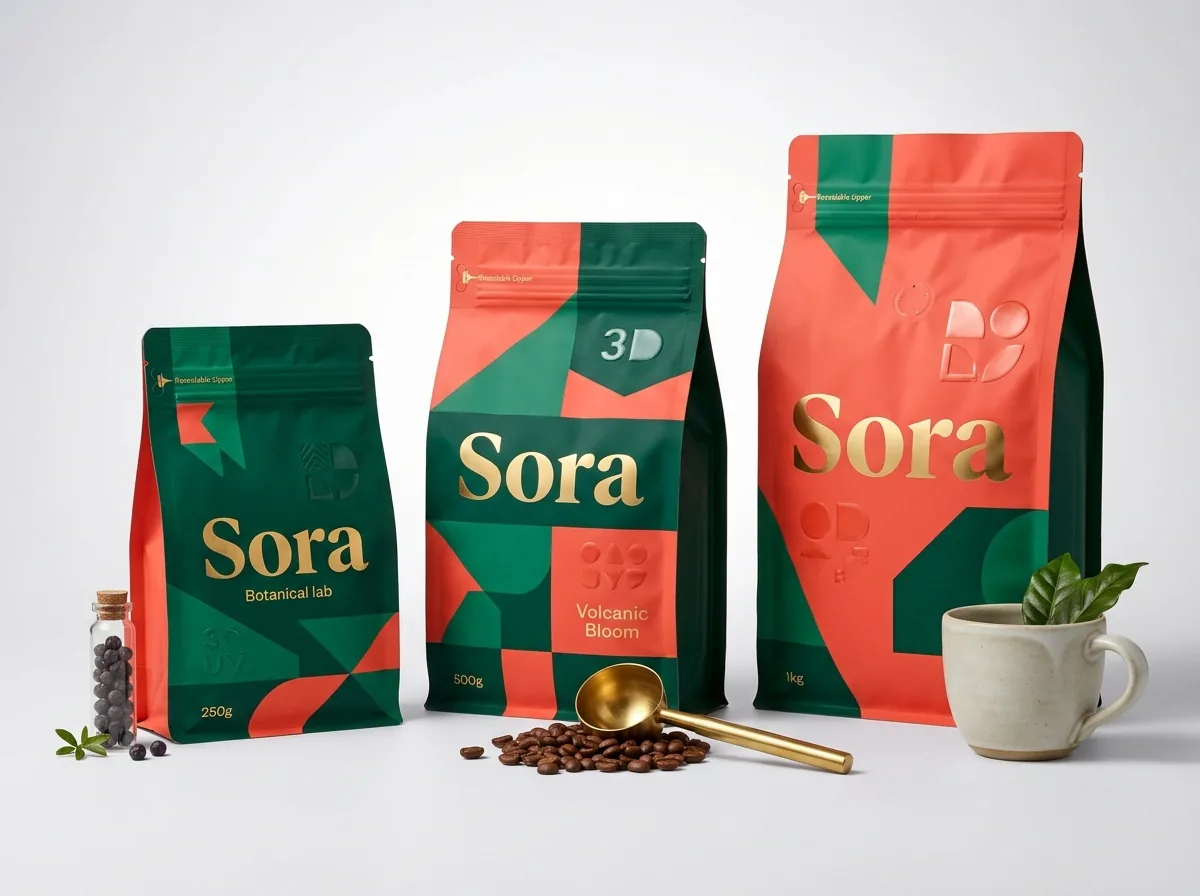
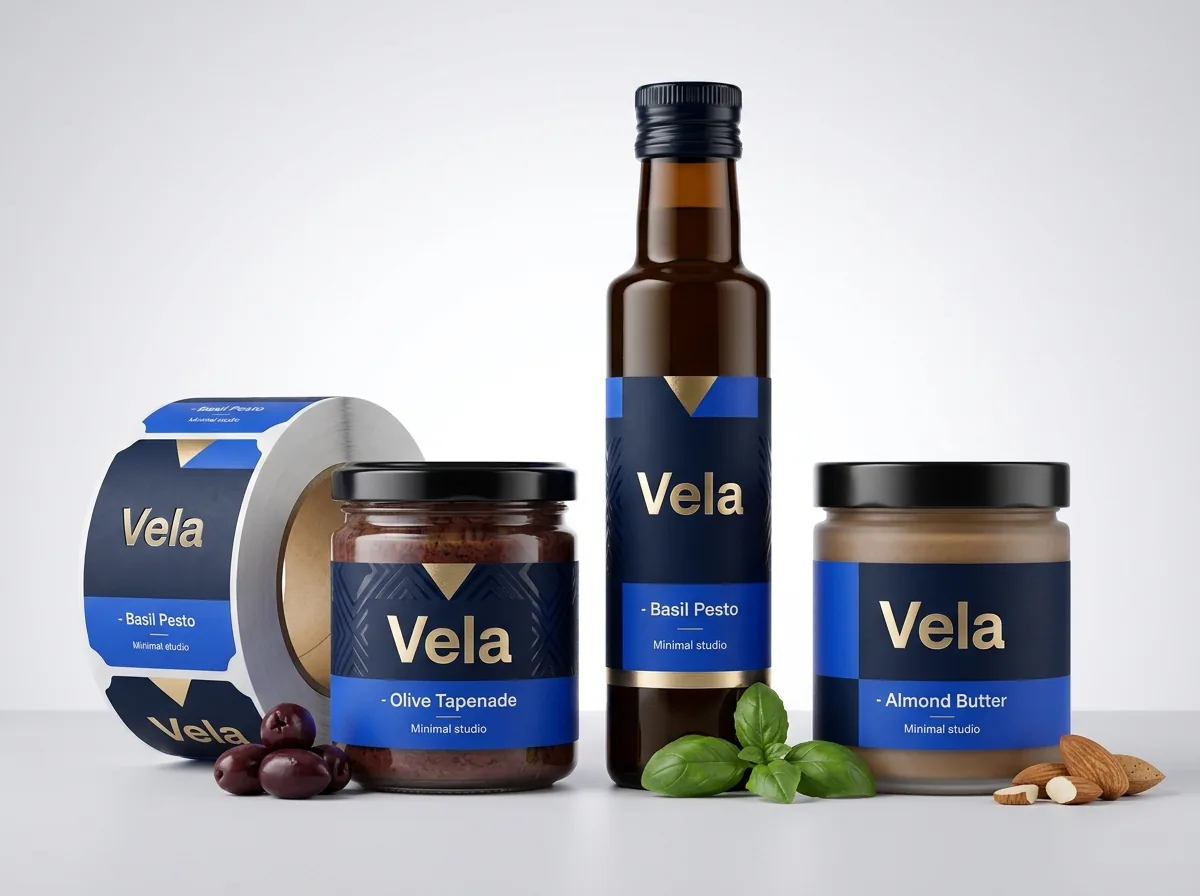
Ready to order coffee bag labels? Compare up to 3 quantities with a free 3D mockup.
Request a Quote →Questions about coffee bag labels
What information is required on a retail coffee bag label in the US?
Retail whole-bean and ground coffee bags sold in the US generally display the statement of identity (such as Whole Bean Coffee), the net weight in both ounces and grams on the lower third of the front panel, and the name and address of the roaster or distributor.
Does whole-bean coffee require a Nutrition Facts panel on the label?
Plain unflavored whole-bean and ground coffee is typically exempt from carrying a full Nutrition Facts box when it contains insignificant amounts of nutrients and makes no nutritional claims, though flavored coffees or added-ingredient blends differ. Always confirm your specific product requirements before approving your digital proof.
How much bleed should I add to my coffee bag label artwork?
Extend all background colors, textures and artwork ⅛ inch (0.125 in) past the cut line on every side, and keep all text, logos, barcodes and roast-date boxes at least ⅛ inch inside the cut line. If your file lacks bleed, our prepress team adds it for free.
Can you print my AI-generated coffee label illustration?
Yes. Send your Midjourney, DALL-E or Canva concept through the quote form and our designers will clean up the resolution, set typography in crisp vector outlines, add the dieline and bleed, and show you a 3D mockup on a coffee bag before you pay.
What barcode size and color works on a coffee bag label?
Place your UPC-A barcode inside a solid white rectangle measuring at least 1.25 × 0.75 inches on the back label or bottom margin, and print the bars in 100% black or a very dark color. Avoid metallic foil or red bars, which infrared scanners cannot read.
Do you charge extra die fees for rounded corners or custom shapes?
No. CubitPack never charges die or plate fees. You can add ⅛ inch rounded corners to a 3 × 4 inch rectangle, order a custom crest shape, or notch the top edge around a degassing valve at no extra tooling cost.
Still have a question? Ask a packaging specialist.
Request a Quote →Request your coffee bag labels quote
Tell us your size and quantities, and one dedicated account manager prepares pricing for each tier.
- Free design & AI-to-print studio + 3D mockup
- No die or plate charges · 4–5 day rush available
- Free shipping to all 50 states
- 10% off your first order
The layout rules, bleed specs (⅛ inch) and multi-origin color-coding steps in this guide come from CubitPack prepress standards and decided offers (500-label minimum, free design help, no die fees and Pantone guarantee). A packaging specialist checked every section. Spot something wrong? Tell us and we will fix it.
Sources
What changed
- October 22, 2026: First published.
- October 22, 2026: Updated specifications, terminology, and verified source links.
More guides
New packaging guides by email
Sizes, materials and design tips. Unsubscribe anytime.