
How do you design cannabis labels for state symbols, COA QR codes and batch stickers?
Short answer: To design custom cannabis labels, customers supply their state universal symbol and required warning text, set 6 pt copy in 100% K black on a high-contrast background, keep COA QR codes at least 0.5 × 0.5 in under matte lamination, and leave an unvarnished white knockout box for batch data.
On this page
- How should you divide primary, informational and batch zones
- How do you set up customer-supplied state symbols and 6 pt text
- How do you size COA QR codes and thermal batch knockout boxes
- How do you color-code Sativa, Indica and Hybrid on one dieline
- What should you check before approving your cannabis label proof
- Common mistakes
- FAQs
Request a custom quoteFree dieline & 3D mockup
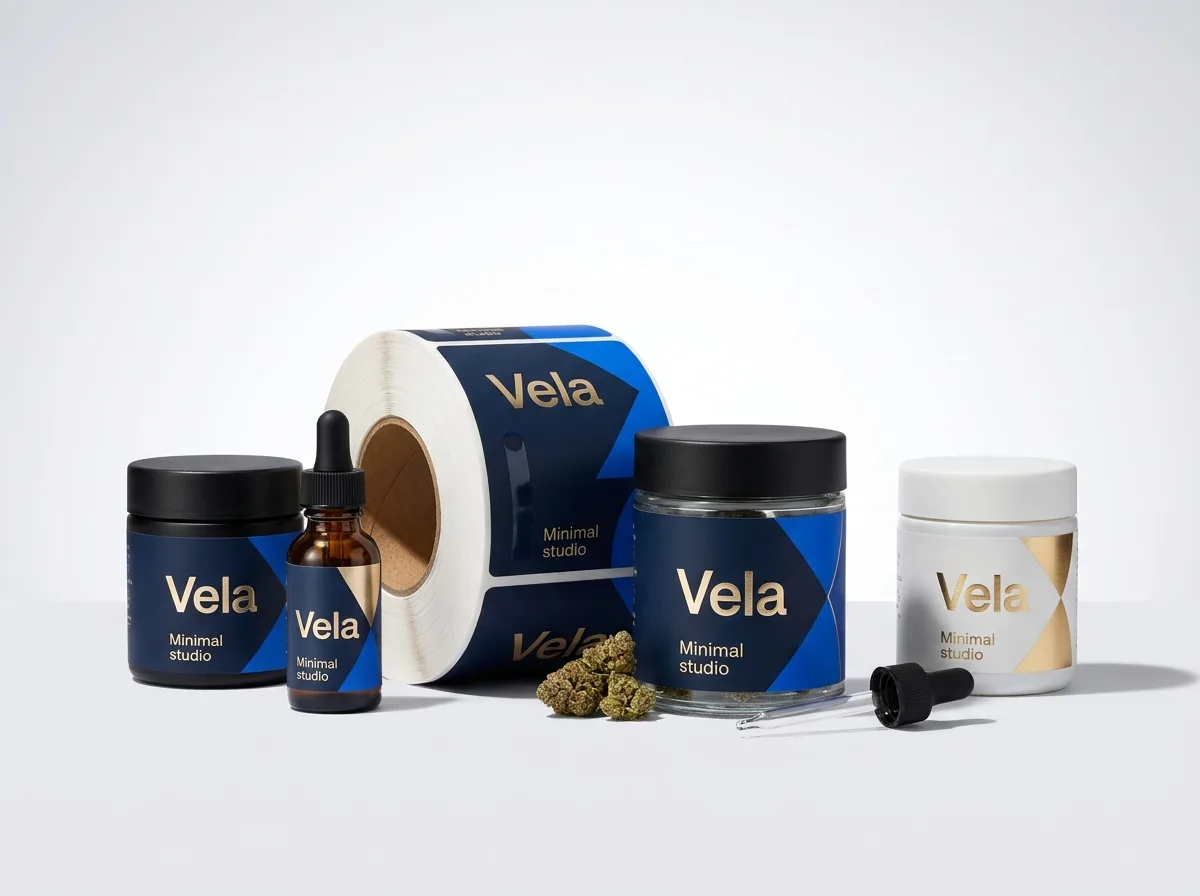
Designing a cannabis flower jar wrap, pre-roll joint tube label or child-resistant mylar bag sticker requires balancing shelf-stopping cultivar branding with dense technical information in a very tight footprint. Because every state cannabis agency sets its own universal THC symbol dimensions, minimum font sizes and mandatory government warnings, customers supply their nutrition panel or state warning text and we check print legibility on the proof. On the production side, setting small 6 pt disclosures in single-channel 100% K black prevents four-color CMYK registration blur, sizing your Certificate of Analysis (COA) QR code to at least 0.5 × 0.5 in under a matte finish helps phones scan it easily under bright dispensary showcase lights, and sharing one master dieline across all strains keeps unit costs low.
How should you divide primary, informational and batch zones?
Most US state cannabis packaging rules divide container labeling into two logical regions: the primary panel (the front face a shopper sees first in a dispensary display case) and the informational panel (the side or back area holding mandatory warnings, license numbers, ingredients and batch potency). Planning those zones before you open Adobe Illustrator keeps your strain branding clean instead of squeezed by last-minute text boxes. On a 3.5 g mylar bag, the division is straightforward: a 3.0 × 3.5 in front label acts as the primary panel, and a matching 3.0 × 3.5 in back label serves as the informational and batch panel. On a 1.5 × 6.5 in flower jar wrap or a 1.75 × 3.25 in pre-roll tube wrap, divide the horizontal rectangle into three visual columns: a center or left-hand primary branding zone (45% of width), a middle informational warning and license column (30% of width), and a right-hand white knockout box for variable batch potency, COA QR and barcode data (25% of width).
| Label zone | Typical share of wrap | What goes in this zone | Recommended ink & finish setup |
|---|---|---|---|
| Primary display panel | 40% to 50% of label area | Brand logo, strain name, net weight, customer-supplied universal symbol | CMYK + Pantone strain band, foil or spot UV accents |
| Informational warning panel | 25% to 35% of label area | Customer-supplied state warning text, cultivator/processor license, ingredients | 100% K black text (6 pt+) on white or high-contrast matte background |
| Variable batch & COA zone | 20% to 25% of label area | Total THC/CBD %, terpenes, harvest/pack date, track-and-trace UID, COA QR code | Solid white, unvarnished knockout window for thermal printing or batch sticker |
| Top lid badge / lollipop seal | Separate 1.0 to 2.0 in circle | Strain name, Sativa/Indica/Hybrid color badge, tamper-evident bridge strap | Pantone strain color + matte or metallic foil finish |
How do you set up customer-supplied state symbols and 6 pt text?
State cannabis agencies (including California DCC, Colorado MED, Michigan CRA, New York OCM and Missouri DCR) publish official vector files for their universal THC symbols along with specific rules on symbol dimensions, color contrast and government warning paragraphs. At CubitPack, we never claim legal compliance or regulatory certification ourselves; customers supply their nutrition panel or state warning text and we check print legibility on the proof. To make sure your customer-supplied universal symbol and warning block print razor-sharp on press, always place the official vector SVG or EPS symbol directly into your artwork rather than a low-resolution screenshot. Keep a clear margin around the symbol free of decorative borders or foil stamping. Set all 6 pt to 8 pt warning copy and license numbers as vector text (or outlined vectors) in single-channel 100% K black (C:0 M:0 Y:0 K:100) over a solid white or pale matte panel. Avoid setting tiny 6 pt text in four-color rich black or knockout white over a four-color photograph, where even a tiny press shift can soften thin letter strokes.
- Use vector paths only for customer-supplied universal THC diamonds, triangles or exclamation icons so edges stay crisp at 0.5 inch size.
- Assign 100% K black to all 6 pt warning paragraphs, cultivator license numbers and terpene tables on light backgrounds.
- If your primary brand background is dark forest green, deep purple or matte black, place a solid white or light cream box behind the warning and batch zones.
- Leave at least 0.0625 inch (1/16 inch) safe margin inside every cut line and 0.125 inch (1/8 inch) bleed outside the dieline.
How do you size COA QR codes and thermal batch knockout boxes?
Nearly every cannabis brand now prints a QR code linking directly to the batch Certificate of Analysis (COA) lab report, alongside a retail UPC or track-and-trace barcode. On small containers like 116 mm pre-roll tubes and 5 ml concentrate drams, squeezing a QR code into a cramped corner or printing it under glossy varnish is the most common reason smartphone cameras fail to scan at the dispensary counter. Size your COA QR code to at least 0.50 × 0.50 in (including a 0.0625 in solid white quiet zone around all four sides) and print the modules in 100% K black on a pure white background. Always choose a matte finish over any zone containing a QR code or barcode so bright overhead LED strips in glass dispensary cases do not reflect into the scanner lens. If your packaging team prints harvest-specific THC %, terpene numbers and UIDs in-house with a thermal transfer printer, mark an unvarnished knockout rectangle on a separate vector layer named NO_VARNISH so thermal ribbon ink bonds cleanly.
Know your size? Compare pricing across up to 3 quantities.
Request a Quote →How do you color-code Sativa, Indica and Hybrid on one dieline?
A typical cannabis cultivator or extractor manages 10 to 30 active cultivars across Sativa, Hybrid, Indica and high-CBD lines. Creating a different label size or shape for every strain drives up complexity and slows down applicator changeovers. When you order printed marijuana packaging stickers, locking in a single master dieline across all strains lets you swap artwork and gang-run multiple strains in one order. Build one master Adobe Illustrator template with locked positions for your brand logo, customer-supplied universal symbol, warning block and white batch knockout window. Then create a dedicated Pantone spot-color band or border that shifts by category, such as warm terracotta or citrus orange for Sativa, emerald green or gold for Hybrid, and deep plum or indigo for Indica. CubitPack's Pantone match is guaranteed (if a Pantone color is clearly off, we reprint), so use the same Pantone codes on your jars, tubes and cartons.
What should you check before approving your cannabis label proof?
Every order at CubitPack includes free design help, a digital print proof and a 3D mockup before you pay. Running through a quick five-point prepress check with your packaging and compliance team before approving the digital proof helps smooth out application in your trim room and helps avoid surprises on press.
- Container fit & cap clearance: confirm the label height stops at least 1/8 inch below pop-top squeeze rings or push-and-turn cap collars.
- Customer-supplied text & symbol check: verify your state universal symbol and warning wording are present and legible at 100% print scale.
- 100% K black & contrast: confirm 6 pt disclosures, COA QR codes and barcodes use single-channel black on a solid white matte zone.
- Batch knockout window: verify the variable thermal-printing or batch-sticker rectangle is sized to fit your printer format and marked unvarnished.
- Strain split counts: double-check the exact quantity per cultivar in your quote so your lid circles and body bands match jar-for-jar.
What are the most common cannabis label artwork mistakes?
Even eye-catching cultivar strain artwork can cause costly delays in the packaging room or scan failures at dispensary counters if small prepress details are overlooked. Avoid these five prepress mistakes
- Pasting a low-resolution JPEG of the state universal THC symbol instead of placing a clean vector path with proper clear space.
- Setting 6 pt state warning text or terpene tables in four-color rich black or over a busy dark background where fine strokes blur.
- Printing a COA QR code smaller than 0.5 × 0.5 inch or covering it with high-gloss lamination that glares under dispensary showcase lights.
- Hard-coding harvest-specific THC percentages into the main artwork instead of leaving a white knockout box for variable batch coding.
- Designing slightly different label dimensions for every strain instead of sharing one master dieline to unlock multi-strain volume brackets.
Find your label size
Suggested label size: 9⅛ × 2¾ in (width × height)
A typical starting point. Your account manager confirms the size on the proof.
Quote this size →Packaging for this
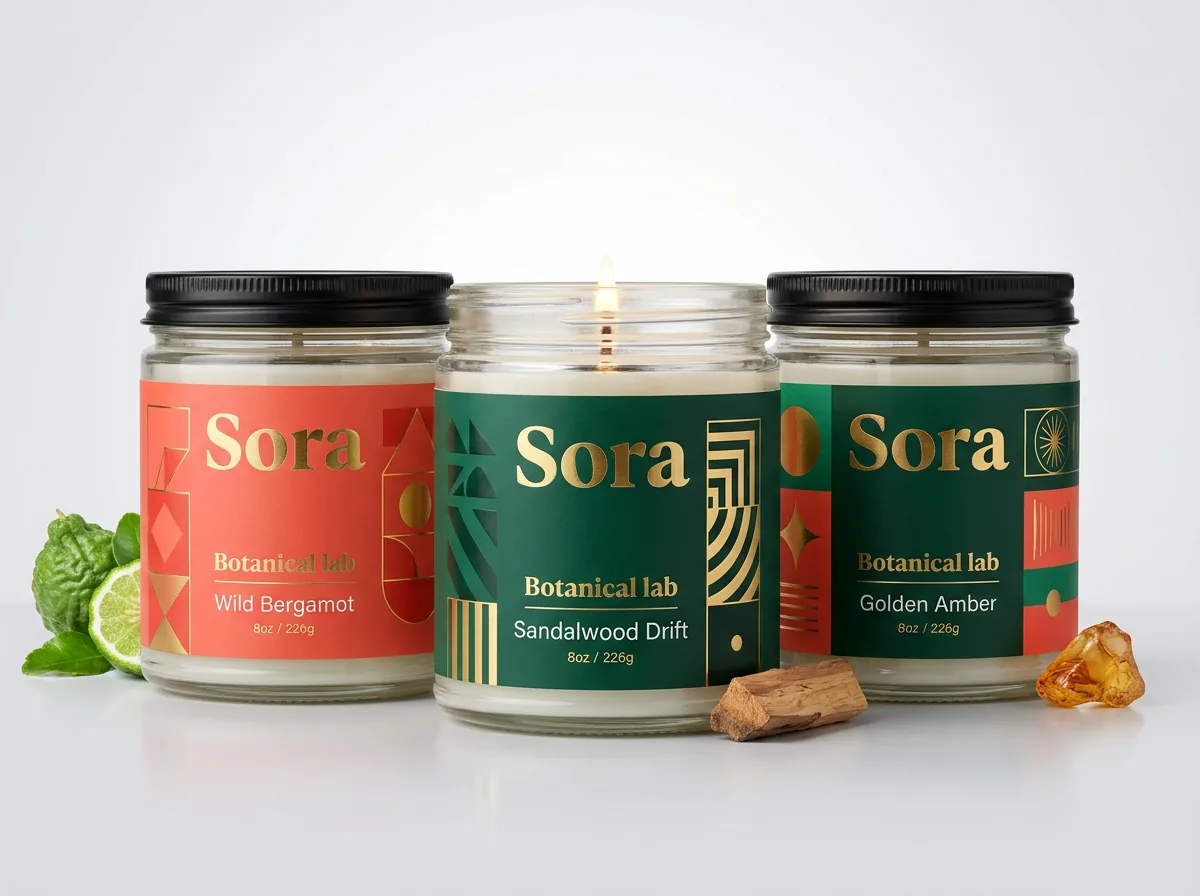
Ready to order cannabis labels? Compare up to 3 quantities with a free 3D mockup.
Request a Quote →Questions about cannabis labels
Who supplies the state THC universal symbol and government warning text?
You do. Because cannabis labeling rules differ across every state, customers supply their nutrition panel or state warning text and we check print legibility on the proof. We never claim legal compliance or regulatory certification ourselves.
What ink setting should I use for 6 pt cannabis warnings and license numbers?
Set all 6 pt to 8 pt disclosures, license numbers and terpene tables in single-channel 100% K black (C:0 M:0 Y:0 K:100) on a solid white or high-contrast light background. Single-channel black prints with one plate, keeping tiny letters sharp.
What is the minimum scannable size for a COA QR code on a cannabis jar or tube?
Keep your Certificate of Analysis (COA) QR code at least 0.50 × 0.50 inch, including a 0.0625 inch white quiet margin on all four sides. Print it in 100% K black under a matte finish so dispensary LED lights do not cause glare.
How do I set up a white knockout box for in-house thermal batch printing?
Draw a solid white rectangle in your artwork where your thermal transfer printer or secondary batch sticker will place THC %, harvest date and track-and-trace UID. If printing directly onto the roll, label that zone on a separate vector layer so we leave it unvarnished.
Can I use metallic foil or spot UV on a cannabis label that has a QR code?
Yes. You can combine metallic foil stamping or raised spot UV on your primary strain logo and borders with a smooth matte finish over the informational panel, warning block and COA QR code so every code scans cleanly.
How do I order multiple cannabis strain designs in a single 500-label run?
Keep the exact same label width × height and shape across all of your cultivars, then select 2 designs or 3+ designs in Step 2 of our quote form. We send a digital proof for every strain before production.
Still have a question? Ask a packaging specialist.
Request a Quote →Request your cannabis labels quote
Tell us your size and quantities, and one dedicated account manager prepares pricing for each tier.
- Free design & AI-to-print studio + 3D mockup
- No die or plate charges · 4–5 day rush available
- Free shipping to all 50 states
- 10% off your first order
Checked against CubitPack's published product specifications and standard flexo/digital label prepress rules for 6 pt type, QR codes and thermal knockout windows. Customers supply their nutrition panel or state warning text and we check print legibility on the proof.
Sources
What changed
- October 22, 2026: First published.
- October 22, 2026: Updated specifications, terminology, and verified source links.
More guides
New packaging guides by email
Sizes, materials and design tips. Unsubscribe anytime.