
How do you print FNSKU barcodes and inserts on Amazon seller boxes?
Short answer: Place a single high-contrast black-on-white FNSKU barcode (at least 1 × 2 inches with a ¼ inch white quiet zone) on a flat back or bottom panel of your custom Amazon seller boxes, omit competing exterior barcodes, and print neutral 1-2-3 setup instructions inside the lid.
On this page
- What are the prepress rules for printing an FNSKU barcode directly on a box
- How should I handle FNSKU, UPC, bundle and master carton barcodes
- Why can't I print both a GS1 UPC and an FNSKU barcode side by side
- How do you mark a 2-pack or bundle box so warehouse staff do not open it
- How do you design policy-safe inside lids and insert cards that reduce returns
- Common mistakes
- FAQs
Request a custom quoteFree dieline & 3D mockup
Printing your FNSKU (Fulfillment Network Stock Keeping Unit) barcode directly into your box artwork eliminates manual per-unit sticker labor at your co-packer or fulfillment center and prevents thermal labels from peeling off in storage bins. To make sure automated optical scanners read your box on the first pass, follow three prepress rules: show only one scannable barcode on the exterior of the box (never leave both a UPC and an FNSKU exposed side by side), print the barcode in 100% solid black ink on an unvarnished or matte white rectangle with at least ¼ inch of clear margin around the bars, and keep the barcode at least ¼ inch away from any fold score or corner edge. Inside the box, use the interior lid or a custom insert card to provide clear product instructions and troubleshooting steps that reduce customer confusion and product returns.
What are the prepress rules for printing an FNSKU barcode directly on a box?
When you download an FNSKU label PDF from Seller Central, it includes the Code 128 barcode bars, the alphanumeric FNSKU string (starting with X00), the product title, and the condition (such as 'New'). Dropping that graphic onto custom printed Amazon seller boxes costs nothing extra at CubitPack because it prints as part of your standard CMYK or black ink plate. However, a barcode that looks fine on a laptop screen can fail under a high-speed warehouse laser scanner if the bars are scaled too small, printed in rich 4-color black (which can have slight plate registration fringes), or placed under high-glare gloss UV coating. Our prepress team converts every FNSKU barcode to 100% K (single-channel black) vector lines on a solid white background box before sending your digital proof.
- Recommended footprint: reserve a 1.5 × 2.5 inch or 1 × 2 inch flat white rectangle on the back or bottom panel.
- Quiet zone margin: keep at least ¼ inch (0.25 in) of unprinted white space to the left and right of the vertical black bars.
- Ink specification: print bars in 100% K black on white board (or over an opaque white ink knockout on brown kraft board).
- Edge clearance: keep the barcode box at least ¼ inch away from any fold crease, die-cut window or tuck slit.
- Low-glare surface: use matte lamination or leave a varnish-free knockout over the barcode so overhead scanner lasers do not reflect.
How should I handle FNSKU, UPC, bundle and master carton barcodes?
A single private-label product often moves through multiple channels: FBA unit fulfillment, brick-and-mortar retail stores (which need a GS1 UPC/EAN barcode), multi-pack bundles, and inbound master shipping cartons. Putting the wrong barcode on the wrong layer causes receiving delays or accidental unbundling. Use the reference table below to decide which barcode and warning badge belongs on each packaging layer.
| Packaging layer | Which barcode to show | Critical prepress rule |
|---|---|---|
| Dedicated FBA unit box | FNSKU only (X00...) | Omit the UPC barcode so only 1 scannable code exists |
| Omnichannel unit box (Retail + FBA) | GS1 UPC (for commingled) or FNSKU | Never show both UPC and FNSKU uncovered at the same time |
| Multi-pack or virtual bundle box | Bundle FNSKU only on outer box | Block inner unit barcodes + print 'Sold as a Set - Do Not Separate' |
| Opaque sealed carton vs polybag | FNSKU on outer carton panel | A fully enclosed carton may change the prep your item needs; check current prep rules in Seller Central |
| Inbound master shipping carton (RSC) | Case GTIN / FBA box ID label zone | Do not print the single-unit FNSKU on the outside of the master case |
Why can't I print both a GS1 UPC and an FNSKU barcode side by side?
New sellers frequently ask our designers to print both their GS1 UPC barcode and their Amazon FNSKU barcode on the bottom of the same unit box so one box works everywhere. In automated fulfillment centers, tunnel scanners read whichever barcode crosses the laser beam first. If both a UPC and an FNSKU are visible on the outside of a box, the system flags a barcode conflict, routes your inventory to manual exception handling, and charges a per-unit relabeling fee to cover the UPC. Instead, if 90% of your volume sells through FBA, print only the FNSKU on your main box run. If you also sell a smaller volume into boutique retail stores that require a GS1 UPC, take advantage of CubitPack's multi-design run option: split your 1,000-carton or 250-mailer order into two artwork versions on the same dieline (one with the FNSKU for FBA, and one with the GS1 UPC for retail) with zero plate charges. That split-run approach gives every sales channel a clean, single-barcode package without paying a warehouse worker to stick white labels over your retail UPC.
- Dedicated FBA run: print only the X00... FNSKU barcode on the back or base panel.
- Retail store run: print only the 12-digit GS1 UPC-A barcode on the retail version of the same dieline.
- Transparency or serial codes: leave a separate 1.5 × 1.5 inch unvarnished square on an adjacent panel if your brand uses serialized anti-counterfeit stickers.
Know your size? Compare pricing across up to 3 quantities.
Request a Quote →How do you mark a 2-pack or bundle box so warehouse staff do not open it?
When you sell a 2-pack of glass jars, a 6-pack of pouches or a multi-piece starter kit inside a custom mailer box with insert, receiving staff at the warehouse need to know immediately that the outer box is the sellable unit, not an inbound shipping carton meant to be sliced open and unpacked. To prevent accidental unbundling, follow three visual cues on the exterior artwork. First, make sure no inner bottle barcode is visible through a window or cutout. Second, print the bundle FNSKU barcode right on the top or back panel of the outer mailer. Third, print a high-contrast badge right next to the opening flap and next to the barcode reading: 'Sold as a Set - Do Not Separate' (or 'Ready to Ship - Single Unit'). Adding a printed custom seal sticker across the front tuck flap reinforces that the unit is a sealed retail package.
How do you design policy-safe inside lids and insert cards that reduce returns?
Once your customer opens the box at home, clear onboarding is your strongest defense against 1-star reviews and 'defective item' returns caused by user setup mistakes. Printing a 1-2-3 quick-start guide inside the lid of your mailer or including a printed custom insert card lets you walk the buyer through assembly, dosing or charging in ten seconds. When writing copy for inside lids and insert cards on marketplace orders, keep the messaging strictly helpful and compliant with marketplace seller terms: provide clear setup diagrams, care instructions, safety warnings and neutral customer support contact details, and never offer gift cards, rebates or incentives in exchange for positive reviews or divert transactions off-platform. CubitPack's design team helps you lay out clean, instructional inside-lid and insert card artwork at no cost.
- Include: step-by-step setup illustrations, sizing or dosage tables, care tips and neutral product support instructions.
- Avoid: 'Leave a positive review for a free gift' language, scratch-off rebate claims, or phrasing that asks only happy buyers to leave feedback.
- Save kitting labor: print the 1-2-3 setup guide directly on the inside lid of your corrugated mailer so packers never forget to insert a paper manual.
What are the most common FNSKU barcode and insert printing mistakes?
A barcode or insert oversight can stall an entire inbound shipment at the receiving dock. Check these five prepress mistakes before approving your proof
- Printing both a GS1 UPC and an FNSKU barcode uncovered on the outside of the same unit box, causing automated scanner conflicts.
- Placing the FNSKU barcode across a fold crease or rounding a corner where the vertical bars distort.
- Printing black barcode bars directly on dark kraft or colored board without a solid white quiet-zone box underneath.
- Forgetting to print 'Sold as a Set - Do Not Separate' on multi-pack mailers, leading warehouse staff to open the bundle.
- Using conditional or incentivized review language ('Leave a review to get a free gift') on insert cards instead of neutral product instructions.
Find your size
Suggested inside size: 5.5 × 3.5 × 0.6 in
A starting point. Your account manager confirms the size with you before the proof.
Quote this size →Packaging for this
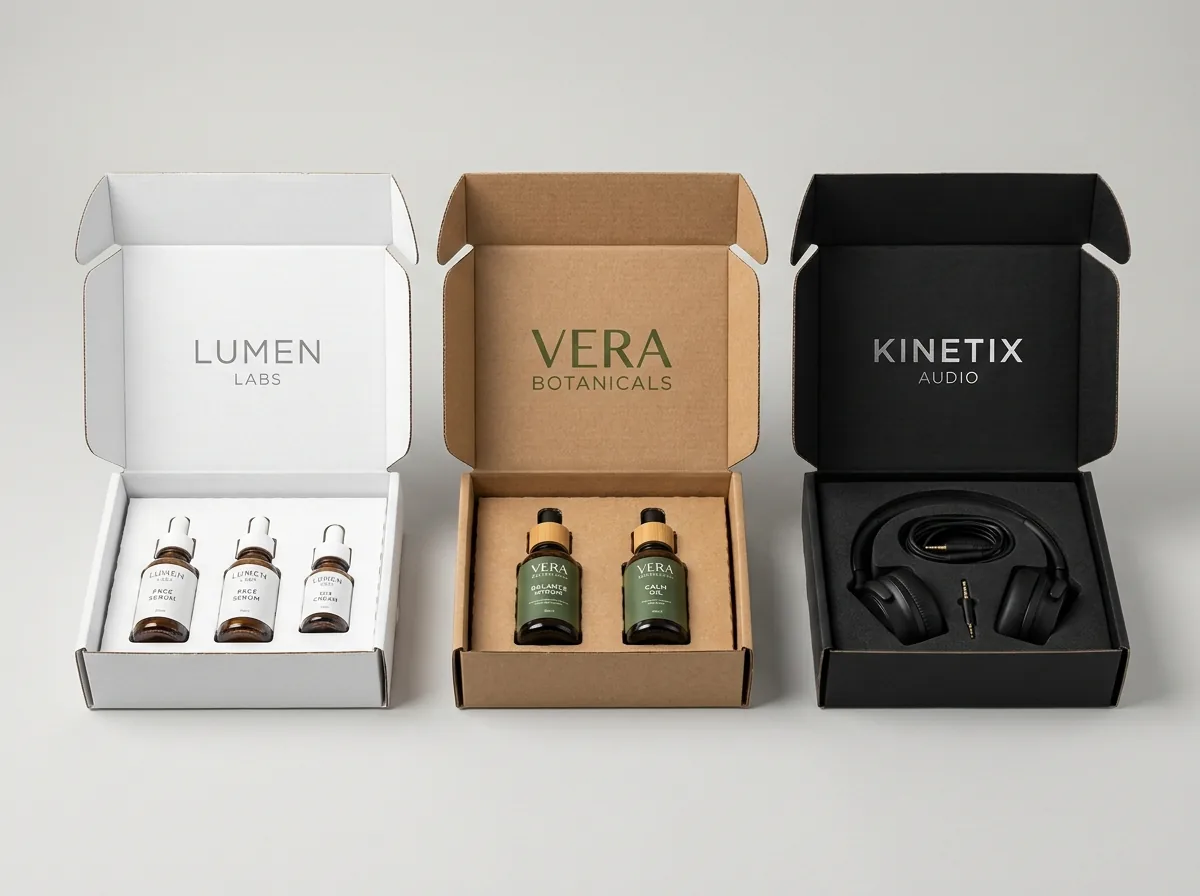
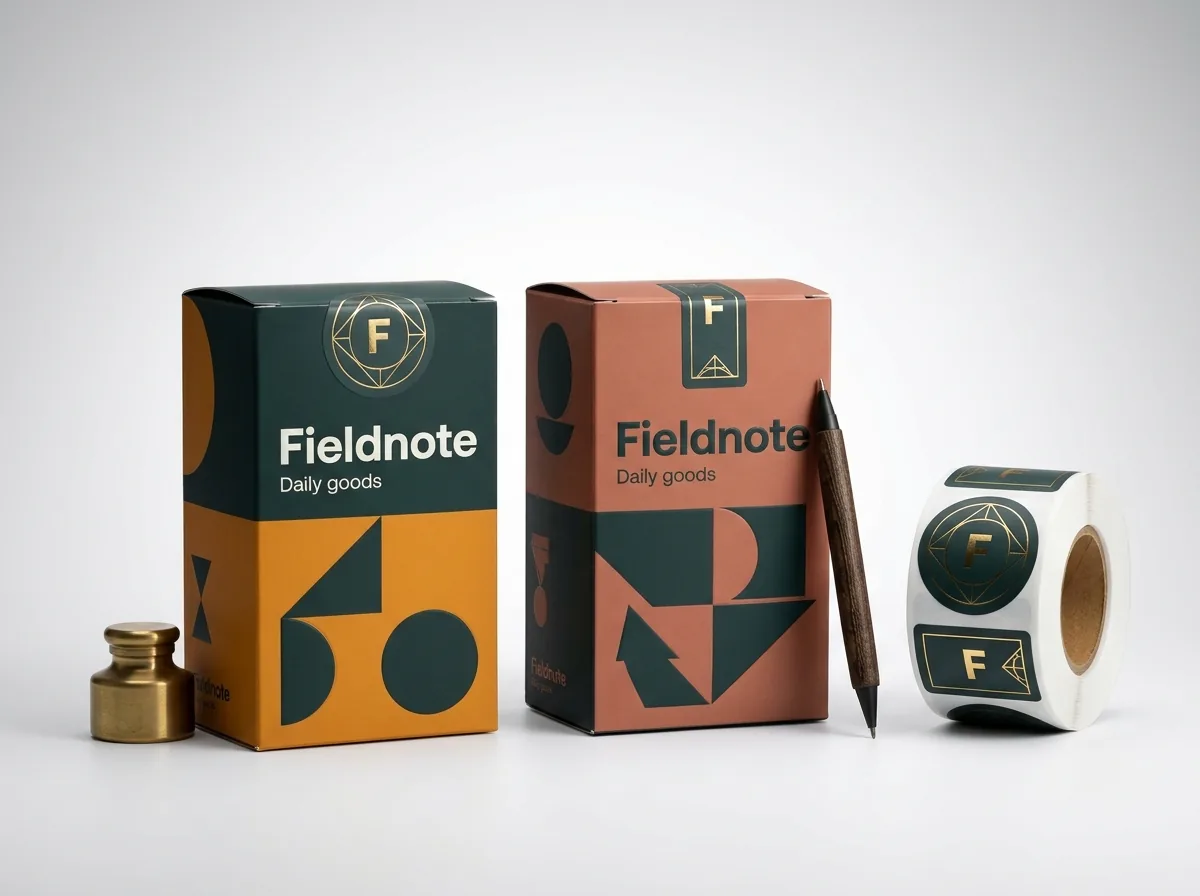
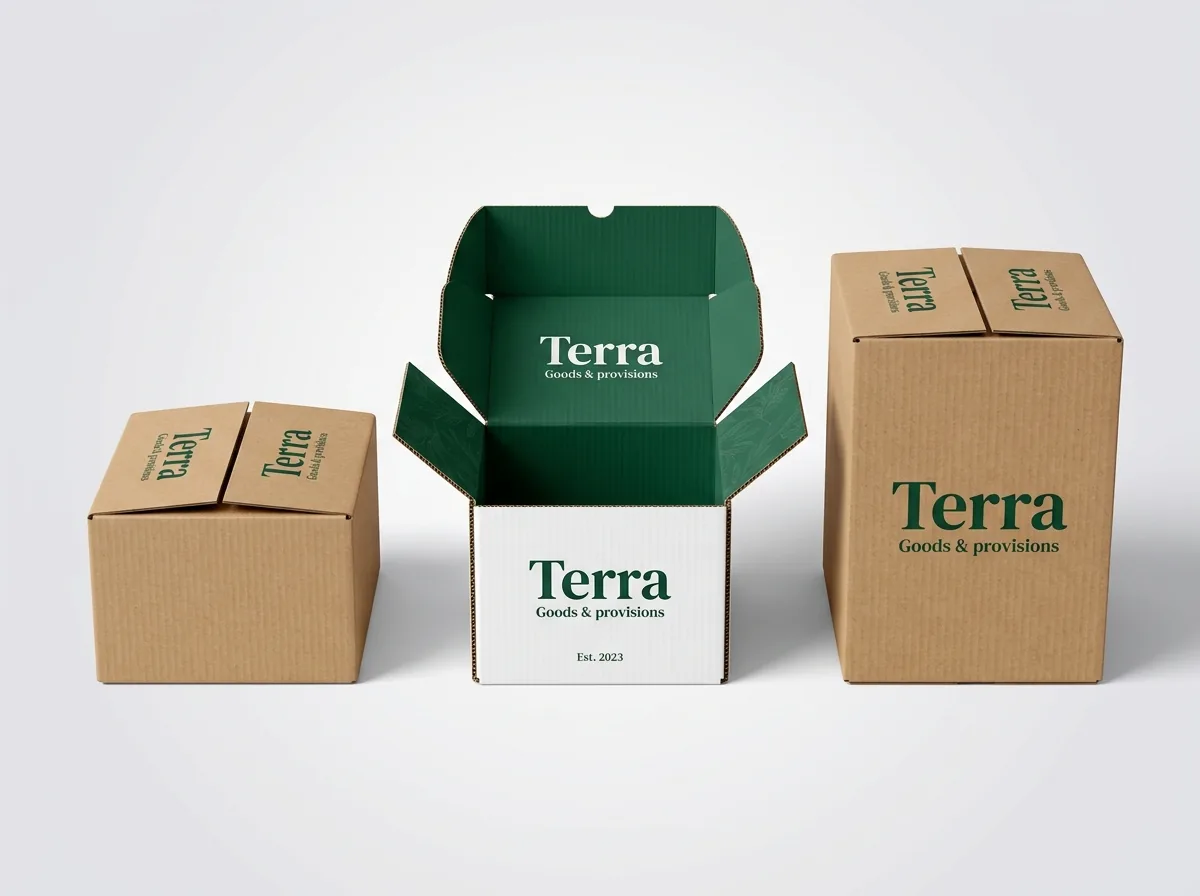
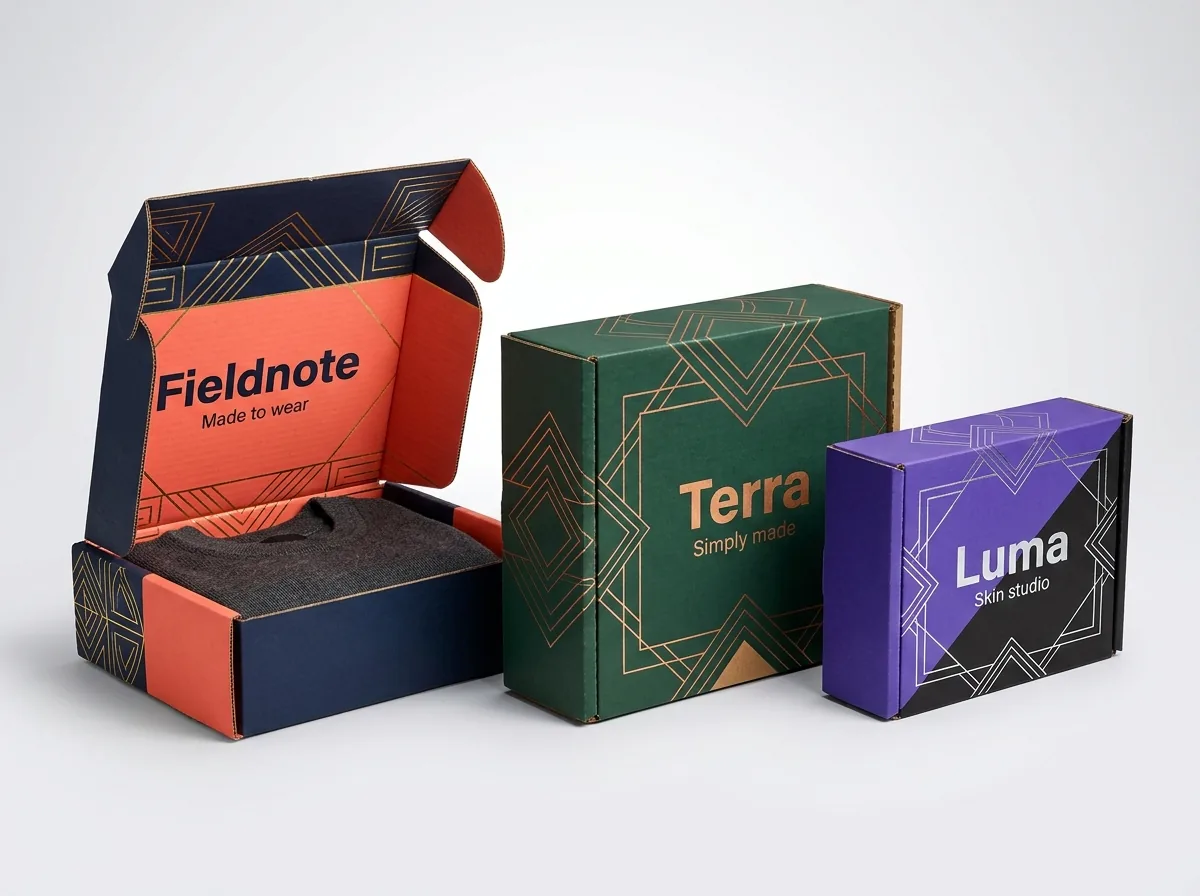
Ready to order amazon seller boxes? Compare up to 3 quantities with a free 3D mockup.
Request a Quote →Questions about amazon seller boxes
Does CubitPack charge extra to print my FNSKU barcode on the box?
No. Printing your FNSKU barcode, product title, 'New' condition text, and 'Sold as a Set' badges directly in your box artwork is completely free, with no die or plate charges. Simply upload your Seller Central FNSKU PDF when you approve your dieline.
Can I split my order into an FNSKU version for FBA and a UPC version for retail?
Yes. Because both versions share the exact same box dimensions and dieline, you can select 2 designs in our quote form and print part of your run with the FNSKU barcode and part with your GS1 UPC barcode.
What if my FNSKU changes or I launch a second color variation?
Each color or flavor variation has its own unique ASIN and its own unique FNSKU barcode. When you order multiple variations together on the same box size, our prepress team places the matching FNSKU and color band on each SKU's proof so you can verify every code before printing.
Can you leave an unvarnished space next to the FNSKU for lot numbers and expiration dates?
Yes. For supplements, skincare, pet supplies and food items, we can keep an ink-free white rectangle beside the barcode panel for your co-packer's lot and expiration codes.
Should I print my FNSKU barcode on the outside of the master shipping carton too?
No. Never print the single-unit FNSKU barcode on the outside of a multi-unit master shipping carton, or a receiving scanner might check in the entire case of 48 units as a single 1-unit item. Use the master carton for case-pack shipping labels only.
How do I verify that my printed FNSKU barcode scans properly?
Our prepress team checks barcode dimensions, quiet zones and 100% black ink contrast on your free 2D digital proof, and you can test-scan the proof or order a paid physical printed sample (credited to your order) before the full production run.
Still have a question? Ask a packaging specialist.
Request a Quote →Request your amazon seller boxes quote
Tell us your size and quantities, and one dedicated account manager prepares pricing for each tier.
- Free design & AI-to-print studio + 3D mockup
- No die or plate charges · 4–5 day rush available
- Free shipping to all 50 states
- 10% off your first order
The barcode quiet-zone margins, 100% K black ink rules and single-barcode guidelines in this post follow GS1 optical scanning standards and standard fulfillment prep workflows. CubitPack is not affiliated with Amazon; always check Seller Central for current barcode and insert policies. Spot something wrong? Tell us and we will fix it.
Sources
What changed
- October 22, 2026: First published.
- October 22, 2026: Updated specifications, terminology, and verified source links.
More guides
New packaging guides by email
Sizes, materials and design tips. Unsubscribe anytime.